




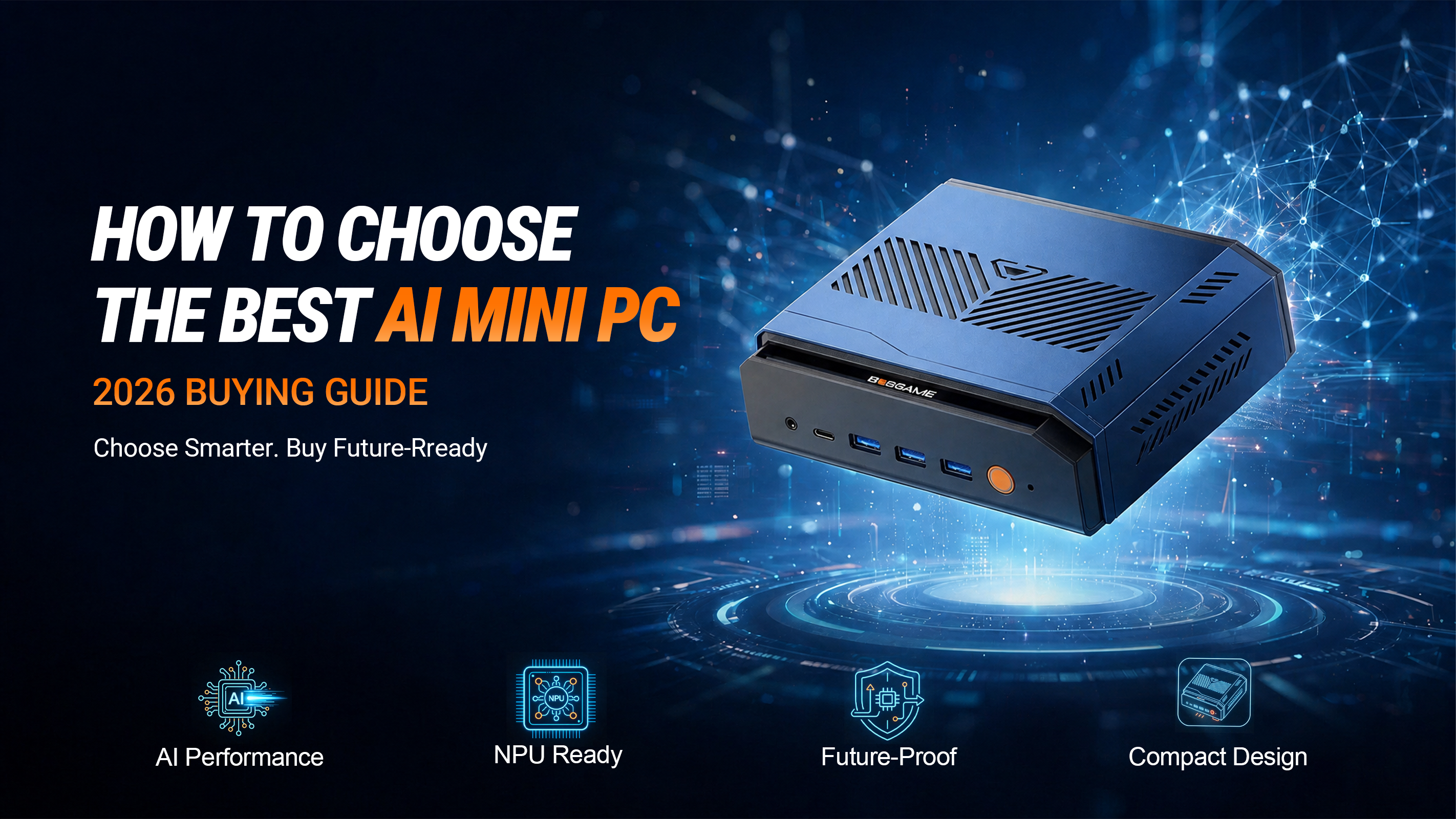
How to Choose the Best AI Mini PC in 2026: A Complete Buying Guide
Artificial intelligence is transforming the way we work, create, and interact with technology. As more AI-powered applications become part of everyday workflows, choosing the right AI Mini PC has become more important than ever.
Unlike traditional Mini PCs, AI-ready systems combine modern CPUs, integrated or dedicated GPUs, and, in many cases, dedicated NPUs (Neural Processing Units) to accelerate AI workloads while maintaining the compact size and energy efficiency that Mini PCs are known for.
If you're planning to invest in an AI Mini PC in 2026, here are the most important factors to consider before making your decision.
Start with an AI-Optimized Processor
The processor is the foundation of every AI Mini PC.
Modern AI systems benefit from processors that combine high CPU performance with dedicated AI acceleration.
When evaluating a processor, consider:
- Multi-core architecture for multitasking
- High boost clock speeds
- Dedicated NPU support for AI acceleration
- Efficient power management
Processors such as AMD Ryzen™ AI and Intel® Core™ Ultra are designed to improve AI-assisted workflows while maintaining excellent overall system performance.
Understand the Role of the GPU
Many AI-assisted applications benefit from GPU acceleration.
A modern integrated or dedicated GPU helps accelerate tasks such as:
- AI image generation
- Local LLM inference
- Video editing
- 3D rendering
- Creative design
- Media encoding
Graphics solutions like AMD Radeon™ 890M and Intel® Arc™ Graphics provide strong performance for creators, developers, and professionals working with AI-enhanced software.
AI Acceleration Matters More Than Ever
One of the biggest advances in modern AI PCs is the integration of dedicated Neural Processing Units (NPUs).
NPUs are specifically designed to accelerate AI inference while reducing the workload on both the CPU and GPU.
Benefits include:
- Faster AI processing
- Improved responsiveness
- Better efficiency for AI-assisted applications
- Lower power consumption during AI workloads
As more software incorporates AI features, dedicated AI hardware will play an increasingly important role in everyday computing.
Choose Enough Memory for Future Workloads
Memory has a direct impact on multitasking and AI performance.
When selecting an AI Mini PC, look for:
- High-speed DDR5 or LPDDR5X memory
- Sufficient capacity for professional applications
- Support for demanding creative and development workflows
Larger memory configurations provide greater flexibility when running multiple applications, virtual machines, or local AI models simultaneously.
Fast Storage Improves Everyday Performance
Storage is about more than capacity.
High-speed PCIe NVMe SSDs improve:
- System startup
- Application loading
- Project file access
- Handling large AI models and creative assets
If possible, choose a Mini PC that also offers additional storage expansion for future upgrades.
Don't Overlook Connectivity
Modern workflows often require connecting multiple devices, high-speed storage, and multiple displays.
A well-equipped AI Mini PC should include features such as:
- Thunderbolt™ 4 or USB4
- HDMI and DisplayPort outputs
- Multiple USB ports
- 2.5GbE or faster Ethernet
- Wi-Fi 7 and Bluetooth 5.4
These interfaces provide greater flexibility for professional workstations, NAS connectivity, AI development, and future expansion.
Consider External Expansion Options
Your computing needs may grow over time.
Features such as OCuLink allow users to connect compatible external graphics solutions or other high-bandwidth devices, extending the capabilities of a compact system without replacing the entire computer.
Although not essential for every user, OCuLink offers excellent upgrade potential for creators, developers, engineers, and professionals who may require additional GPU performance in the future.
Choosing a Mini PC with expansion options helps protect your investment.
Match the Mini PC to Your Workflow
Different users have different priorities.
For content creators:
- Powerful graphics
- High-speed storage
- Multiple display outputs
For developers:
- Large memory capacity
- Fast processors
- Reliable networking
For professionals:
- Quiet operation
- Multi-monitor support
- Stable connectivity
Selecting hardware based on your actual workflow ensures the best long-term experience.
Can an AI Mini PC Run Local AI Models?
As Local AI becomes increasingly popular, many users want to run AI models directly on their own computers rather than relying entirely on cloud-based services.
Modern AI Mini PCs equipped with powerful CPUs, GPUs, dedicated NPUs, and sufficient memory can support a growing range of local AI workloads, including coding assistants, AI image generation, document analysis, and compact large language models (LLMs).
The size and complexity of AI models that can be run locally depend on the system's processor, graphics capability, memory capacity, and software optimization.
Think Beyond Today's Software
AI software is evolving rapidly.
Choosing hardware that supports emerging technologies such as AI acceleration, Wi-Fi 7, Thunderbolt™ 4, PCIe Gen4 storage, and advanced networking helps ensure your Mini PC remains capable as future applications become more demanding.
As Local AI applications continue to expand across productivity, content creation, and software development, investing in forward-looking hardware today can extend the useful lifespan of your system.
Conclusion
The best AI Mini PC isn't simply the one with the fastest processor—it's the one that offers the right balance of AI capability, graphics performance, memory, storage, connectivity, and expandability for your specific needs.
By understanding these key factors before making a purchase, you'll be better prepared to choose a system that can support today's workloads while remaining ready for tomorrow's AI-powered applications.
Whether you're a creator, developer, business professional, or technology enthusiast, selecting the right AI Mini PC is an investment in a more productive and intelligent computing experience.
As AI computing continues to evolve, choosing hardware designed for AI workloads today will help ensure your system remains capable for years to come.