



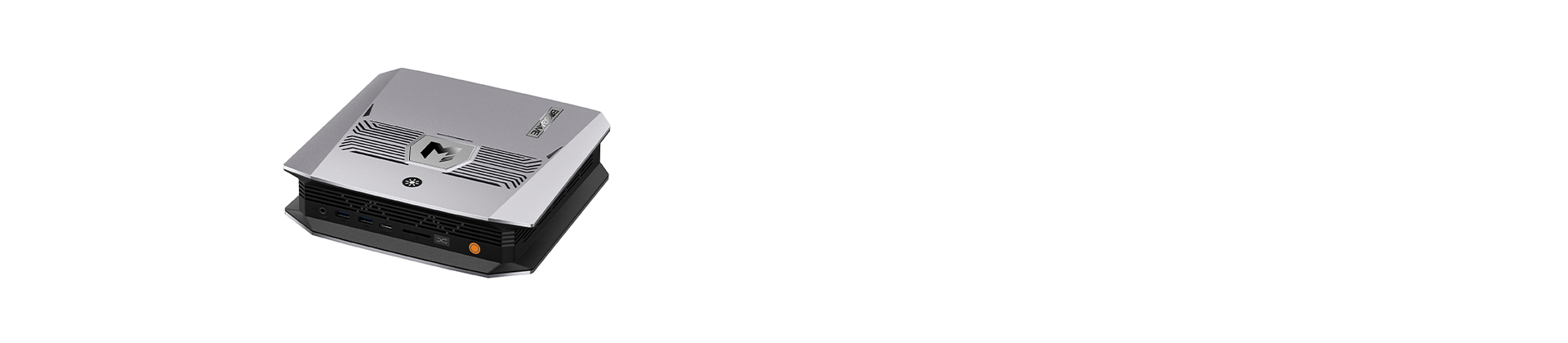

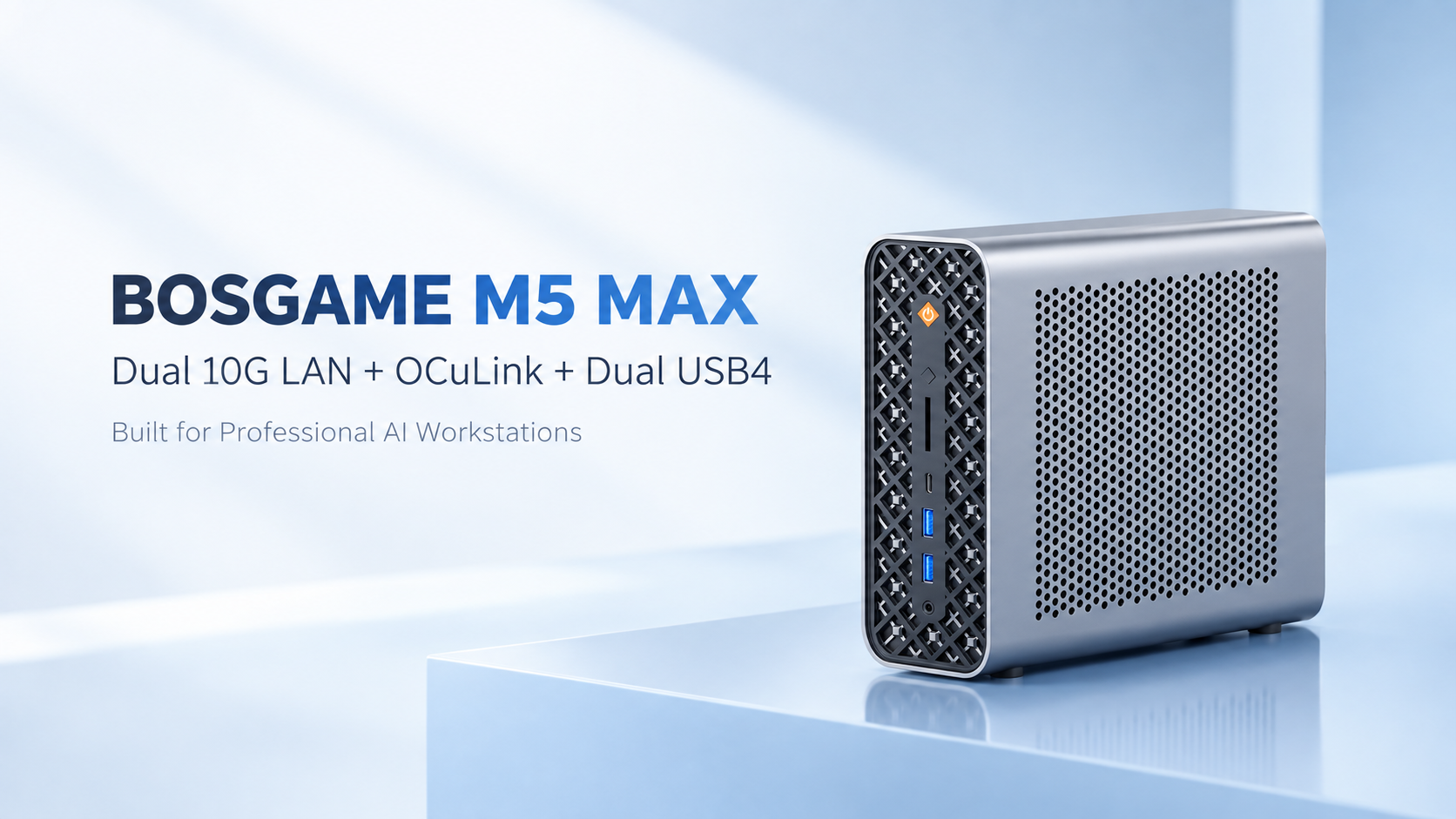
The BOSGAME M5 MAX is an AI Mini PC powered by the AMD Ryzen AI Max+ PRO 495 processor, designed for demanding AI tasks and professional workloads. The 192GB + 2TB version is expected to launch in November 2026.
With powerful computing performance, large unified memory, and extensive connectivity, the M5 MAX is designed to work with a wide range of professional devices. For AI developers and content creators, local AI models, large datasets, external GPUs, high-speed storage, and multi-monitor setups all require fast and flexible connectivity.
The M5 MAX features OCuLink, dual 10G LAN, and dual USB4. In this article, we’ll explore what these three core interfaces can do and how they can be combined to build a professional AI workstation.
What Core Expansion Interfaces Does the BOSGAME M5 MAX Offer?
The M5 MAX’s expansion capabilities are built around three core interfaces: OCuLink, dual 10G LAN, and dual USB4.
OCuLink
The M5 MAX features a PCIe 4.0 x4 OCuLink interface for connecting an external discrete GPU. OCuLink provides a direct PCIe connection for external GPU expansion, extending the M5 MAX’s capabilities for gaming, 3D rendering, video production, and local AI inference. If you need more GPU performance but don’t want to replace your Mini PC with a bulky desktop tower, OCuLink gives you a flexible way to expand.
Dual 10G LAN
The M5 MAX features dual 10G LAN, with theoretical speeds of up to 10Gbps. The two 10G ports can connect to high-speed NAS devices and other network equipment. For example, one port can connect to a 10GbE NAS while the other connects to your main network, providing greater flexibility for home labs, content creation studios, and professional office environments.
Dual USB4
The M5 MAX features dual USB4 ports with up to 40Gbps theoretical bandwidth. They can be used to connect high-speed external SSDs, docking stations, displays, and other compatible peripherals. With two USB4 ports, you can connect high-speed storage and expansion devices at the same time, making it easier to turn the M5 MAX into a complete desktop workstation.
How Can You Build a Professional AI Workstation with These Interfaces?
Local AI Creation Workstation
M5 MAX + OCuLink + External GPU + High-Speed SSD + Multiple Displays
The external GPU provides additional GPU computing power for local AI inference and AI image generation. High-speed storage can be used for models, data, and media, while multiple displays make it easier to develop, test, and create at the same time.
Gaming and Graphics Workstation
M5 MAX + OCuLink + External GPU + Gaming Monitor
Connect an external GPU through OCuLink for additional performance in gaming, 3D rendering, and other graphics-intensive workloads, while maintaining the compact footprint of a Mini PC.
High-Speed NAS Professional Workstation
M5 MAX + Dual 10G LAN + 10GbE NAS + Dual USB4 + Multiple Displays
Large project files, AI datasets, and media assets can be stored centrally on a NAS and accessed through a high-speed 10GbE network. USB4 can be used to connect high-speed storage, docking stations, and display devices. This setup is well suited for content creators, AI developers, professional users, and home lab enthusiasts.
Conclusion
The BOSGAME M5 MAX is more than a compact AI Mini PC — it can also serve as the core of a professional workstation.
With OCuLink for GPU expansion, dual 10G LAN for high-speed NAS and large-data workflows, and dual USB4 for high-speed storage and multi-monitor setups, the M5 MAX can flexibly adapt to different professional workflows.
If you need external GPU support, high-speed NAS, or a multi-monitor creative setup — without a bulky desktop tower — the M5 MAX offers a compact foundation.
A compact Mini PC with professional-grade expansion capabilities.
Stay tuned for the official launch of the BOSGAME M5 MAX.