


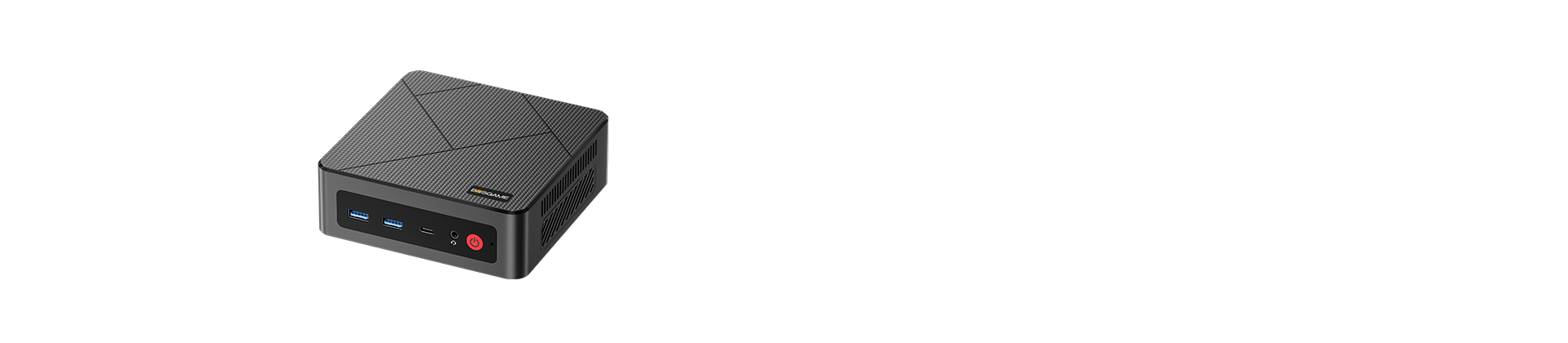
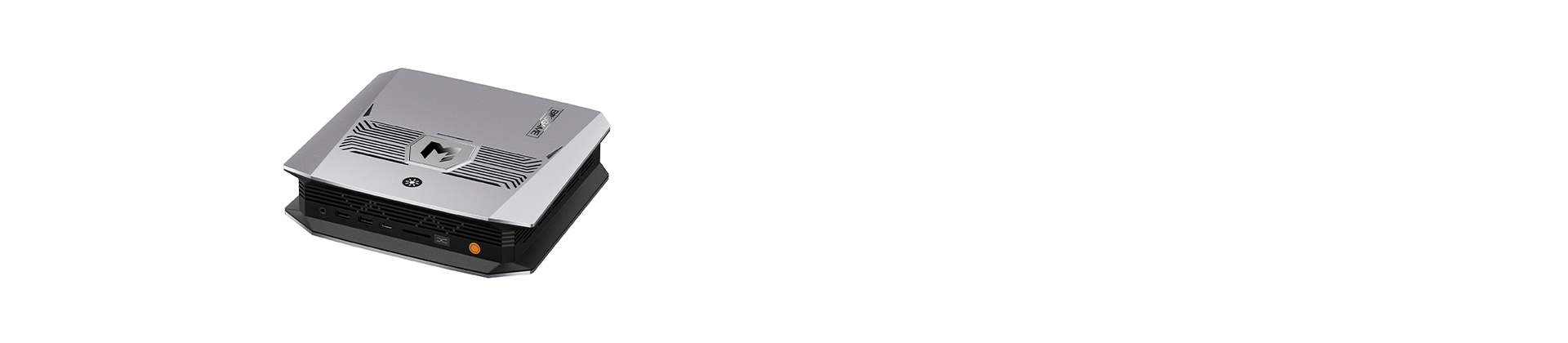
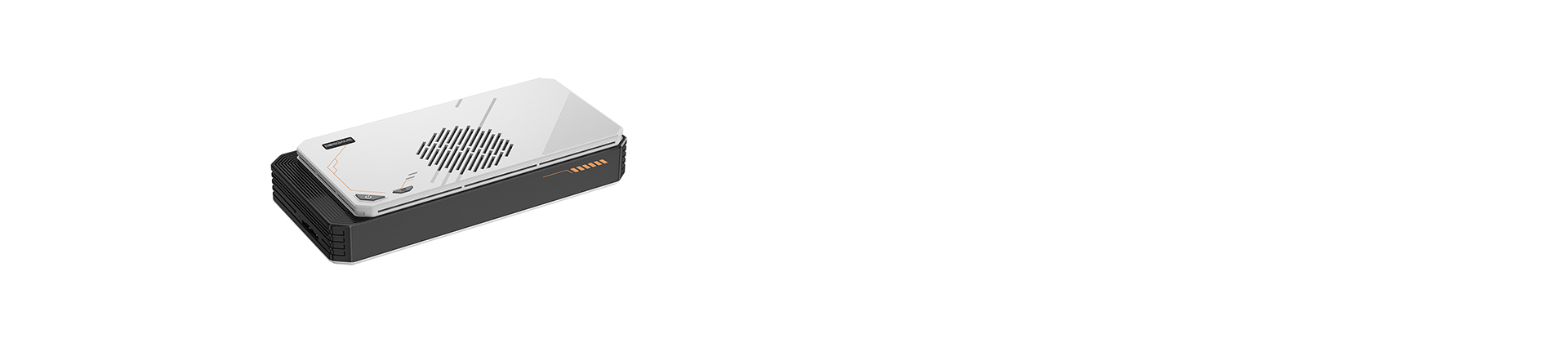

Thinking about setting up your own home server but don't want a noisy, power-hungry tower taking up space? A mini PC for home server use has become one of the most popular solutions for home users, offering enough performance to run file storage, media streaming, smart-home automation, and more — all in a compact, quiet package. In this guide, we'll walk through the key advantages of using a mini PC as a home server and the most practical ways to put one to work.
Why Use a Mini PC as a Home Server?
A mini PC for home server use can provide a practical balance of compact size, low power consumption, quiet operation, connectivity, and storage flexibility. These advantages make mini PCs suitable for a range of home server tasks, from file sharing and backups to media streaming and home automation.
Compact Size
One of the main advantages of using a mini PC as a home server is its compact footprint. Unlike a traditional desktop tower, a mini PC can fit easily on a desk, shelf, TV cabinet, or network cabinet. This makes it a practical choice for homes where space is limited. Its small size also makes cable management easier and allows you to build a home server without dedicating much space to bulky hardware.
Low Power Consumption
A home server may run 24/7, so power consumption can have a significant impact on long-term operating costs. A low power mini PC for home server use can provide sufficient performance for tasks such as file sharing, backups, media streaming, and home automation while keeping energy consumption relatively low. Lower power consumption can also mean less heat generation, which may help reduce cooling requirements during continuous operation.
Quiet Operation
Since a home server often operates continuously in a living space, noise is another factor to consider. A mini PC generally requires less cooling than a full-size desktop, making it possible to maintain relatively quiet operation during everyday server workloads. A quieter system is especially useful when the server is placed in a bedroom, home office, or living room. When choosing a mini PC for a home server, consider its cooling design and fan behavior under sustained workloads.
Expandable Storage
Storage capacity is important for a home server because photos, videos, backups, and other files can quickly consume available space. Depending on the model, a mini PC may support multiple M.2 SSDs, SATA drives, or external USB storage. Additional storage options also make it easier to expand your server as your data grows.
What Can You Do with a Mini PC as a Home Server?
A mini PC for home server use is far more versatile than most people expect. With the right software, it can quietly run in the background handling everything from backups to entertainment to smart-home control. Here are some of the most popular ways to use a low-power mini PC as a home server.
File Storage and Backup
A mini PC for home server is one of the easiest ways to centralize your family's photos, videos, and documents in one place instead of scattering them across laptops and phones. Depending on the operating system and storage configuration, you can set up automated backups, storage pools, RAID configurations, and remote access from any device on your network.
Media Streaming
Running Plex or Jellyfin on a home server lets you build your own private Netflix, streaming movies and shows you already own to any TV, phone, or tablet at home. A modern mini PC with a capable integrated GPU can handle multiple simultaneous 4K transcodes, so several family members can watch different content at once — while generally consuming less power than a full-size desktop.
Home Assistant
For a mini PC for home server use, Home Assistant is a practical way to manage a smart home locally. It can control lights, thermostats, cameras, and sensors while keeping many automations running on the local network. Even if the internet connection is unavailable, these local automations can continue to operate, giving you more reliable control over your smart home.
Home Lab and Virtualization
For anyone learning IT skills or testing new software, a mini PC for home server use can provide a practical home lab environment. Tools like Proxmox or ESXi let you spin up multiple virtual machines to practice networking, try out different operating systems, or simulate real-world server environments — all safely isolated from your main devices.
Game Servers
Want to play Minecraft, Valheim, or ARK with friends without laggy public servers? A home server can host your own private game server around the clock, giving you full control over mods, settings, and who can join. Since game servers typically need consistent uptime rather than heavy processing power, a mini PC handles the job efficiently.
Conclusion
A mini PC for home server use delivers surprising versatility in a compact, energy-efficient package. Its small footprint, low power consumption, and quiet operation make it easy to run 24/7 without disrupting your living space or your electricity bill. If you're ready to build your own setup, look for a low power mini pc for home server with expandable storage and solid connectivity — it's an affordable, beginner-friendly way to get started.