



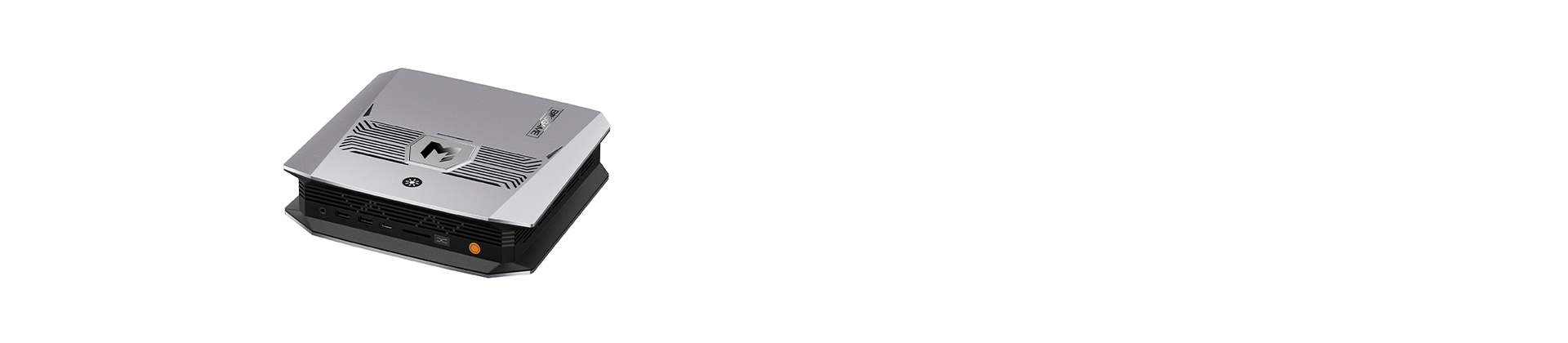


A homelab is a small home-based server setup where you host your own services and get hands-on experience with how they work. Many people now turn to a mini PC for homelab projects because these machines are compact, quiet, and efficient enough to stay on 24/7. This guide walks through what a mini PC can host and which features deserve your attention before buying.
Why Use a Mini PC for Homelab?
Since a homelab typically runs day and night, the hardware should be power-efficient, low in noise, and easy to place in your living space. Mini PCs check all of those boxes.
Low Power Consumption
Mini PCs are designed around energy-efficient processors, so their power draw is much lower than that of a tower server or a full desktop. For a device that never shuts down, this helps keep electricity costs in check and makes always-on services realistic for home users.
Compact Size
A mini PC is small enough to fit on a bookshelf, behind a monitor, or in a network cabinet. There's no need for a server room or a rack, so it works well in apartments and smaller homes.
Quiet Operation
Many mini PCs make very little noise, which means you can place one in a living room, bedroom, or home office without being disturbed by fans. When a machine is never turned off, this benefit becomes more important than most people expect.
Low Entry Cost and Easy Scaling
One mini PC is all you need to start a homelab. Begin with hardware that covers a handful of services, then add storage, memory, or a second mini PC as your workloads increase. You can grow your homelab step by step rather than replacing everything at once.
What Can You Run on a Mini PC Homelab?
A mini PC homelab is capable of far more than a single application. Depending on its specs, it can work as a media server, smart home hub, private cloud, network service host, or virtualization platform, all within one small machine. What suits you best depends on how many services you plan to run and how resource-hungry they are.
Media Server
A mini PC for homelab can serve as a central media server that stores and streams your movies, shows, and music throughout the house. Plex and Jellyfin are common tools for organizing your library. Direct playback puts little strain on the system, but video transcoding calls for more CPU power or hardware acceleration.
Smart Home Services
You can use a mini PC homelab as the main hub of your smart home, controlling devices and running automations locally. Home Assistant is a popular choice for linking lights, sensors, cameras, and other gadgets. Because it needs few resources, it can easily share the machine with other homelab services.
Virtual Machines and Containers
A mini PC for home lab gives you a flexible space for trying out software, learning new systems, or hosting several services at once. With Proxmox, you can run virtual machines and containers on a single device. Since multiple environments may be active at the same time, virtualization works better with more CPU cores and RAM.
Network & Storage Services
A mini PC homelab can also take care of core network and storage jobs. Pi-hole can filter ads across your whole network, a VPN can give you remote access, and Nextcloud can act as your private cloud storage. These services are usually light on resources, though storage capacity matters more as your files, media, and backups pile up.
What to Look for in a Homelab Mini PC?
Specs carry more weight in a homelab than in an everyday desktop, since the machine runs without pause and often hosts multiple services together. When selecting a mini PC for homelab use, keep these six factors in mind.
CPU
In a mini PC for homelab, CPU performance counts because several services, containers, and virtual machines may be running simultaneously. Look at the number of cores and threads, and confirm that the processor supports virtualization, such as Intel VT-x or AMD-V. For round-the-clock operation, power efficiency is also worth considering to keep long-term electricity costs down.
RAM
RAM tends to be the first limit you reach in a homelab, as each virtual machine and container claims a portion of it. Find out the maximum supported capacity and whether the memory is upgradable or soldered, because soldered memory can't be expanded later. DDR5 delivers higher bandwidth, yet DDR4 remains capable for most workloads. For lighter homelab use, 16GB is a practical starting point, while 32GB or more offers extra room for virtualization and many services.
Storage
A homelab's storage demands can grow fast as you accumulate applications, virtual machines, media, and backups. Check how many M.2 slots the mini PC includes and whether it also supports SATA or 2.5-inch drives. More drive slots give you the freedom to keep system, VM, and data storage separate, and they make later upgrades simpler.
Networking
Networking matters when your homelab handles big backups, file transfers, media streaming, or network storage. A 2.5GbE port offers up to 2.5 times the theoretical bandwidth of Gigabit Ethernet. Dual LAN ports are also handy for running a router or firewall, or for keeping home and lab traffic apart.
Cooling & Noise
Because a homelab often operates nonstop, good cooling is key to steady performance under long workloads. A well-built cooling design can also keep fan speed and noise at a reasonable level, which is especially helpful if the mini PC sits in a bedroom, home office, or other living area.
Ports & Expansion
Ports and expansion options deserve attention too when picking a mini PC for homelab use. A sufficient number of USB ports can support external storage, UPS monitoring, and other peripherals. Depending on your plans, you may also want extra LAN ports, M.2 slots, SATA support, or other expansion features for future upgrades.
Conclusion
A mini PC offers a compact, efficient base for building a homelab. Before you decide, line up its CPU, RAM, storage, and networking capabilities with the services you intend to run. Browse BOSGAME mini PCs to find a model that fits your homelab setup.