





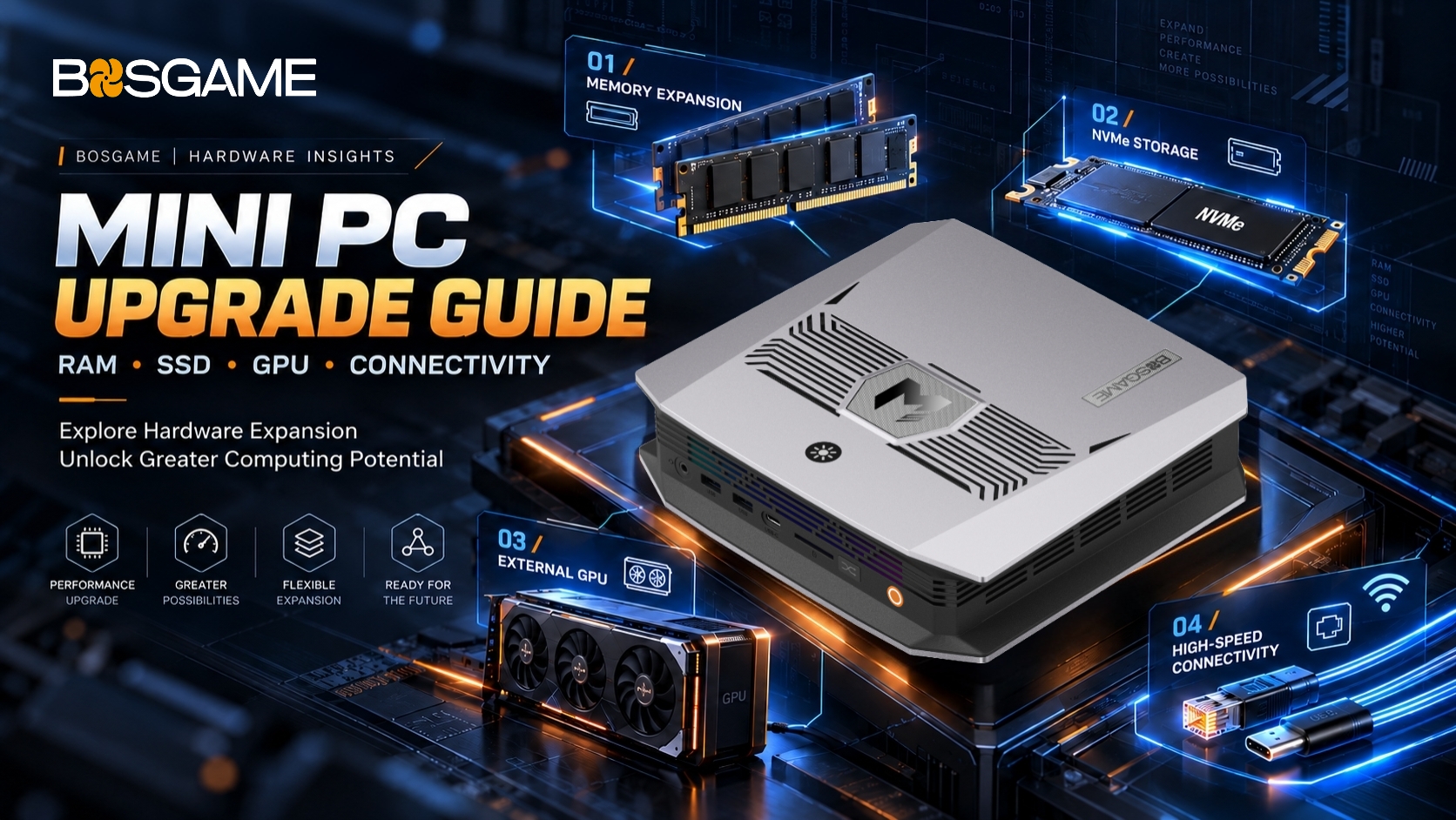
Mini PCs bring capable computing to compact spaces, supporting office work, content creation, and local AI. But can you upgrade a Mini PC as your needs change? Often, yes. Many models allow memory or storage upgrades, while others offer external expansion. Here's what to check—and how BOSGAME devices fit different workloads.
Can You Upgrade Mini PC RAM?
Replaceable SO-DIMM Memory
Many Mini PCs use replaceable SO-DIMM modules. More RAM can help with multitasking, large spreadsheets, video editing, and keeping several applications open at once. The BOSGAME E7 includes 16GB DDR4 RAM and supports expansion up to 64GB. Check the supported memory type, maximum capacity, and slots before upgrading.
Choosing Memory for Local AI
Advanced AI PCs may use onboard LPDDR5X memory. Because it cannot be replaced like SO-DIMM modules, selecting enough capacity upfront matters. Around 32GB can support some smaller local AI experiments; larger models may require considerably more, depending on workload and settings.
The BOSGAME M5 features onboard LPDDR5X unified memory, which is soldered to the motherboard and cannot be replaced or upgraded later. Its high-capacity memory configurations are designed to support demanding local AI workloads, software development, and creative applications.
If you plan to run local AI models or handle memory-intensive tasks, consider your workload carefully and choose the appropriate M5 memory configuration before purchasing.
Can You Upgrade Mini PC Storage?
Replacing an SSD
Many Mini PCs use replaceable M.2 NVMe SSDs. A larger drive gives you room for software, games, videos, and AI datasets.
M.2 2280 means a drive measuring 22mm wide and 80mm long. It's a common form factor, but check the interface and supported capacity before buying.
Adding Storage
Some devices include multiple SSD slots. The BOSGAME M5 features dual M.2 PCIe Gen 4 slots, providing options for expanded storage. Compatible external SSDs also add space without opening the PC, making them useful for transferring files between workstations. Back up important data before replacing your system drive.
Can You Upgrade a Mini PC CPU?
Plan for Processing Power
Most Mini PC processors are soldered to the motherboard, so conventional CPU upgrades aren't practical. Choosing a processor that matches your future workload is therefore important.
The BOSGAME M5 PRO features an AMD Ryzen AI Max+ PRO 395 with 16 cores and 32 threads, making it an option for demanding applications, content creation, and local AI computing.
Can You Upgrade Mini PC Graphics?
External GPU Options
Integrated graphics generally cannot be replaced separately. Certain Mini PCs, however, support external GPUs through compatible high-speed interfaces such as OCuLink. An eGPU can extend graphics capabilities for supported gaming, rendering, and professional tasks. Actual performance depends on connection bandwidth, the graphics card, and software compatibility.
⚠️ Warning: OCuLink does not support hot-swapping.
Always power off both the Mini PC and eGPU system before connecting or disconnecting the OCuLink cable to prevent hardware damage.
Introducing the BOSGAME M5 MAX
The upcoming BOSGAME M5 MAX combines an AMD Ryzen AI Max+ PRO 495 processor, Radeon 8065S Graphics, and 192GB LPDDR5X unified memory.
With dual 10GbE LAN, OCuLink, and USB4, it offers high-speed connectivity for professional setups. Its generous memory capacity is especially useful for demanding local AI workloads and large language models, where available memory can influence which models and datasets fit locally.
Coming in November 2026. Stay tuned!
Can You Upgrade Wi-Fi or Connectivity?
Wireless Hardware
Some Mini PCs use replaceable Wi-Fi modules, while others have integrated wireless hardware. Check module, motherboard, and antenna compatibility before making changes.
External Connections
High-speed USB, USB4, and compatible docks can connect extra storage, displays, and peripherals. Always check port specifications: not every USB-C connection supports the same features.
What Should You Check Before Upgrading?
Specifications First
Consult the exact model's documentation for supported RAM, storage formats, capacity limits, and available expansion interfaces. A component that physically fits may still be incompatible. If you're replacing an SSD containing your operating system, plan for drive cloning or a fresh installation.
Data and Installation Safety
Back up your files, shut down the system, and disconnect power before opening the case. Follow manufacturer instructions, check warranty conditions, and contact BOSGAME support if you're unsure.
Final Thoughts
Upgrading RAM or storage can help a Mini PC keep pace with changing needs. External expansion adds more flexibility on compatible models. For advanced AI work, selecting the right processor and sufficient memory from the start is just as valuable.
Explore the BOSGAME Mini PC and AI PC lineup to find a system suited to your workflow.