



Choosing a Mini PC for software development can be challenging, especially when every model comes with a long list of specifications. From everyday coding to more demanding workloads, understanding which features matter most can help you find a system that fits your development needs.
1. CPU Performance
CPU performance plays an important role in compiling code, debugging applications, and handling multiple development tools. An entry-level processor can be sufficient for basic coding, while larger projects and more complex workflows can benefit from stronger multi-core performance.
Think about the software and tools you use most often. If you regularly compile code while testing applications or running other programs, look for a processor that can maintain stable performance during sustained workloads.
2. Memory Capacity
An IDE, browser tabs, Docker containers, and virtual machines can quickly increase your memory requirements. For basic programming, 16GB may be sufficient, while 32GB provides additional room for larger projects and multitasking. Developers running several virtual machines or local AI models may benefit from even more memory.
It is also worth checking whether the Mini PC supports memory upgrades. For local AI workloads, the required memory depends on factors such as model size, quantization, and the specific workload.
3. SSD Storage
Storage speed and capacity can both affect your development experience. A 512GB SSD can work well for smaller projects, while 1TB gives you more room for development tools, virtual machines, datasets, and project files.
If you expect your storage requirements to increase, look for a Mini PC with additional M.2 SSD expansion. Maintaining sufficient free space is also important for source code, build files, testing data, and backups.
4. Ports and Connectivity
The right connectivity can make a Mini PC easier to integrate into your development setup. Depending on the model, available connections may include USB-A, USB-C or USB4, HDMI, DisplayPort, and Ethernet.
These ports can support external storage, displays, peripherals, and network devices. If you plan to use multiple monitors, check the supported display count and resolution rather than assuming that more video ports automatically mean more supported displays. Faster Ethernet can also be useful when working with networked devices or storage.
5. Cooling and Reliability
Development workloads can sometimes keep a processor under sustained load. Compiling large projects, running Docker containers, testing applications, and using virtual machines can all generate additional heat.
A capable cooling system helps control temperatures and maintain consistent performance during longer workloads. Fan noise and ventilation are also worth considering if the Mini PC will be used throughout the working day. Keep the vents clear and allow enough space around the system for proper airflow.
6. Local AI Development
As AI becomes part of more development workflows, some developers may also want to run language models or AI coding tools locally. In this case, consider memory capacity, GPU performance, AI acceleration, and software compatibility together.
Larger models generally require more resources. GPU acceleration can improve performance in supported workloads, while an NPU can help with compatible AI applications. However, actual results depend on the hardware, software framework, model, and task rather than AI performance figures alone.
7. Which BOSGAME Mini PC Fits Your Development Needs?
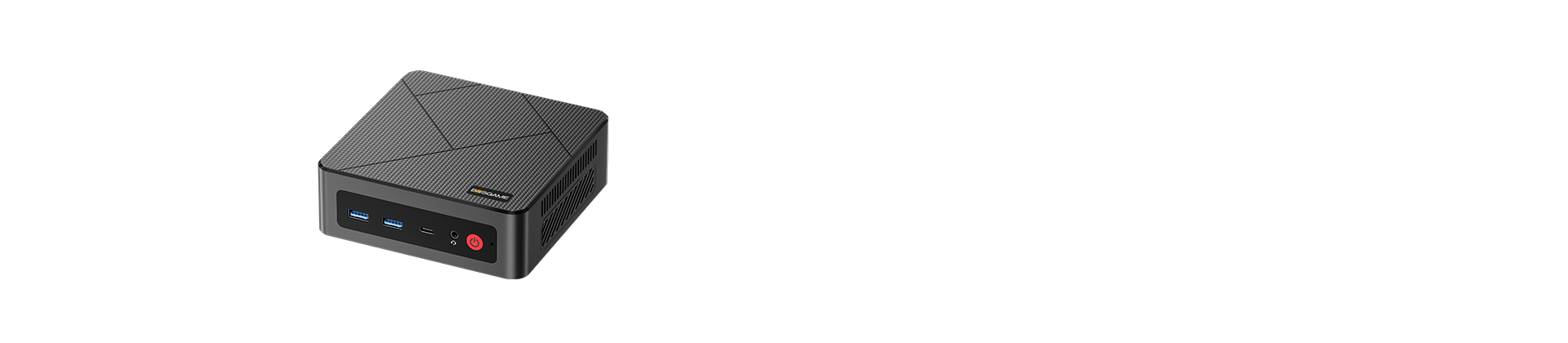
BOSGAME VTA-439: The AI PC for Flexible Workflows
The VTA-439 is suited to developers who combine traditional software development with AI-assisted tools and a more extensive desktop setup. It features an AMD Ryzen AI 9 HX 470 processor and Radeon 890M graphics, with support for up to four displays. The 40Gbps OCuLink interface also provides additional flexibility for compatible external devices, making it a practical choice for developers with varied hardware and software needs.
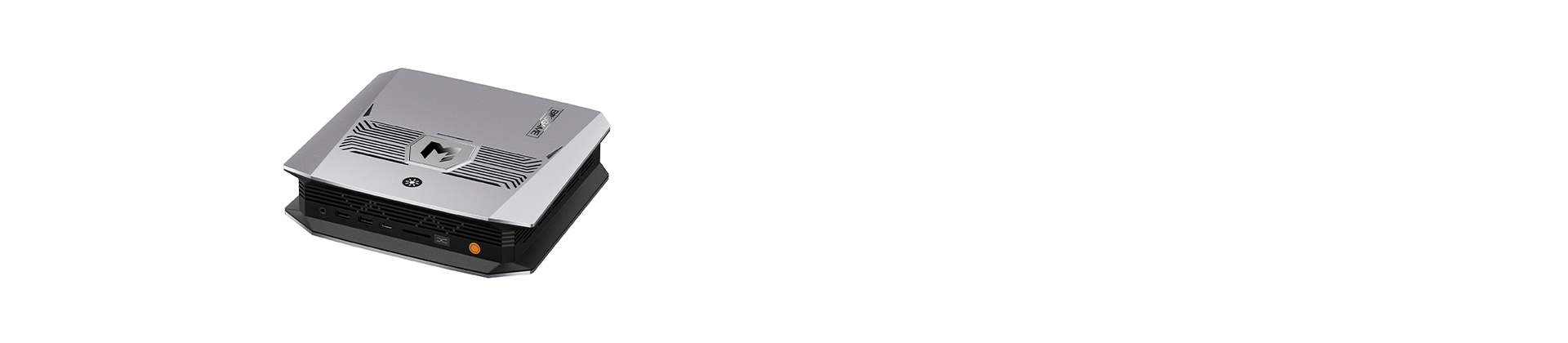
BOSGAME M5: The High-Performance AI PC for Intensive Development
Developers working on larger projects or running demanding applications simultaneously can consider the M5. Its AMD Ryzen AI Max+ 395 processor delivers 16 cores and 32 threads, while Radeon 8060S graphics, 128GB of onboard LPDDR5X memory, and a 2TB PCIe 4.0 SSD provide plenty of resources for intensive development, multitasking, and AI-assisted workflows. An additional M.2 PCIe 4.0 slot also allows storage capacity to grow with your projects.
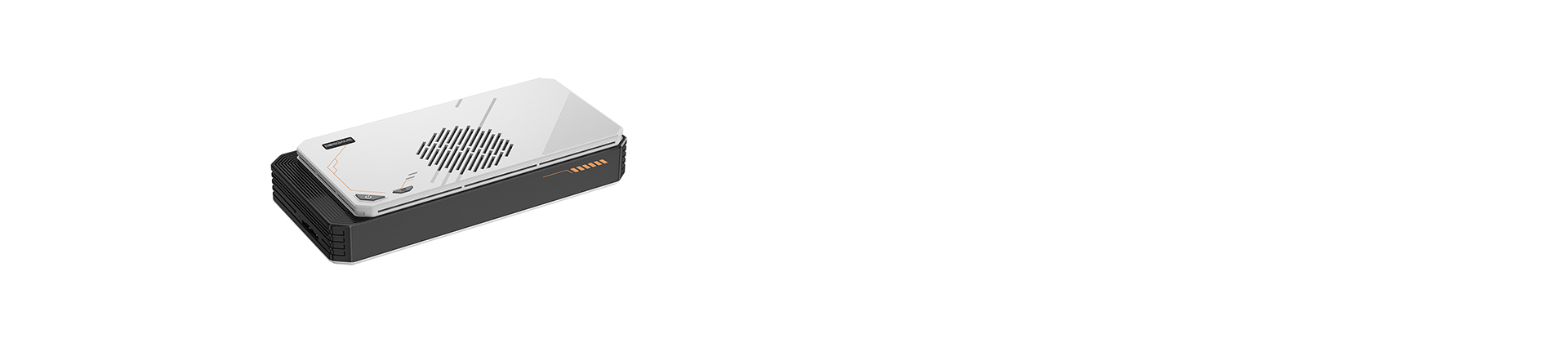
BOSGAME M5 MAX: Our Flagship AI PC for Local Workloads
For developers placing greater emphasis on local AI, the M5 MAX provides a more capable platform for demanding AI workloads. It combines an AMD Ryzen AI Max+ PRO 495 processor with 16 cores and 32 threads, AMD Radeon 8065S graphics, and up to 131 TOPS of AI compute. Its high-capacity unified memory is well suited to local inference and other memory-intensive AI development tasks. The 192GB version is expected to launch in November 2026.
The best Mini PC depends on your projects, development habits, and performance requirements. Consider where your workload is today and where it may go next, then choose the configuration that gives you the capabilities you actually need.
Conclusion
A good development Mini PC should provide the right combination of processing power, memory, storage, connectivity, and cooling. By matching these factors to your projects and working habits, you can create a compact development setup that remains capable as your needs evolve.
FAQ
Is a Mini PC suitable for software development?
Yes. A properly configured Mini PC can handle coding, compiling, debugging, testing, and multitasking. The ideal configuration depends on the complexity of your development workload.
How much RAM is recommended for developers?
16GB can be enough for basic programming, while 32GB or more provides additional headroom for larger projects, containers, and virtual machines. Local AI requirements vary depending on the model.
Can a Mini PC run local AI models?
Some AI-capable Mini PCs can run local AI models, depending on their memory capacity, GPU performance, NPU or other AI acceleration capabilities, and software support.
Are Mini PC memory and storage upgradeable?
Upgrade options vary by model. Some Mini PCs use onboard memory, while others provide SO-DIMM slots. SSD expansion also differs between systems, so check the specifications of the specific model before purchasing.