



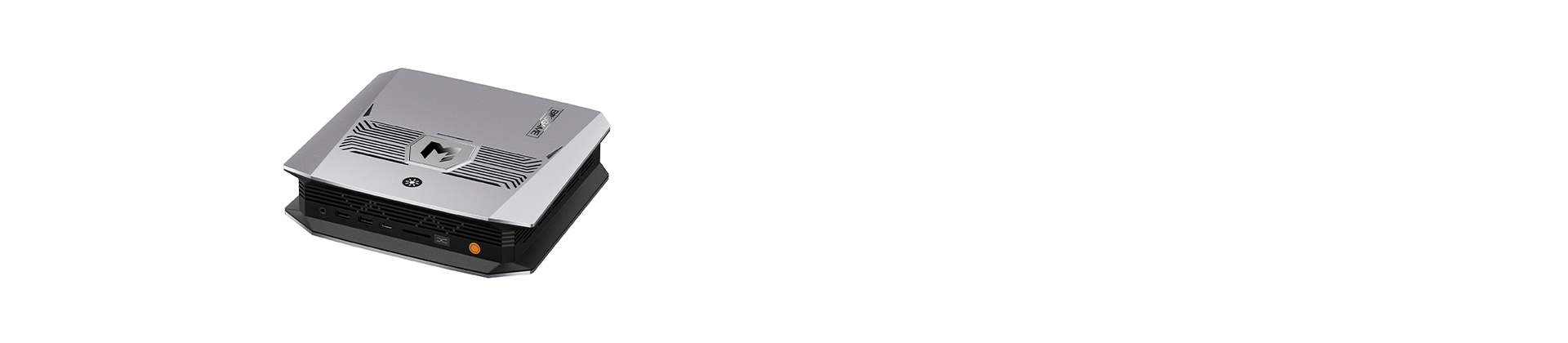

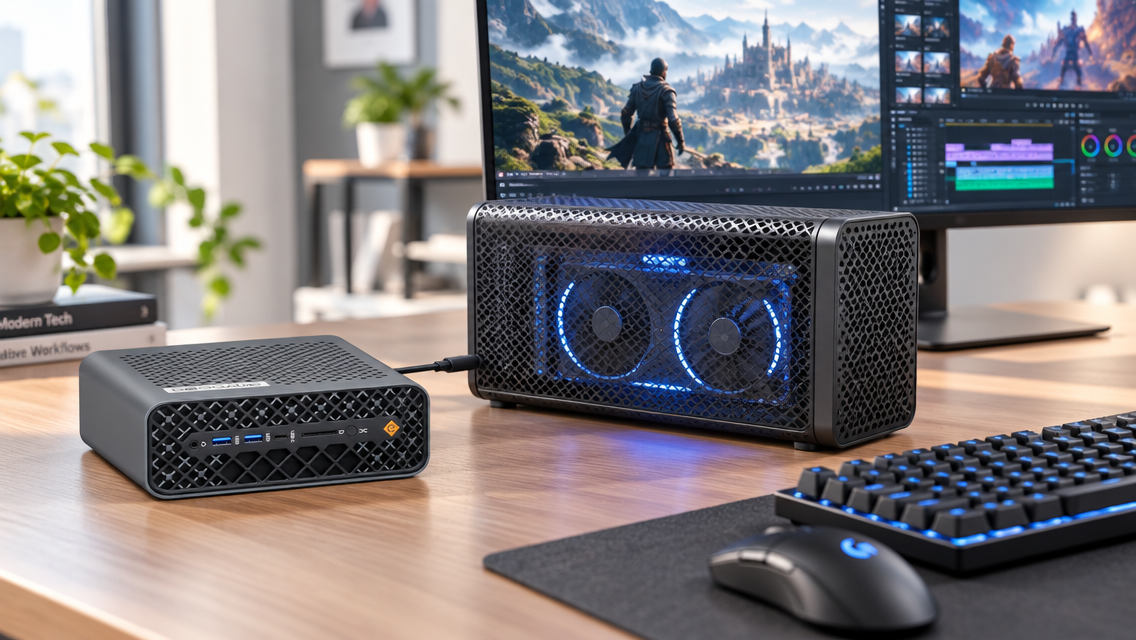
Ever feel like your mini PC is almost perfect, but its graphics can’t keep up when you launch a demanding game or render a video? You love its small size, low noise, and easy setup, yet you don’t want to give them up for a bulky tower. That is where the idea of a mini PC with external GPU support comes in. Instead of replacing your whole system, you can add serious graphics power from the outside. Here’s what that means and how to get started.
What Is an External GPU for a Mini PC?
An external GPU (eGPU) is a dedicated graphics card housed in an external enclosure and connected to a computer through a compatible high-speed interface, such as USB4 or OCuLink. Unlike a mini PC’s built-in integrated GPU, which shares system memory and relies on the processor’s graphics capabilities, an eGPU has its own graphics processor and dedicated video memory. This can improve performance in graphics-intensive tasks, such as gaming, video editing, and 3D rendering, depending on the hardware and connection.
What Are the Benefits of an External GPU for mini PC?
An external GPU can make a mini PC more versatile by adding dedicated graphics capabilities without sacrificing its compact form factor. For users who need better graphics performance without investing in a full-sized desktop, a mini PC with external GPU support offers a flexible solution.
Improve Graphics Performance
An external GPU can significantly improve a mini PC’s graphics performance, making it more capable of handling demanding games, video editing, and 3D rendering. A mini PC with external GPU support allows you to add a dedicated graphics card for better frame rates, smoother visuals, and faster GPU-accelerated workloads. Actual performance gains depend on the GPU, connection bandwidth, and software requirements.
A More Cost-Effective Upgrade Solution
An external GPU can be a cost-effective way to upgrade your mini PC’s performance. Instead of replacing your entire system when you need more graphics power, a mini PC with external GPU support lets you keep your existing computer and add a compatible dedicated graphics card. This approach may save money compared with buying a new PC.
How to connect a eGPU for mini PC?
A mini PC can connect to an external GPU through compatible high-speed interfaces, such as Thunderbolt, USB4, or OCuLink. Typically, the graphics card is installed in an external GPU enclosure or dock, which connects to the mini PC through the corresponding port and cable. The mini PC must support the required connection standard to use the external graphics card.
How to Choose a Mini PC with External GPU Support?
Choosing the right mini PC for an external GPU involves more than looking at processor specifications or graphics performance. You need to consider connectivity, system resources, and hardware compatibility to ensure everything works together properly. Before buying, focus on these key factors to find a mini PC with external GPU support that meets your performance needs and budget.
Check the Connection Interface
The connection interface is the first thing to consider when choosing a mini PC with external GPU support. Thunderbolt, USB4 with compatible PCIe tunneling capabilities, and OCuLink can all be options for connecting an external GPU, depending on the hardware. However, not every USB-C port supports eGPUs. Check the manufacturer's specifications to confirm compatibility and review the supported connection standards before purchasing an enclosure or graphics card.
Consider CPU Performance
Even with a powerful external GPU, the processor still plays an important role in overall performance. A capable CPU helps maintain smooth frame rates in CPU-intensive games and handles tasks such as video encoding and multitasking. If you plan to use demanding applications, choose a Mini PC with a processor that can keep up with your workload and avoid unnecessary performance bottlenecks.
Choose the Right Memory and Storage
Your RAM and SSD capacity should match your intended use. More memory can improve multitasking and help demanding creative applications run smoothly, while sufficient SSD storage provides room for games, video projects, and other large files. Consider your current needs and potential future requirements when selecting a configuration.
Check Power and Compatibility
Before purchasing an eGPU, verify that the mini PC, graphics card, enclosure, and connection cable work together. Check the enclosure's power supply to ensure it can support your chosen GPU, and confirm operating system and driver compatibility. You should also consider cooling and available desk space, as an external GPU setup adds hardware beyond the mini PC itself. Reviewing these details in advance can help you avoid compatibility issues and get the most from your investment.
Conclusion
An external GPU shows how far a mini PC can go. You keep the compact, quiet everyday machine and add serious graphics power only when your work or play demands it. The best setup comes from matching the right connection, enclosure, and graphics card to your real needs, not from chasing the biggest specs. Choose a mini PC with external GPU support today, and your system can keep growing with you for years to come.