




Mini PC vs Desktop: Which One Should You Buy in 2026?
As computers continue to evolve, buyers are no longer limited to large tower desktops sitting under a desk. Today's Mini PCs deliver impressive performance in a compact form factor, making them a popular alternative for professionals, gamers, students, and home users.
But does a Mini PC truly replace a traditional desktop? And more importantly—which one should you buy in 2026?
In this guide, we'll compare Mini PCs and desktop computers across key categories including performance, size, upgradeability, power efficiency, gaming capabilities, and overall value.
By the end, you'll know exactly which solution fits your needs.
What Is a Mini PC?
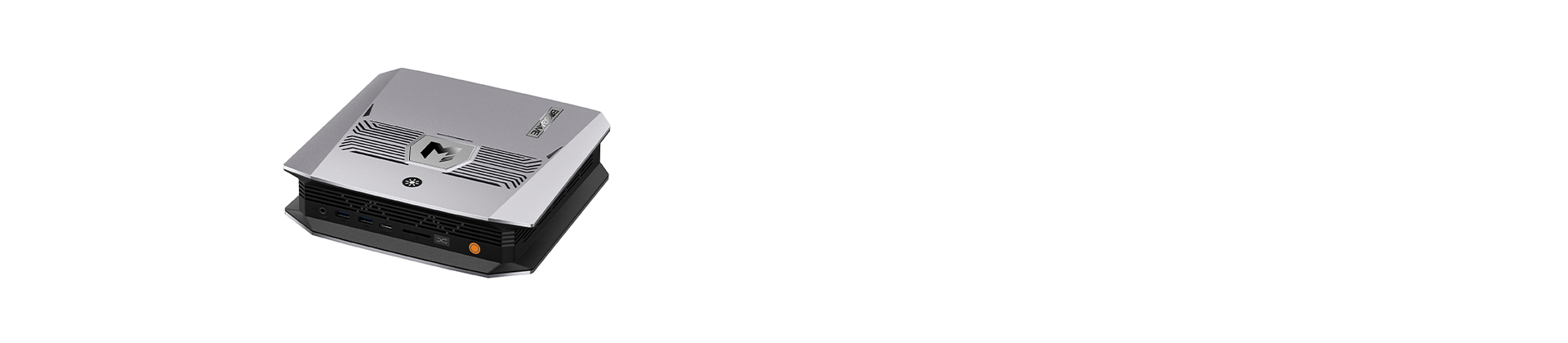
A Mini PC is a fully functional computer packed into a compact chassis that can often fit in the palm of your hand. Despite their small size, modern Mini PCs can feature powerful processors such as AMD Ryzen AI and Intel Core Ultra processors, as well as high-performance integrated graphics.
Many users choose Mini PCs because they offer:
- Space-saving design
- Low power consumption
- Quiet operation
- Modern connectivity
- Excellent performance for daily computing
Manufacturers like BOSGAME have pushed Mini PC performance to new levels, making them capable of handling productivity tasks, creative workloads, AI applications, and even gaming.
What Is a Traditional Desktop?
A traditional desktop computer typically consists of a larger tower case that houses the motherboard, CPU, GPU, power supply, cooling system, and storage drives.
Desktop PCs are known for:
- Maximum performance potential
- Extensive customization options
- Easier upgrades
- Support for dedicated graphics cards
- Advanced cooling systems
For years, desktops have been the preferred choice for gamers, engineers, and power users.
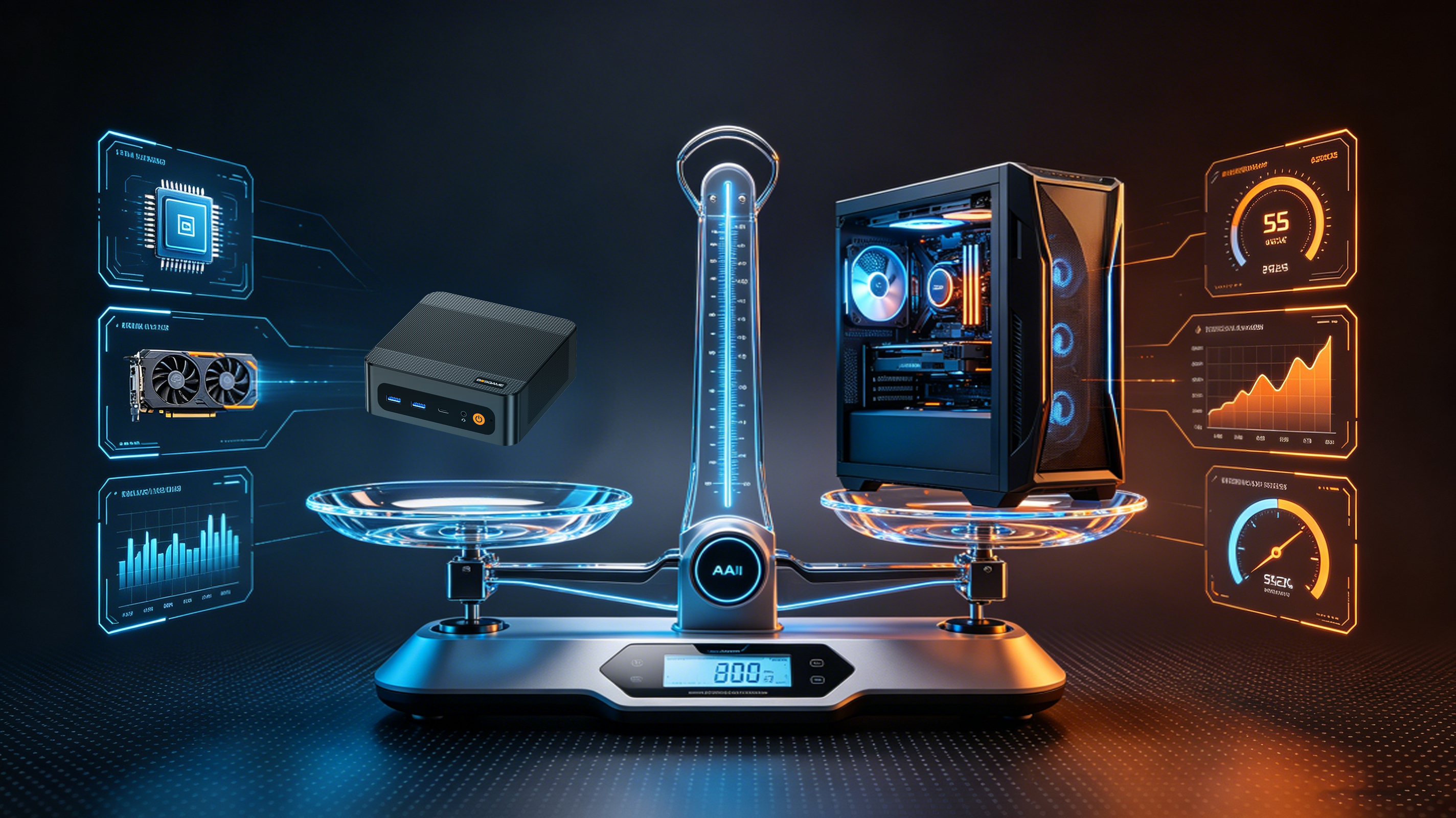
Mini PC vs Desktop: Side-by-Side Comparison
|
Feature |
Mini PC |
Desktop PC |
|
Size |
Extremely compact |
Large tower |
|
Performance |
High |
Very High |
|
Upgradeability |
Limited to moderate |
Excellent |
|
Power Consumption |
Low |
Higher |
|
Noise Level |
Quiet |
Moderate to loud |
|
Portability |
Easy to move |
Difficult |
|
Space Required |
Minimal |
Significant |
|
Gaming Capability |
Good to excellent |
Excellent |
|
Price-to-Performance |
Excellent |
Excellent |
|
Energy Efficiency |
Outstanding |
Average |
Performance: Can a Mini PC Keep Up?
The biggest misconception about Mini PCs is that they are underpowered.
That may have been true several years ago, but modern Mini PCs have changed dramatically.
For example, Mini PCs powered by the latest AMD Ryzen AI processors can comfortably handle:
- Office productivity
- Programming
- AI-assisted workflows
- Photo editing
- Video editing
- 4K media playback
- Light to moderate gaming
For most users, the difference between a modern Mini PC and a traditional desktop is barely noticeable during everyday use.
However, if you're running highly demanding workloads such as:
- Professional 3D rendering
- Advanced CAD applications
- Large-scale AI model training
- AAA gaming at ultra settings
A desktop still offers a performance advantage due to larger cooling systems and dedicated graphics cards.
Winner: Desktop for Maximum Performance
Space Saving: The Mini PC Advantage
One of the strongest reasons people switch to Mini PCs is space efficiency.
A typical desktop tower occupies valuable desk or floor space, while a Mini PC can:
- Sit behind a monitor
- Mount under a desk
- Fit inside entertainment centers
- Travel easily between locations
For home offices, apartments, dorm rooms, and minimalist workspaces, Mini PCs provide a cleaner and more organized setup.
Winner: Mini PC
Power Consumption and Electricity Costs
Energy efficiency is becoming increasingly important for both businesses and home users.
Most Mini PCs consume between 15W and 65W during normal operation.
Traditional desktop PCs often consume between 200W and 600W or more under load.
High-end gaming desktops can exceed 800W during intensive tasks.
Over time, this difference can significantly impact electricity costs.
Mini PCs also generate less heat, helping maintain a more comfortable workspace.
Winner: Mini PC
Noise Levels
Large desktops often require:
- Multiple cooling fans
- High-performance CPU coolers
- Dedicated GPU cooling systems
These components can become noisy under heavy workloads.
Mini PCs typically use efficient cooling designs and power-efficient processors, allowing them to operate quietly during daily tasks.
For remote workers, students, and office environments, lower noise levels can improve focus and comfort.
Winner: Mini PC
Gaming Performance
Gaming is one of the most important factors for many buyers.
If you mainly play:
- Fortnite
- Valorant
- League of Legends
- Counter-Strike 2
- Rocket League
A modern Mini PC can deliver an excellent gaming experience.
Many Ryzen-powered Mini PCs are capable of smooth 1080P gaming and esports performance.
However, if your goal is:
- 1440P Ultra settings
- 4K gaming
- Ray tracing
- High-refresh competitive gaming
A desktop equipped with a dedicated graphics card remains the superior option.
Winner: Desktop
Upgradeability
Desktop PCs are well known for their flexibility and customization.
Users can easily upgrade:
- CPU
- GPU
- RAM
- Storage
- Cooling systems
- Power supplies
Mini PCs typically allow upgrades to RAM and SSD storage, while internal hardware upgrades are generally more limited.
Some advanced Mini PCs support external GPUs, but desktops still offer far greater upgrade potential.
Winner: Desktop
Cost and Value
Many consumers assume Mini PCs are more expensive because of their compact design.
In reality, Mini PCs often provide exceptional value.
Users can avoid paying for:
- Large computer cases
- Oversized power supplies
- Expensive cooling systems
Most modern Mini PCs include:
- Wi-Fi 6E or Wi-Fi 7
- Bluetooth connectivity
- Multiple display outputs
- High-speed NVMe SSDs
- Powerful processors
For office users, students, and general consumers, Mini PCs frequently deliver better overall value.
Winner: Mini PC
Who Should Buy a Mini PC?
A Mini PC is an excellent choice if you:
- Work from home
- Need a clean and organized workspace
- Stream movies and media
- Use productivity software
- Develop software or code
- Travel frequently
- Want lower electricity costs
- Need support for multiple monitors
Mini PCs are increasingly becoming the preferred choice for professionals and everyday users.
Who Should Buy a Desktop PC?
A traditional desktop is ideal if you:
- Play AAA games at ultra settings
- Need a powerful dedicated GPU
- Perform professional rendering
- Work with advanced engineering software
- Frequently upgrade hardware
- Require maximum performance regardless of size
Why More Users Are Choosing Mini PCs in 2026
The gap between Mini PCs and desktops continues to shrink.
Advances in processor technology, integrated graphics, SSD performance, and cooling systems have enabled Mini PCs to deliver performance levels that were once only possible in large desktop towers.
For many users, a Mini PC now provides everything they need while consuming less power, generating less noise, and occupying far less space.
As remote work, AI-assisted productivity, and compact home offices become increasingly common, Mini PCs are positioned to become one of the most popular computing solutions in 2026 and beyond.
Frequently Asked Questions
Can a Mini PC replace a desktop?
For most users, yes. Modern Mini PCs can handle office work, web browsing, content consumption, programming, and even moderate gaming.
Are Mini PCs good for gaming?
Yes. Many Mini PCs can run esports and popular multiplayer games smoothly. However, high-end AAA gaming is still better suited to desktops with dedicated graphics cards.
How long do Mini PCs last?
A quality Mini PC typically lasts between five and eight years, depending on usage patterns and hardware specifications.
Do Mini PCs use less electricity?
Yes. Mini PCs generally consume significantly less power than traditional desktop computers, reducing energy costs over time.
Are Mini PCs worth buying in 2026?
Absolutely. For most consumers, Mini PCs offer an excellent balance of performance, efficiency, portability, and value.
Conclusion
When comparing Mini PCs and traditional desktops in 2026, the best choice depends on your priorities.
If you need ultimate gaming performance and maximum upgradeability, a desktop remains the better option.
However, if you value efficiency, compact design, quiet operation, and excellent everyday performance, a modern Mini PC is often the smarter investment.
For users seeking powerful AI-ready computing in a compact form factor, BOSGAME Mini PCs deliver desktop-class performance while occupying only a fraction of the space.
Explore the latest BOSGAME Mini PCs and discover how much power can fit in the palm of your hand.