



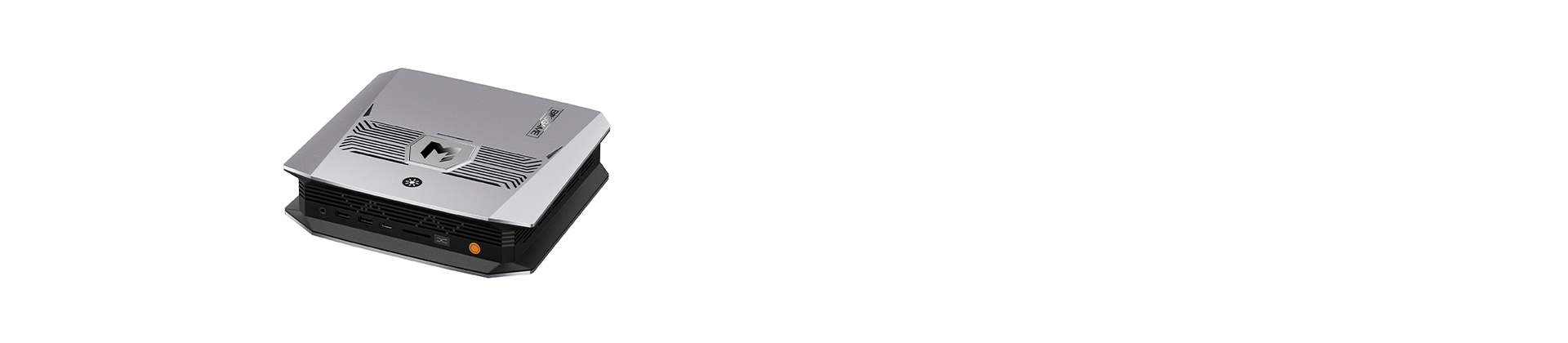


What Is a Mini PC?
A mini PC is a compact, fully functional computer that delivers the same core capabilities as a traditional desktop—browsing, office work, media playback, and more—but in a fraction of the size. Instead of a full tower housing separate components, everything is tightly integrated into a small chassis, often no bigger than a book. Despite the reduced footprint, modern mini PCs pack capable processors and graphics, making them a practical, space-saving alternative for everyday computing, home offices, and entertainment setups.
What Is a Desktop?
A desktop is a personal computer designed to stay in one place, typically on or under a desk, built around a full-sized tower housing all its internal components—processor, graphics card, storage, and cooling system—connected to a separate monitor, keyboard, and mouse, but their larger size and multiple components can make them bulky and take up considerable desk space.
Mini PC vs Desktop: Which One Is Better?
Choosing between a mini PC and a traditional desktop can be difficult, especially when both can handle everyday computing tasks with ease. So, which one is right for you? Let’s compare mini PCs and desktops across key factors to help you make a more informed choice.
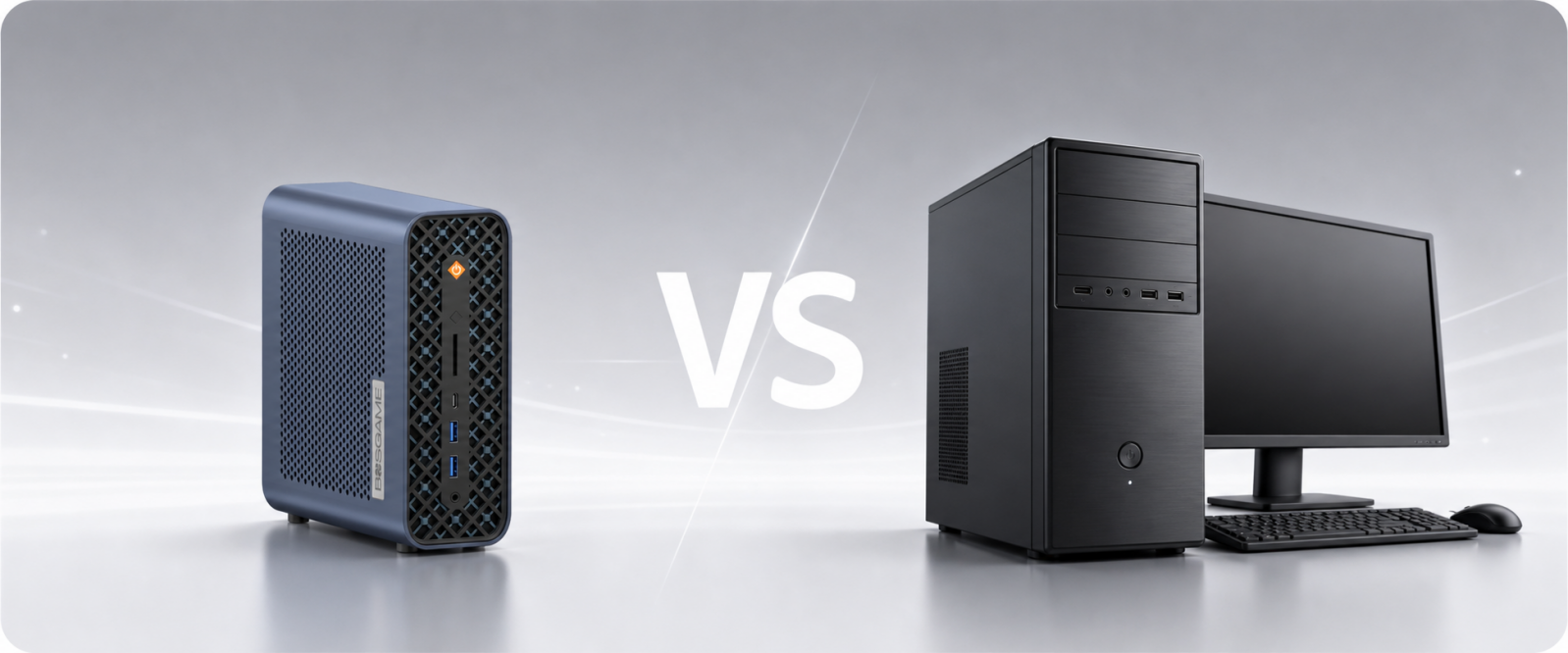
Mini PC vs Desktop: Space-Saving Capacity
Space is where the mini PC vs desktop comparison gets obvious fast. A mini PC can sit right behind your monitor, tuck into a small desk corner, or even mount out of sight entirely—no bulky tower, no tangle of cables sprawling across the floor. A desktop, by contrast, needs dedicated floor or desk space and a clear path for airflow. For home offices, dorm rooms, shared workspaces, or anyone working with a compact setup, a mini PC simply fits where a desktop can't.
Mini PC vs Desktop: Energy-Saving Capacity
In comparison to power consumption with a regular desktop, mini PCs are remarkably economical and use up less energy than regular desktops. Regular desktops, with larger components and more powerful cooling systems, tend to consume more energy even at idle. For anyone running their computer for extended hours—whether for a home office, a media center, or background tasks—a mini PC translates into lower running costs over time.
Mini PC vs Desktop: Noise Reduction
Noise is another area where Mini PCs have a clear advantage. Traditional desktops often rely on multiple fans and larger cooling systems, which can produce noticeable noise during intensive workloads. Mini PCs use compact, efficiently designed cooling solutions that help reduce fan noise while maintaining stable performance. For home offices, bedrooms, or shared workspaces, a quieter Mini PC creates a more comfortable environment without sacrificing everyday productivity.
Mini PC vs Desktop: Portability
Portability is where the gap between the two really shows. A mini PC is compact and light enough to pack into a bag, making it easy to move between home and office or take along while traveling. A desktop, once set up, is essentially stationary—unplugging and relocating a full tower isn't practical for regular use. For hybrid workers, students, or anyone who works across multiple locations, a mini PC offers the flexibility a desktop simply can't match.
Mini PC vs Desktop: Setup Simplicity
Setting up a mini PC is refreshingly straightforward. Most models come nearly ready to use out of the box, with minimal cabling and no need to navigate a maze of internal wiring or multiple fan connections. Desktops, on the other hand, often involve more complex setup—especially when adding components or managing cable routing inside a larger case. For users who want a hassle-free experience without technical fuss, a mini PC gets you up and running in minutes.
Conclusion
The choice between a mini PC and a traditional desktop ultimately depends on your needs. For users who value a compact setup, lower power consumption, reduced noise, easy portability, and simple installation, a mini PC offers a compelling alternative. With today’s Mini PCs delivering increasingly capable performance in a much smaller footprint, they can be an ideal solution for home offices, entertainment, study, and everyday computing.