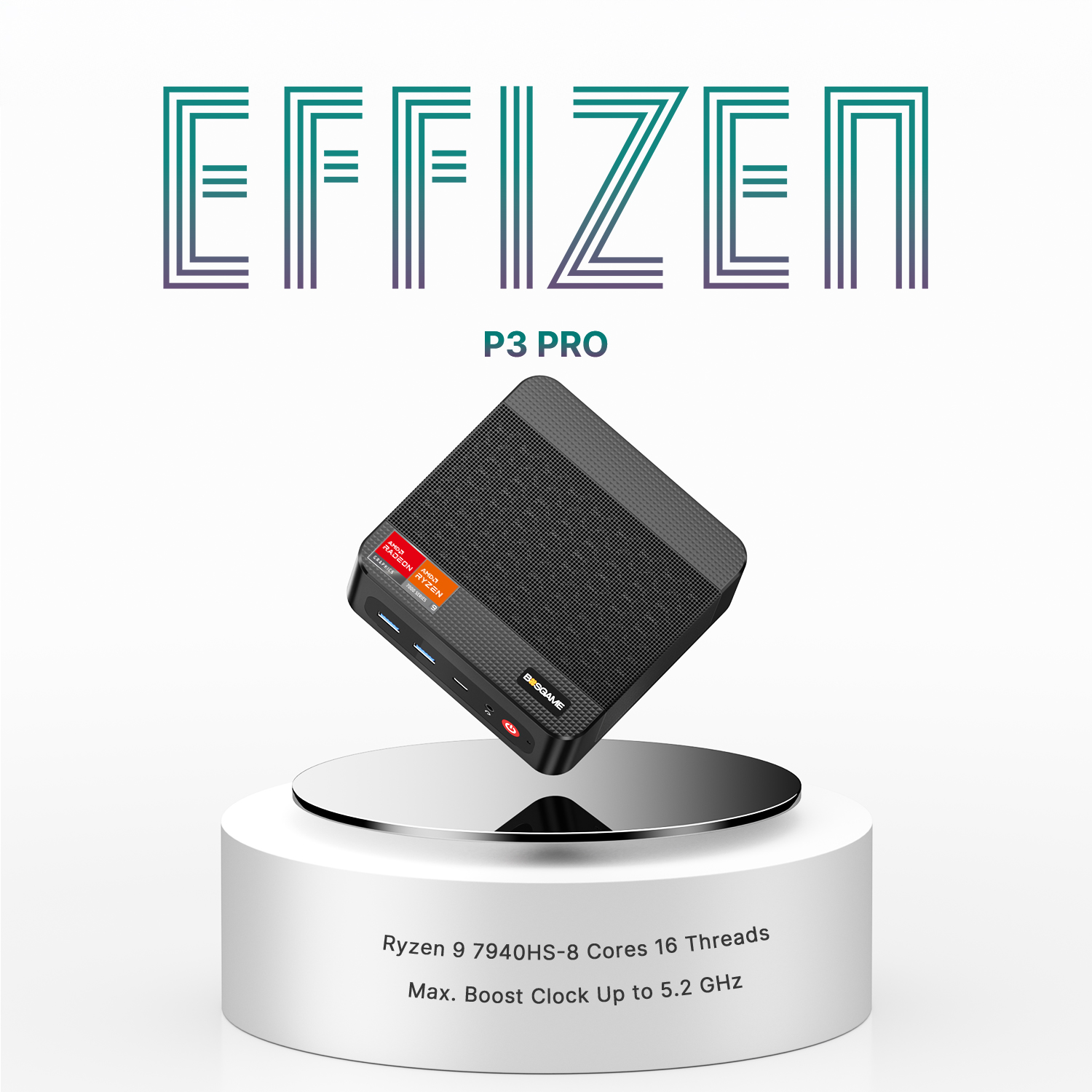
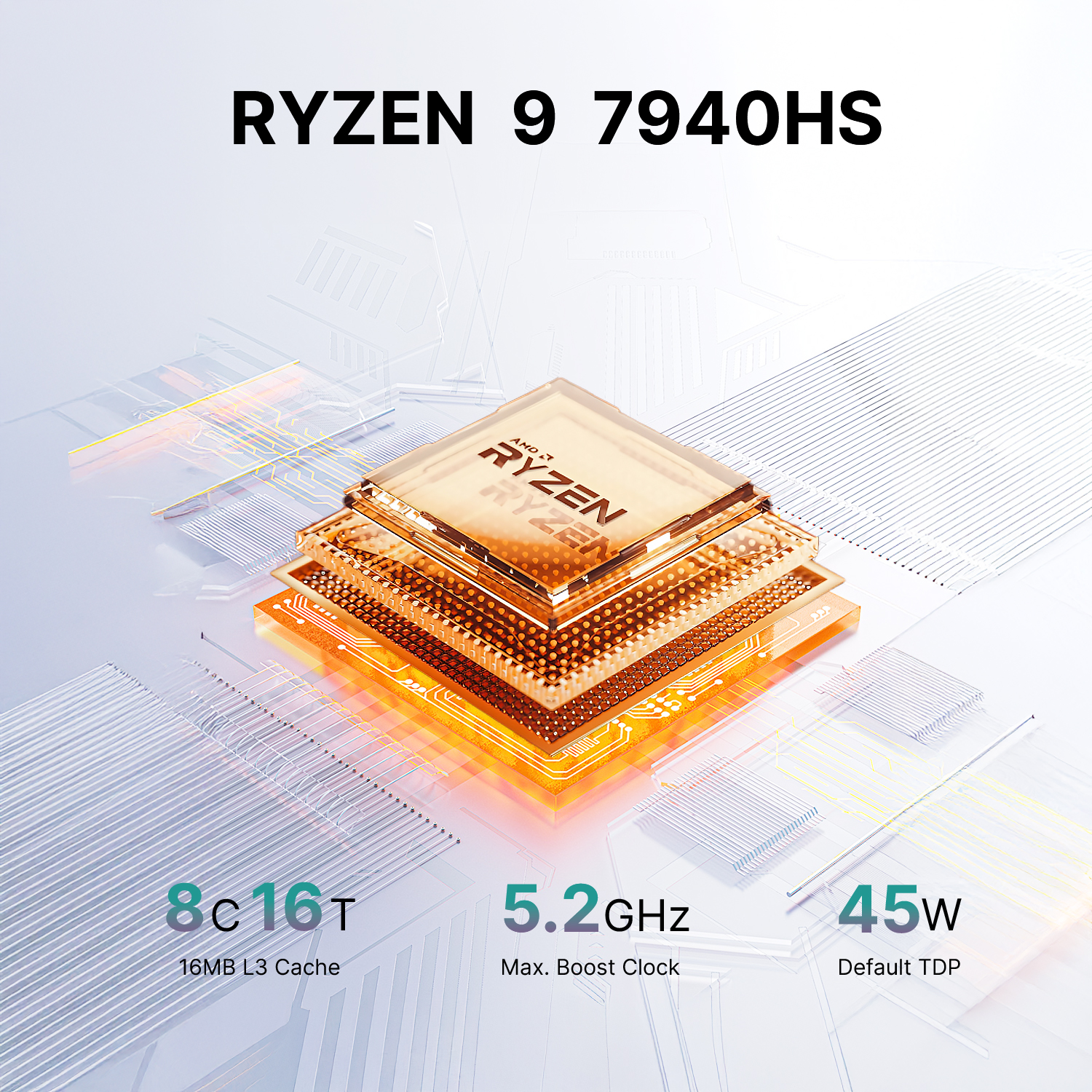
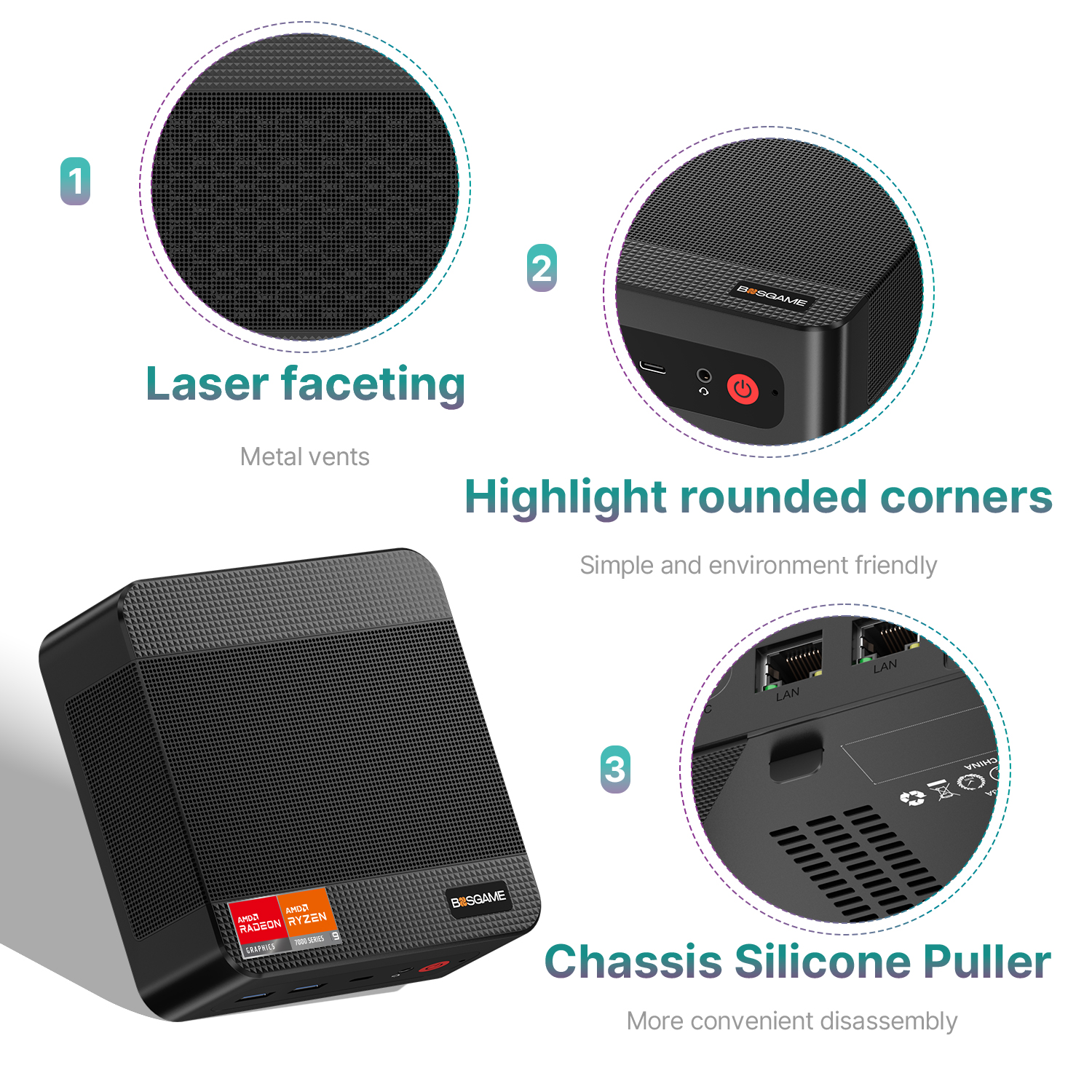
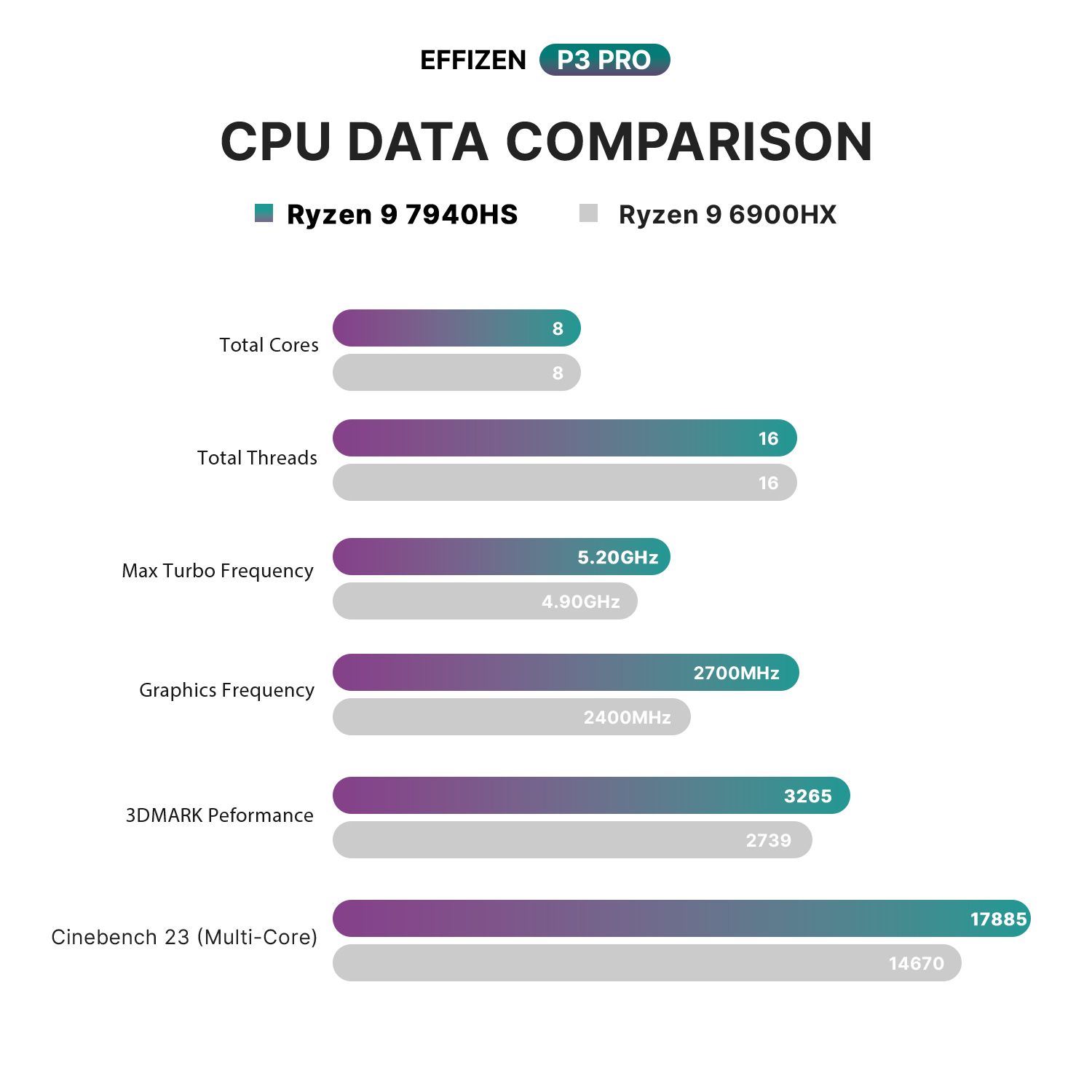
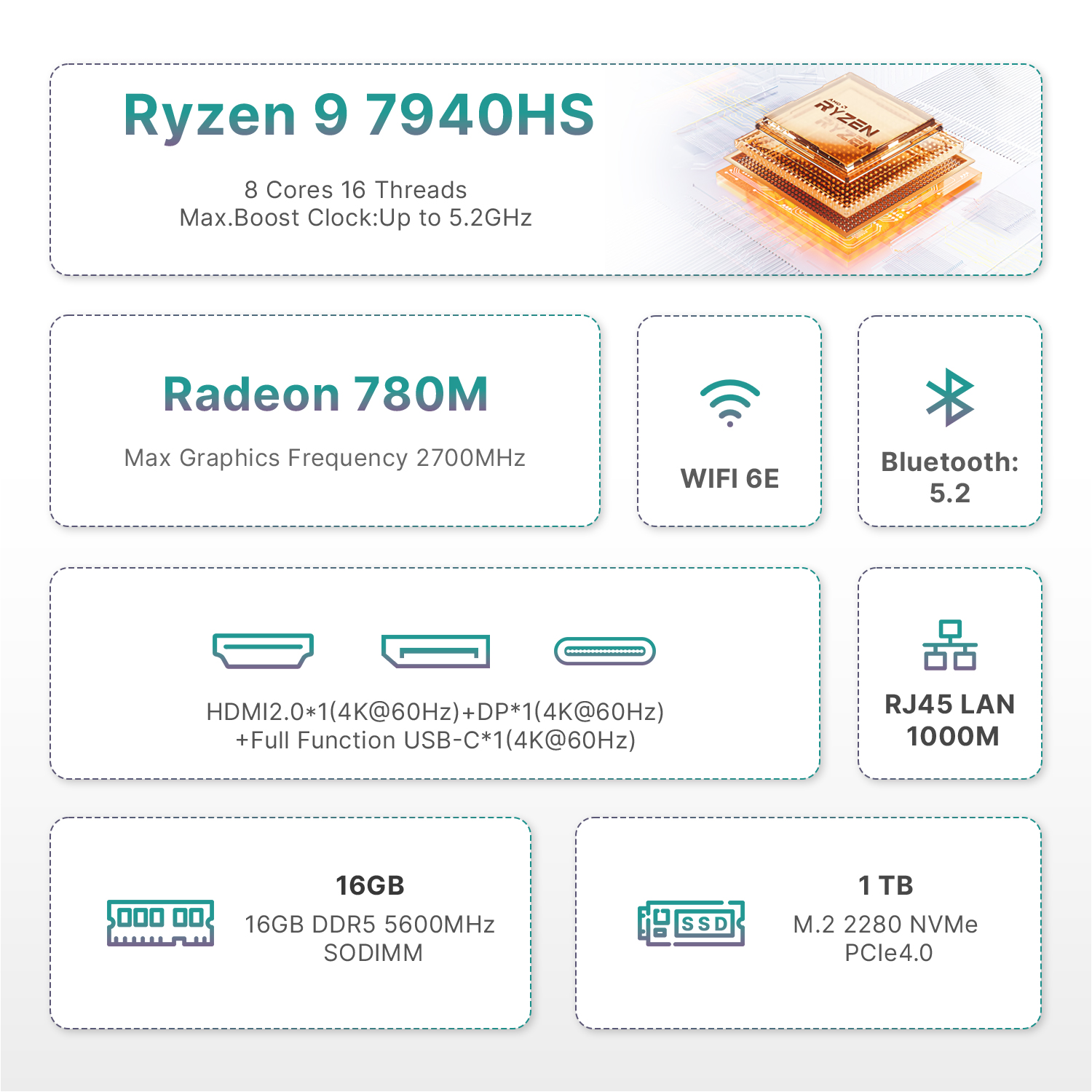
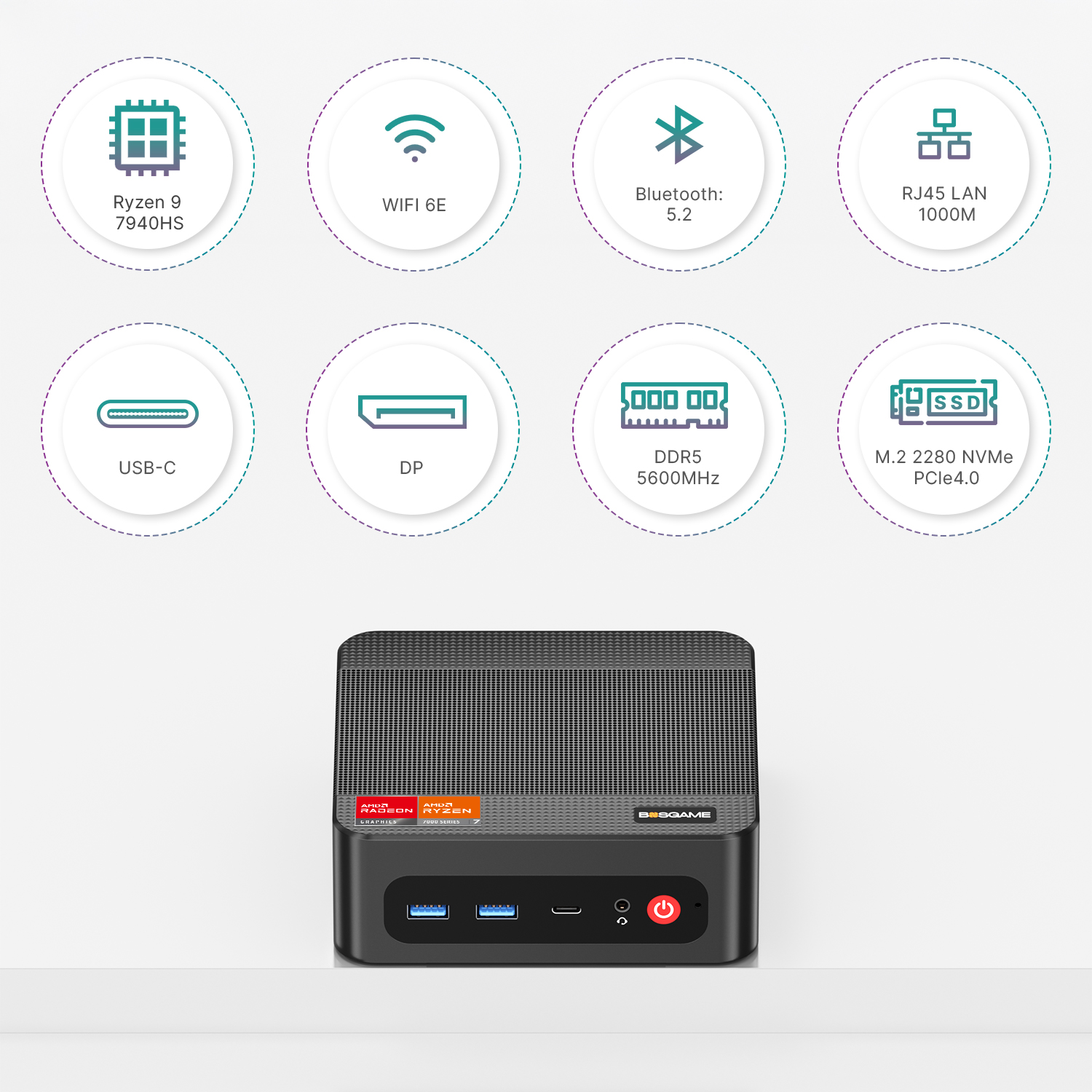
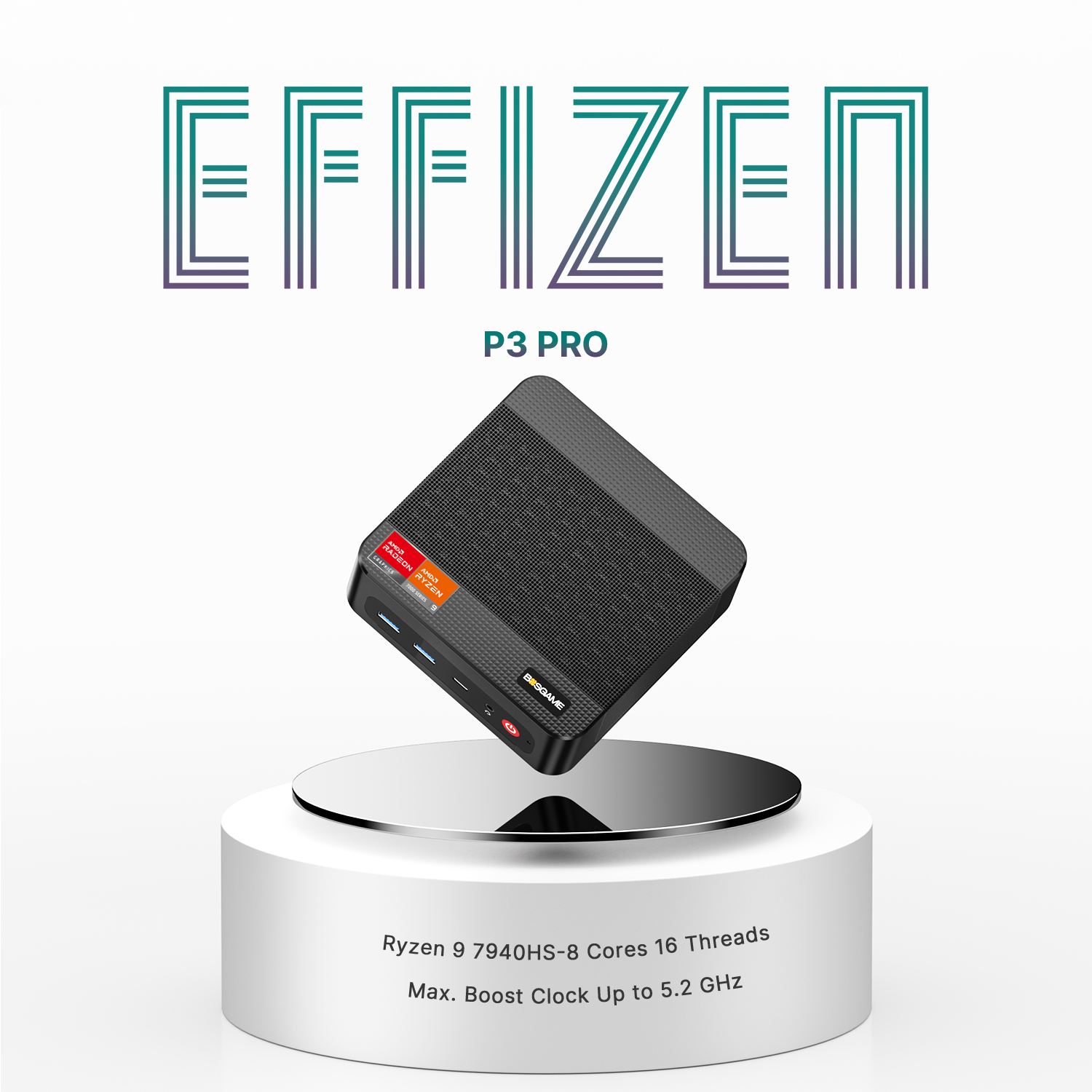
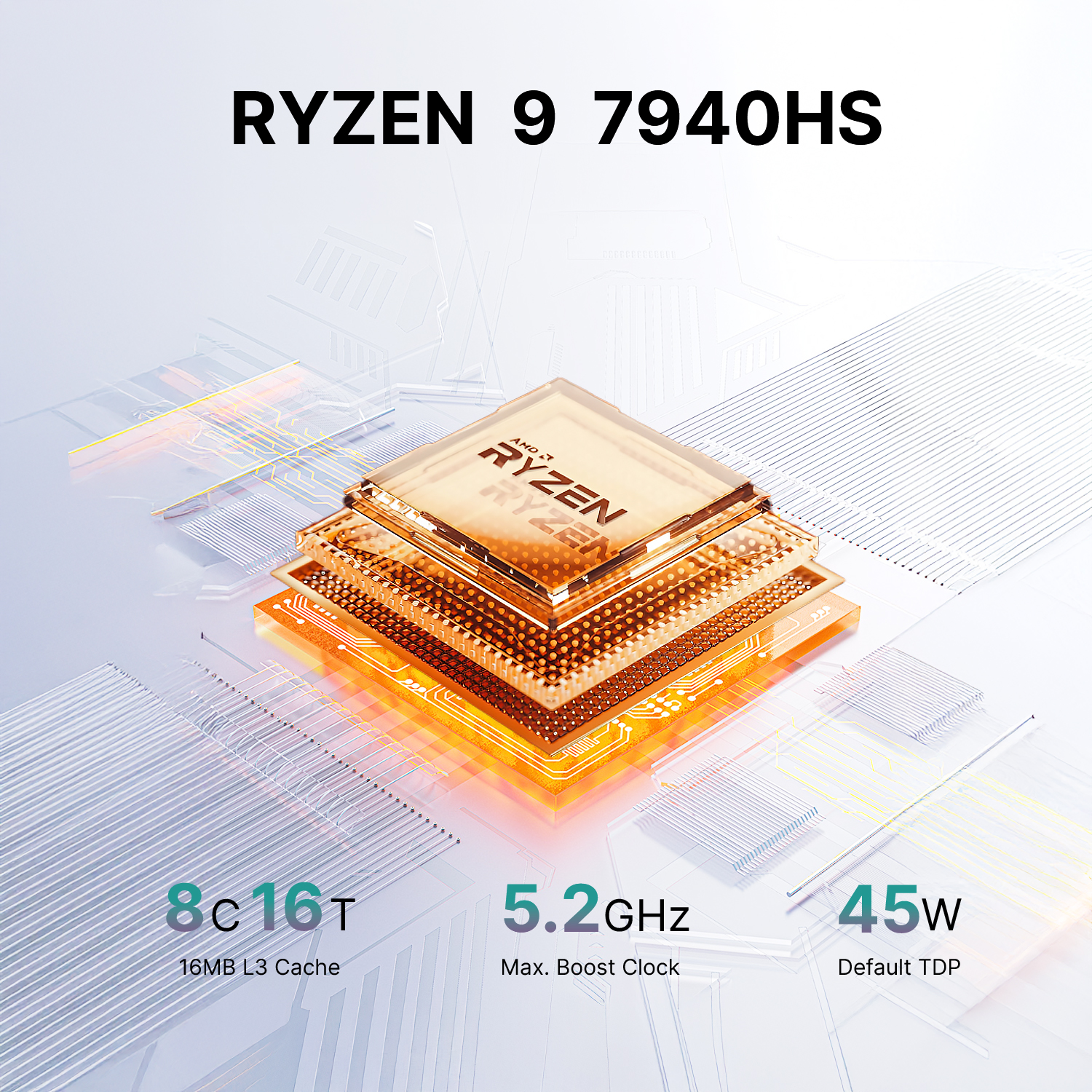
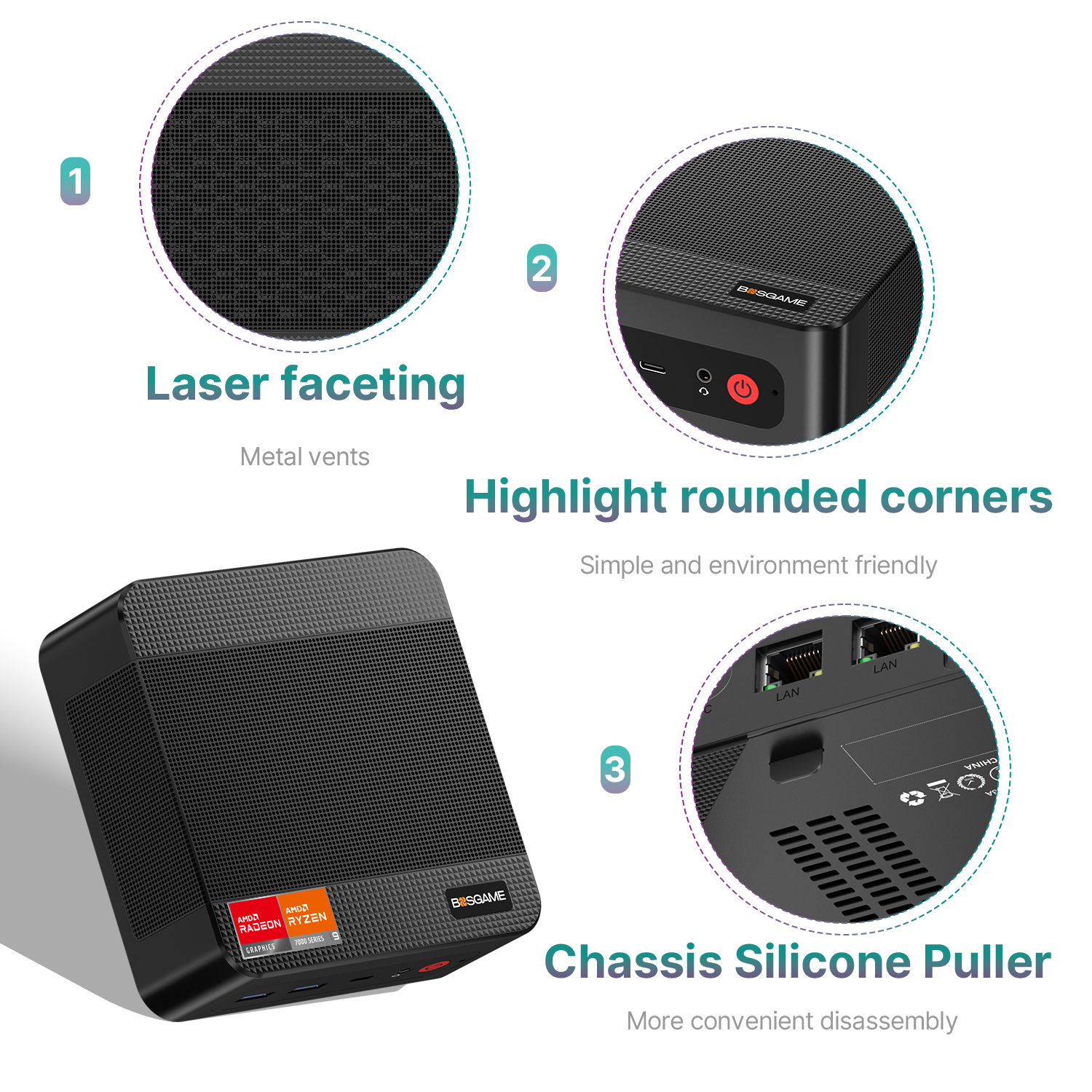
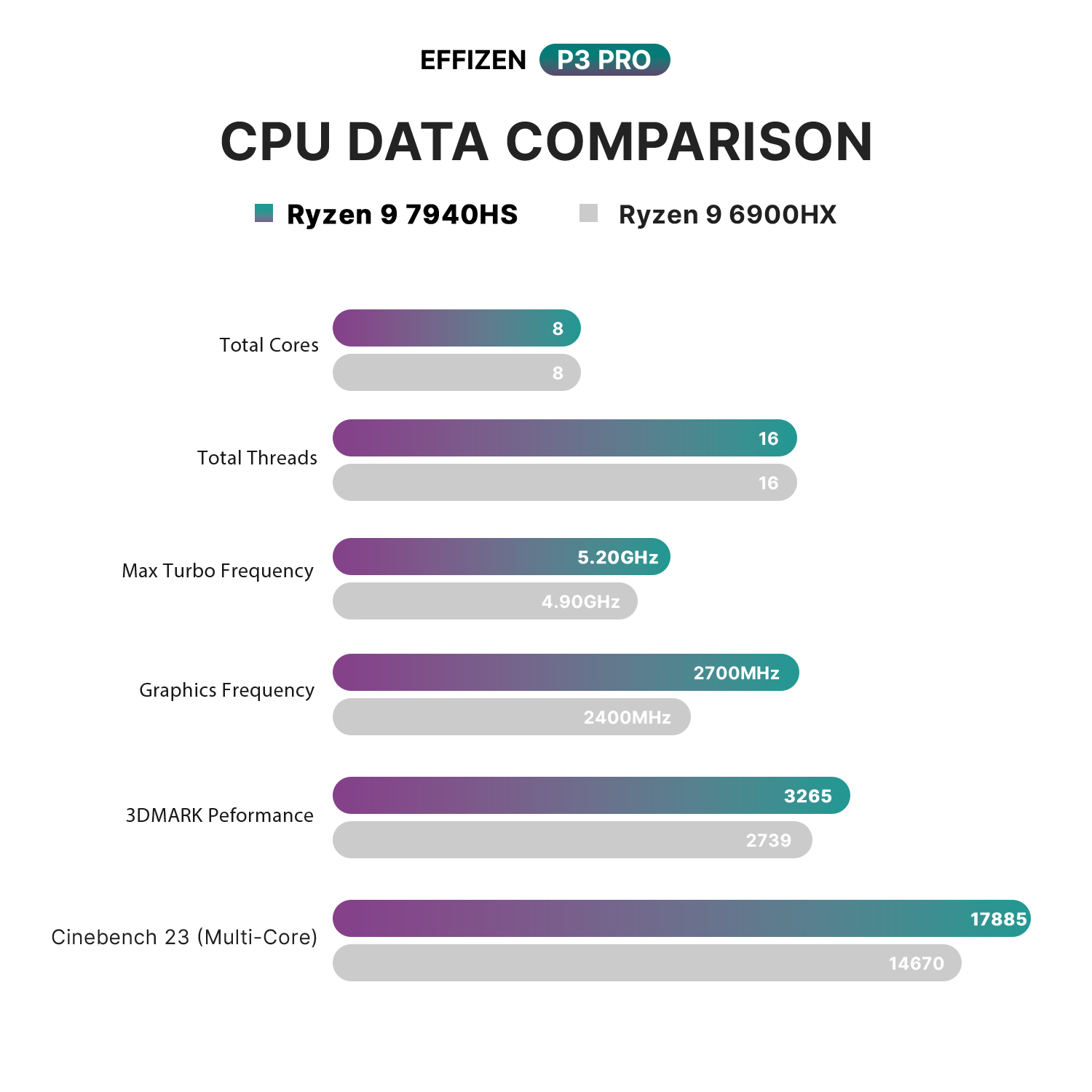
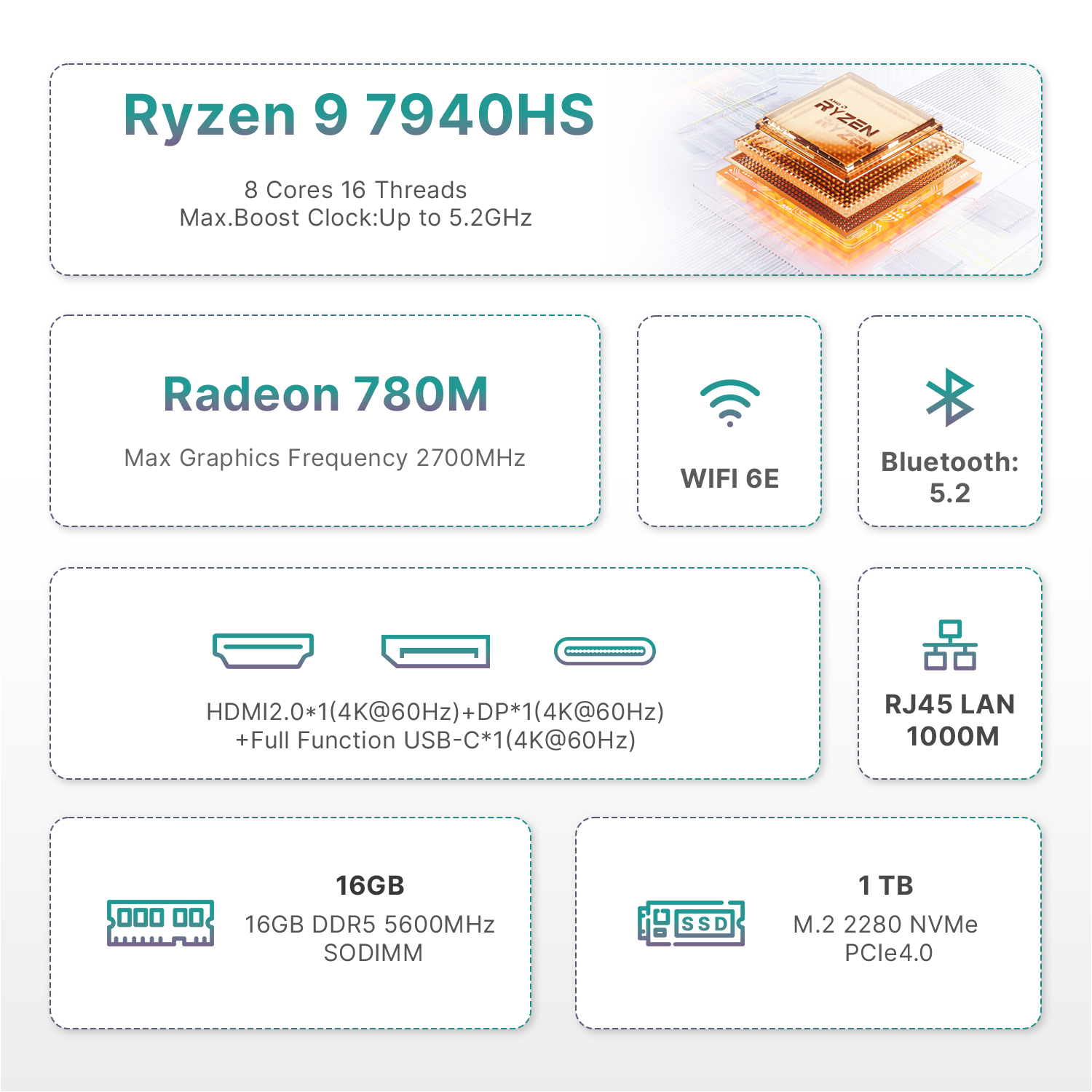
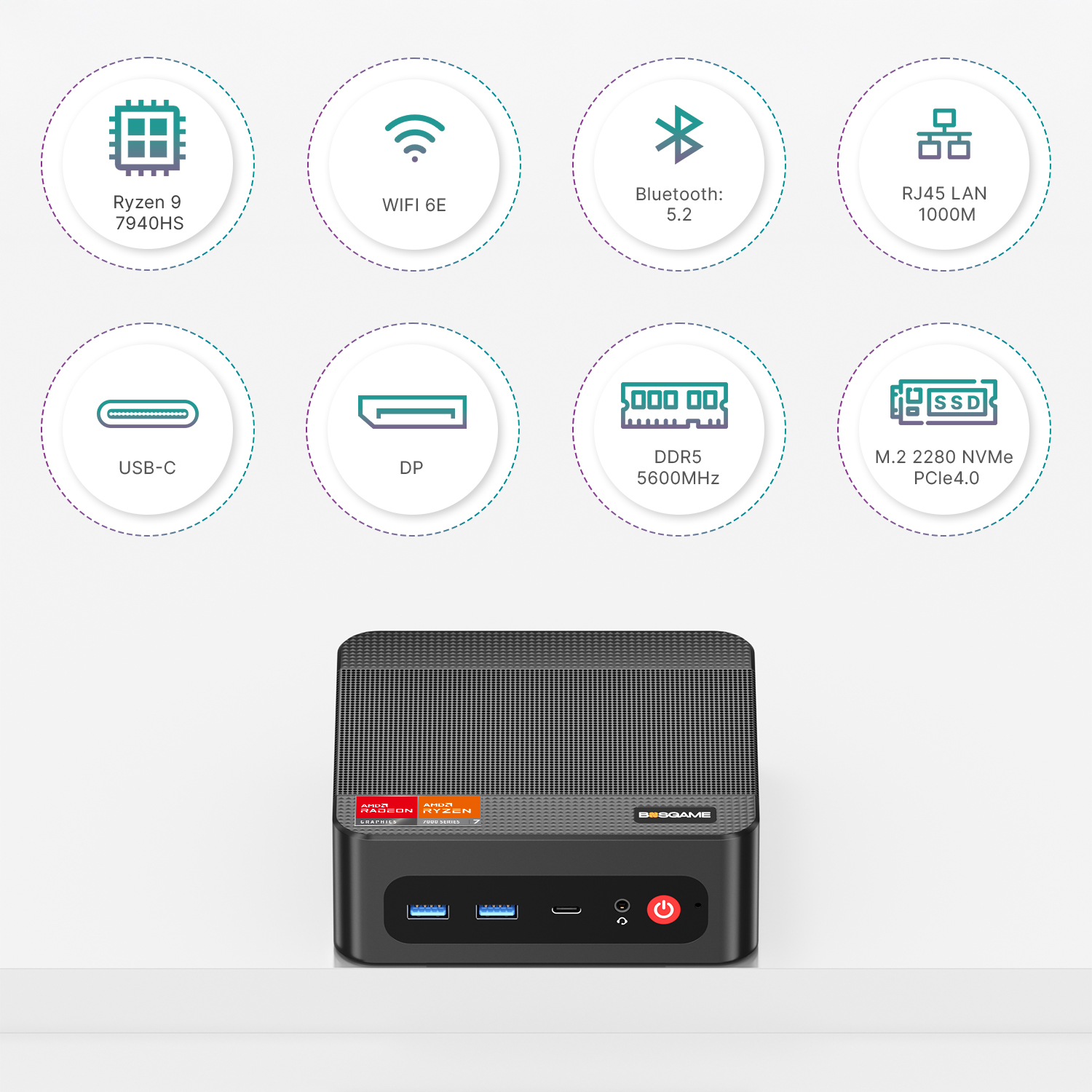
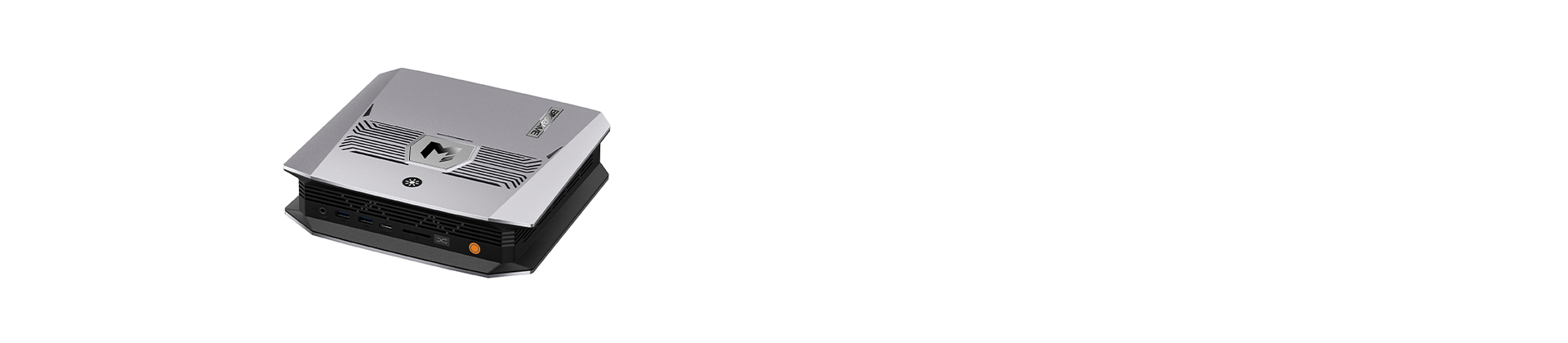
Equipped with the AMD Ryzen 9 7940HS processor that hits clock speeds up to 5.2GHz (8 cores, 16 threads), the BOSGAME P3 PRO Mini PC integrates an AMD Radeon 780M iGPU with a peak graphics frequency of 2700MHz. Windows 11 Pro comes pre-installed out of the box, and users are free to set up alternative operating systems as required. Boasting swift responsiveness alongside low energy draw, this compact mini PC handles a wide range of use cases seamlessly, including daily office tasks, graphic design, household entertainment, educational applications, and gaming sessions.
Flexible Expandable Storage Capacity
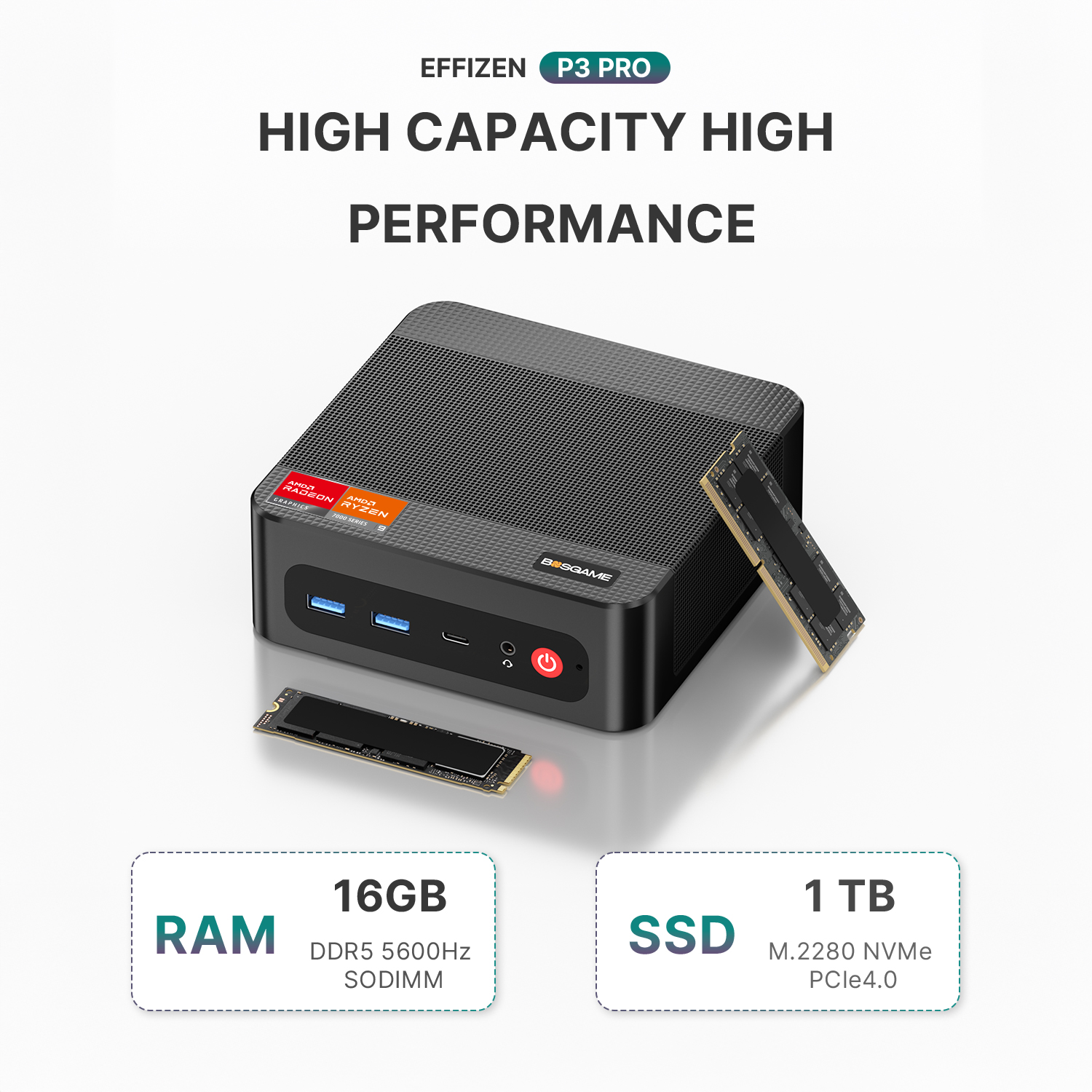
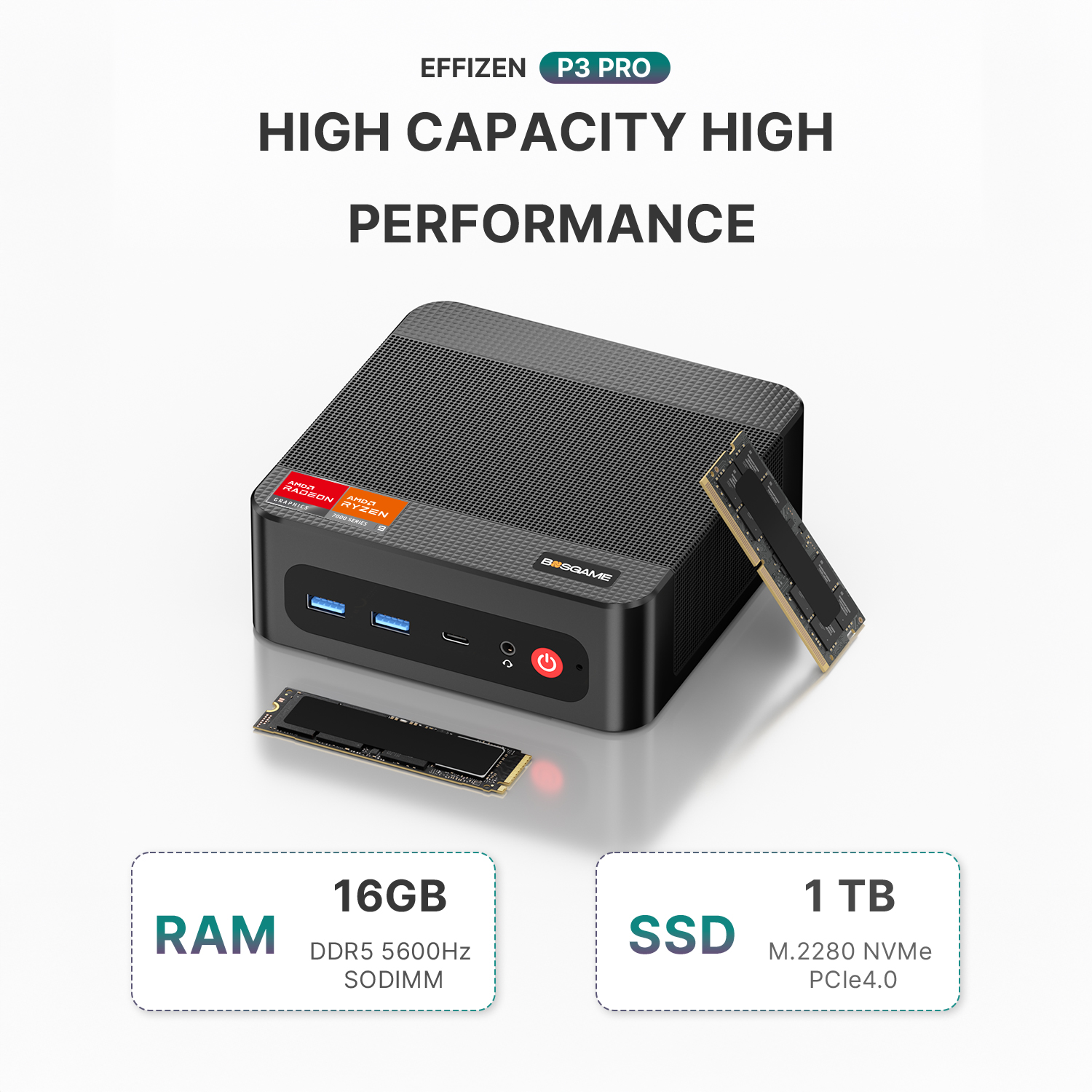
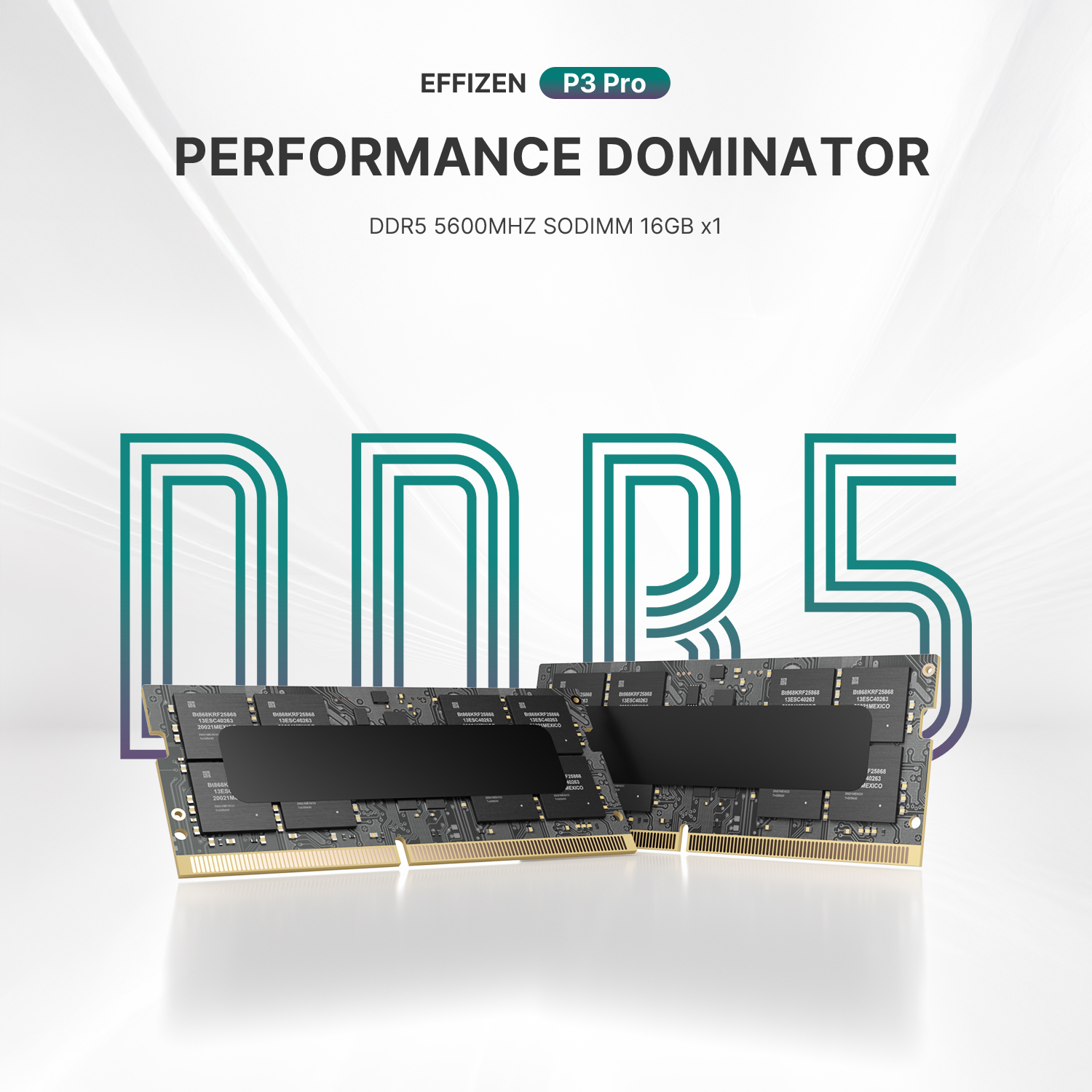
The P3 PRO ships with 16GB dual-channel DDR5 memory (two 8GB modules) plus a 1TB PCIe 4.0 x4 NVMe solid-state drive. Extra storage space can be added via a spare M.2 2280 NVMe PCIe 4.0 x4 slot. This robust hardware configuration delivers steady, lag-free performance even during resource-intensive workloads.
Dual Gigabit Ethernet + WiFi 6E & Bluetooth 5.2 Connectivity
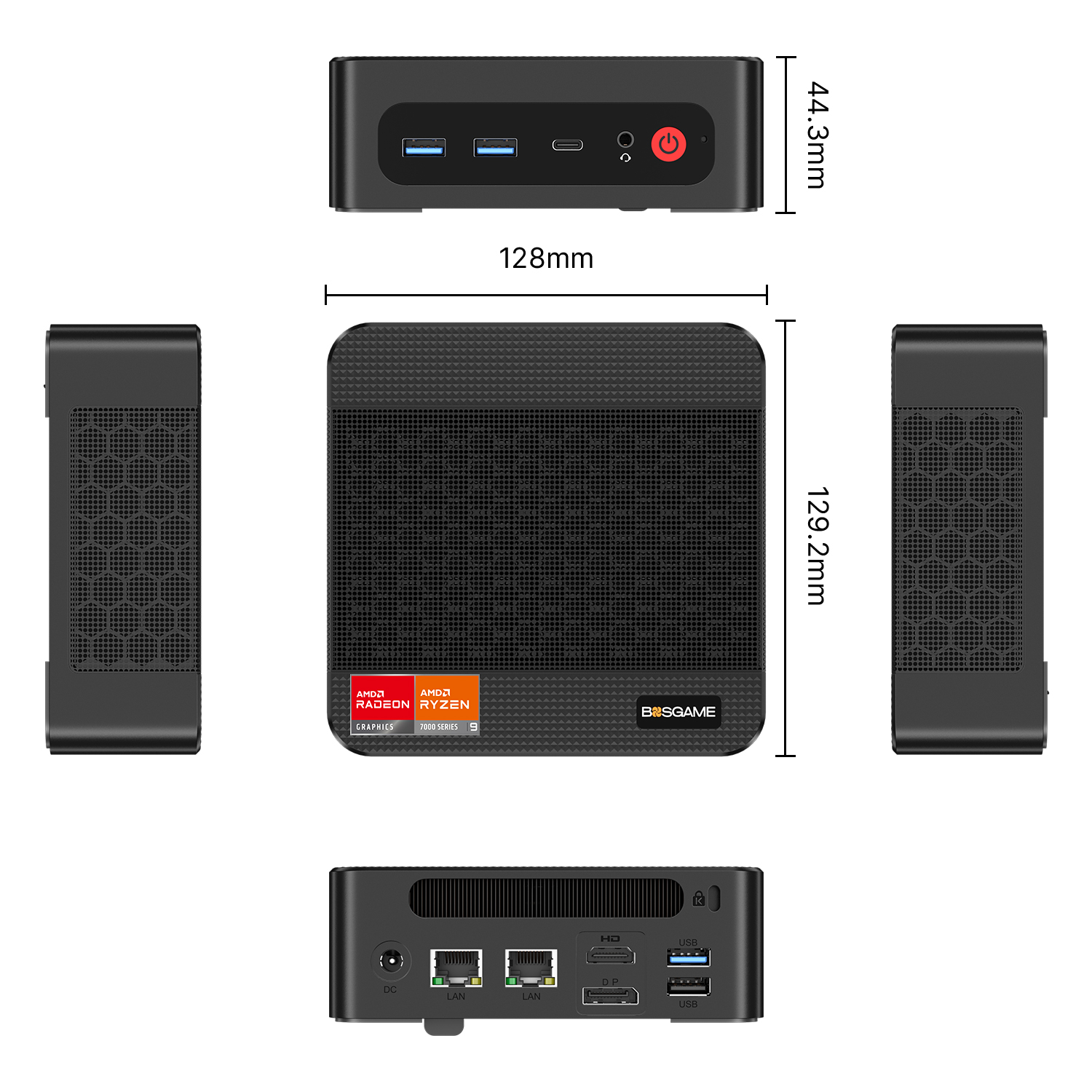
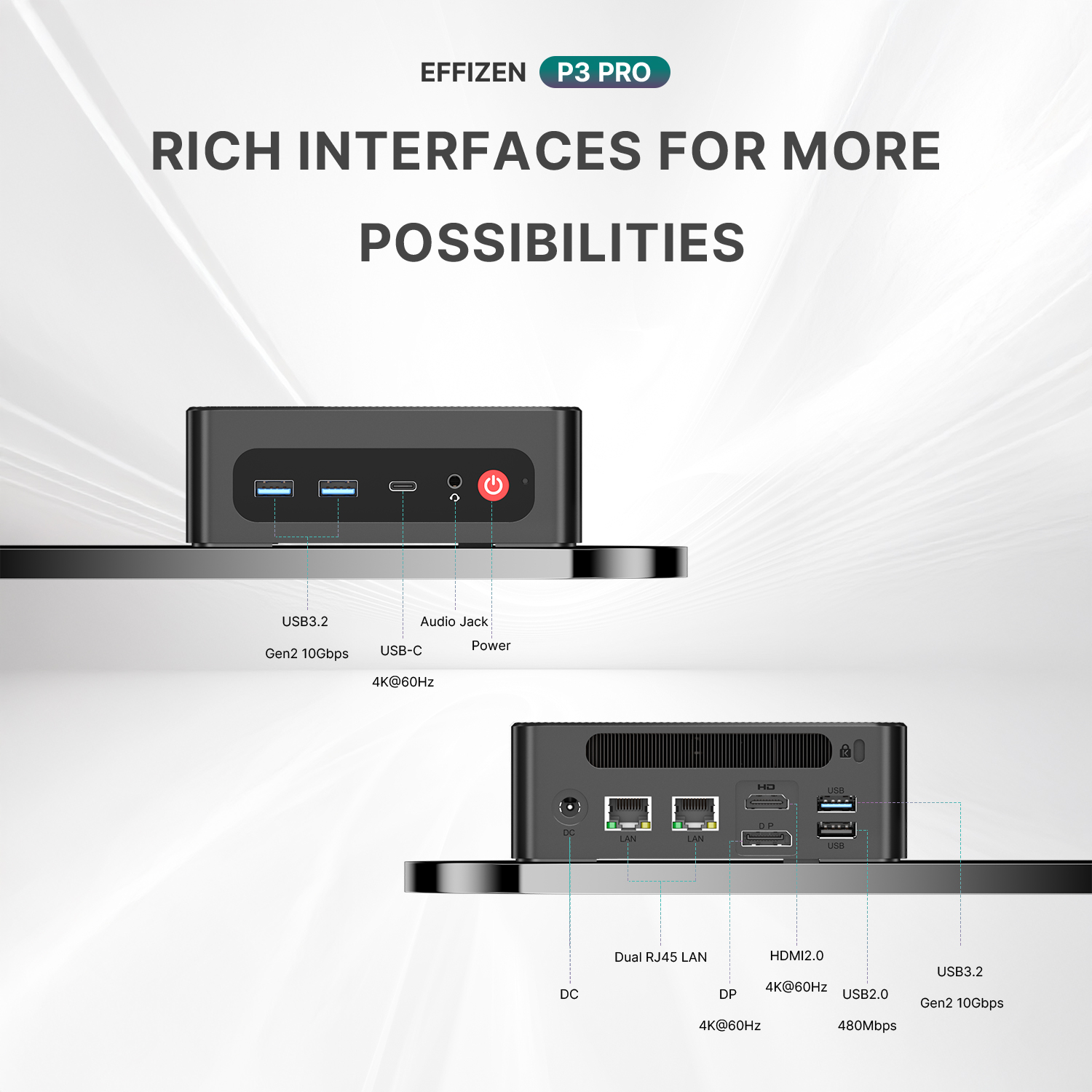
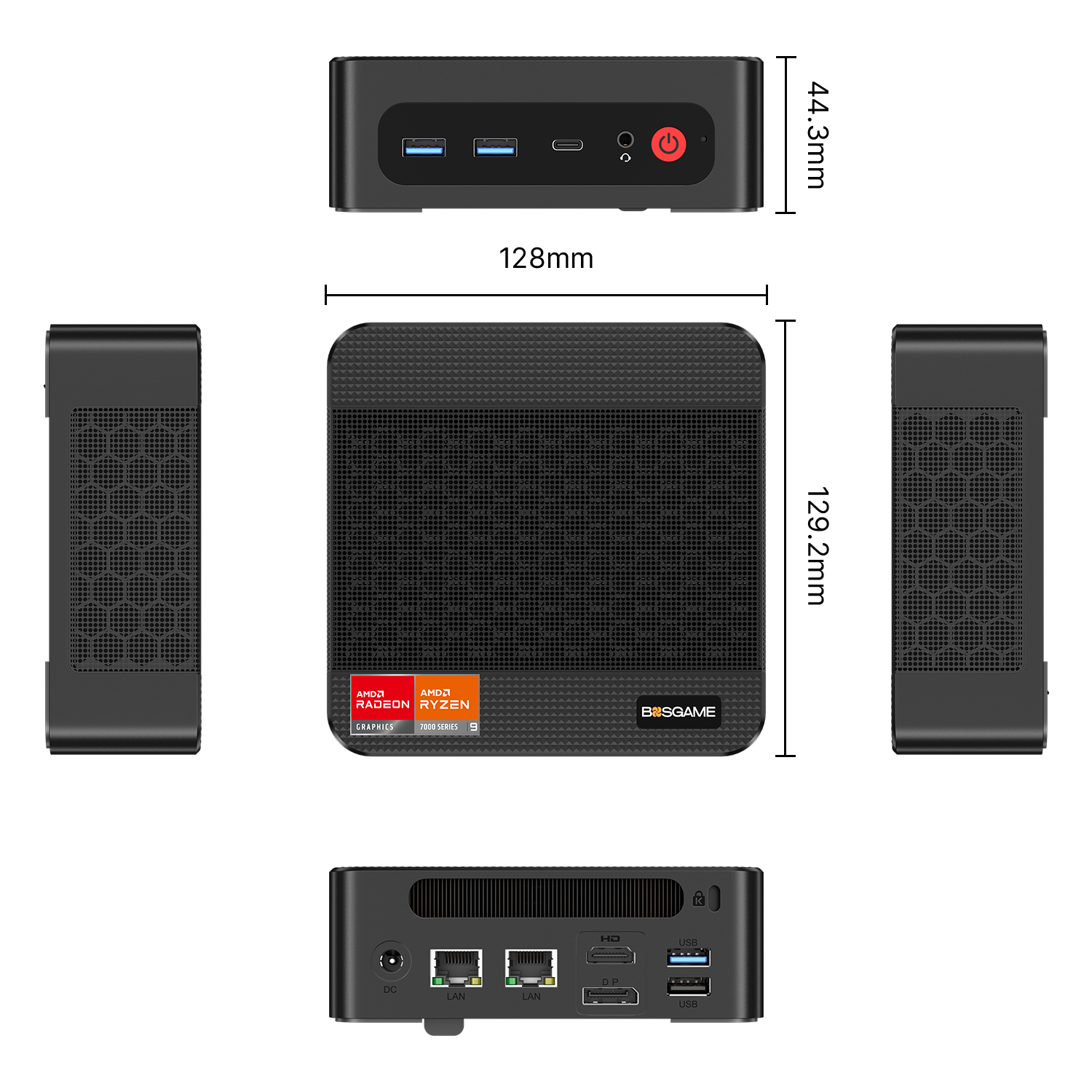
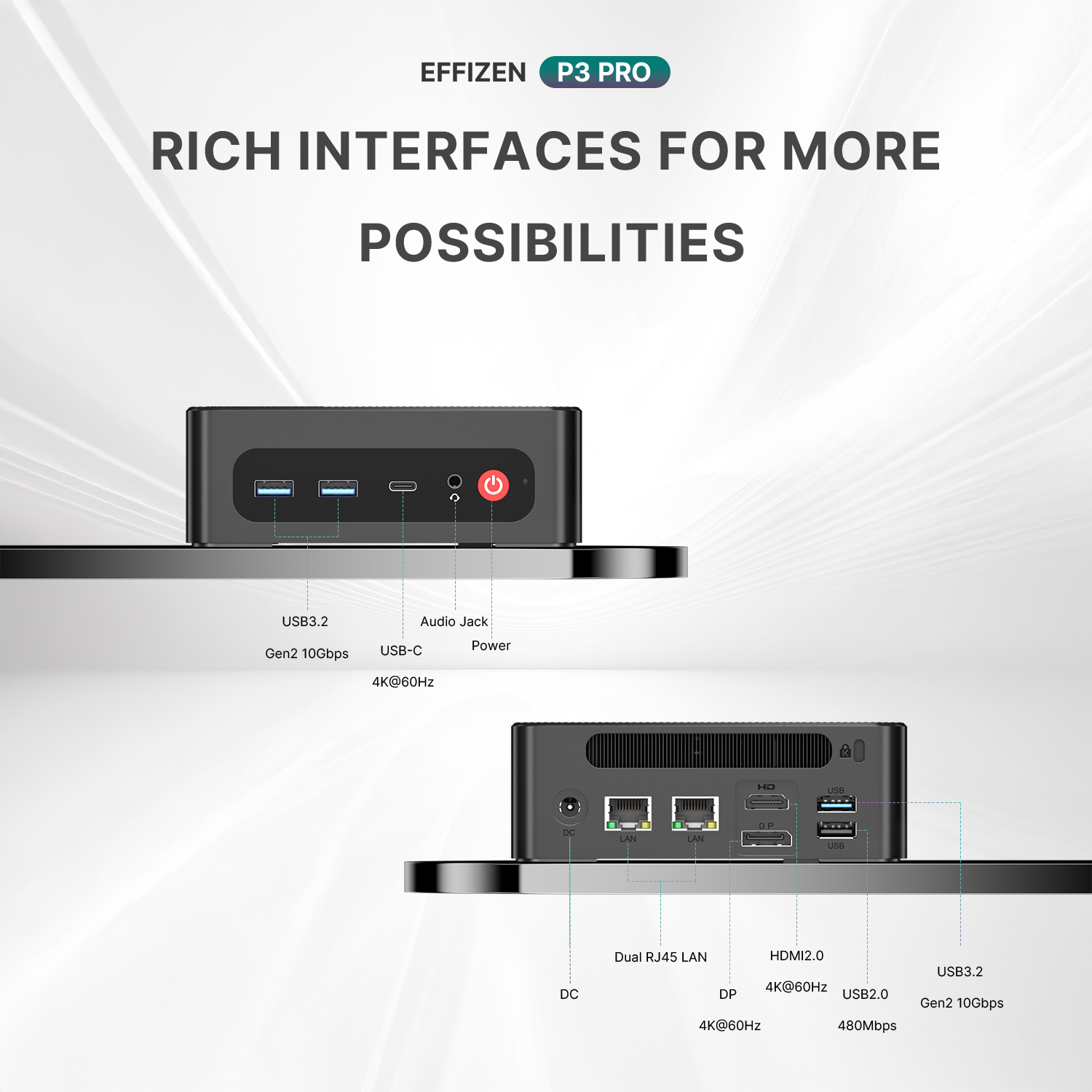
The P3 PRO mini PC features dual 1000Mbps LAN ports, three USB 3.2 Type-A ports, alongside WiFi 6E and Bluetooth 5.2 modules. These specs deliver fast, consistent data transmission. WiFi 6E technology paired with BT 5.2 optimizes wireless bandwidth, sustaining stable network speeds and flawless pairing with all Bluetooth peripherals.
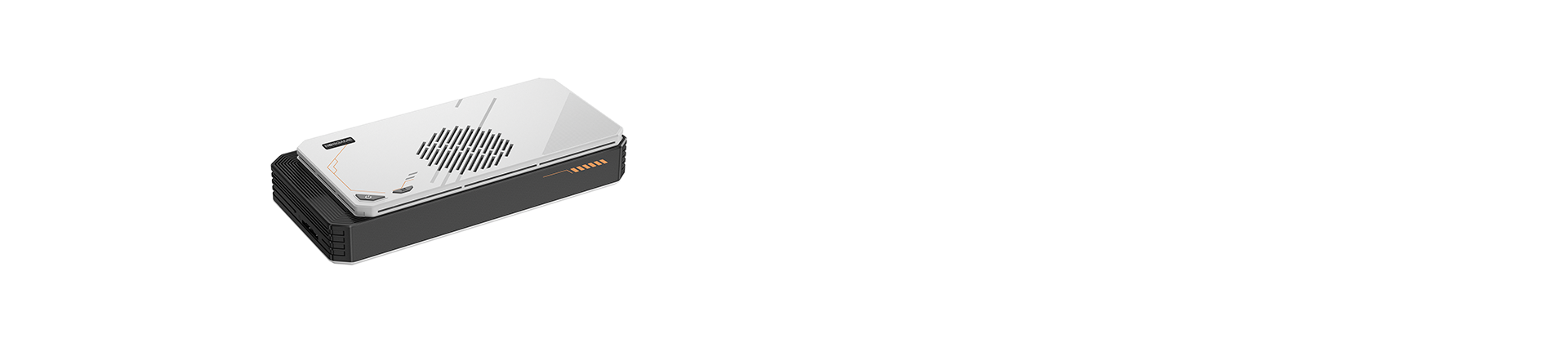
This tiny desktop supports simultaneous triple-screen output at 4K@60Hz resolution across three interfaces: one HDMI 2.0 port, one DP 1.4 port, and a USB-C port. Multi-display setups streamline multitasking and significantly boost work productivity. An integrated OCuLink port further unlocks external GPU connectivity for advanced graphical demands.
Comprehensive After-Sales Support
BOSGAME mini desktop unit is backed by a 1-year hassle-free manufacturer warranty. We provide round-the-clock customer assistance and permanent lifetime technical guidance. Feel free to reach out to our support team anytime if you have inquiries about our mini PCs.
Dispatched within 48 hours on working days, ensuring prompt processing and fast delivery after your order is confirmed.
Enjoy a 1-year free warranty, covering manufacturing defects and ensuring reliable after-sales support for your peace of mind.
Seamless global logistics network ensuring fast, reliable, and efficient worldwide delivery services.
Share:
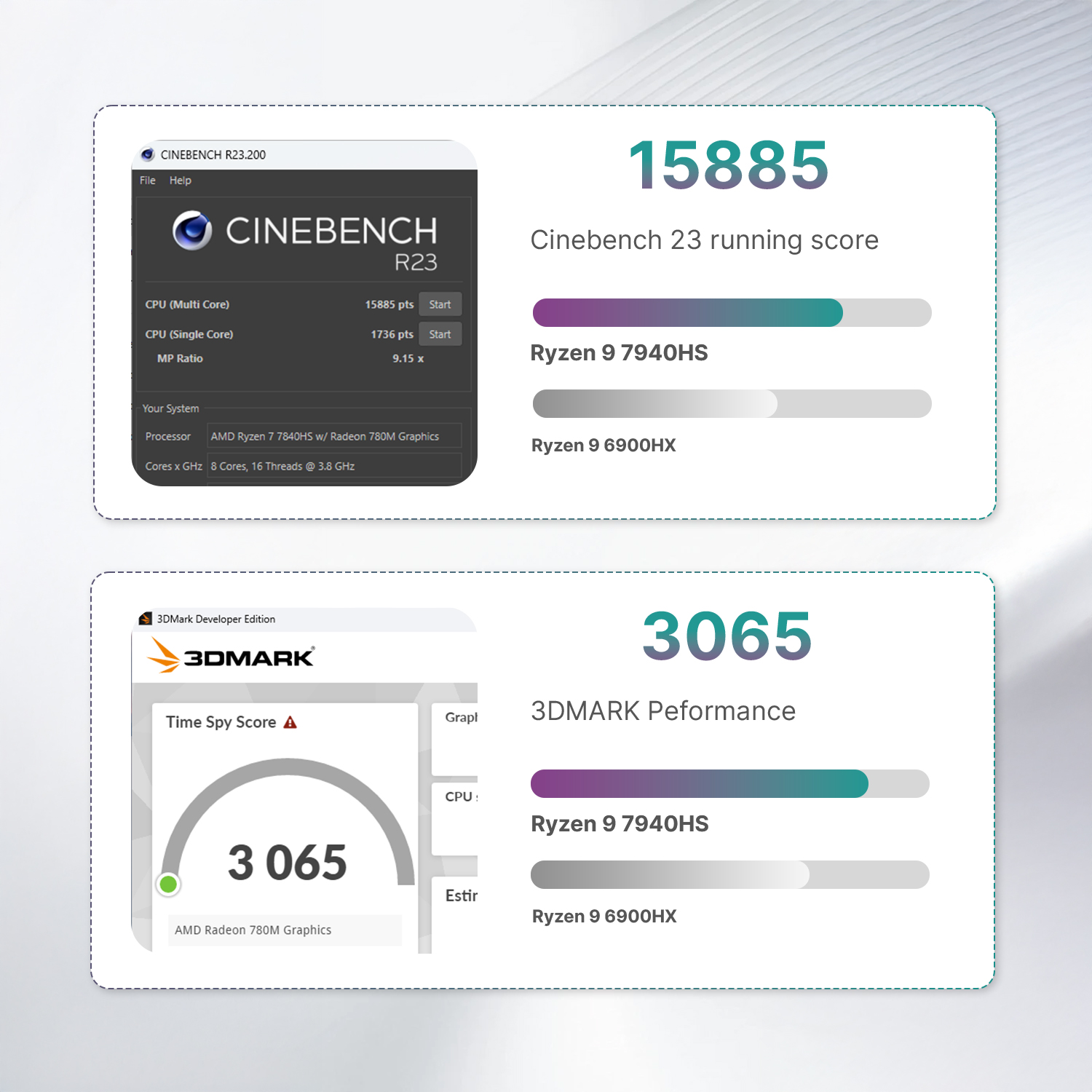
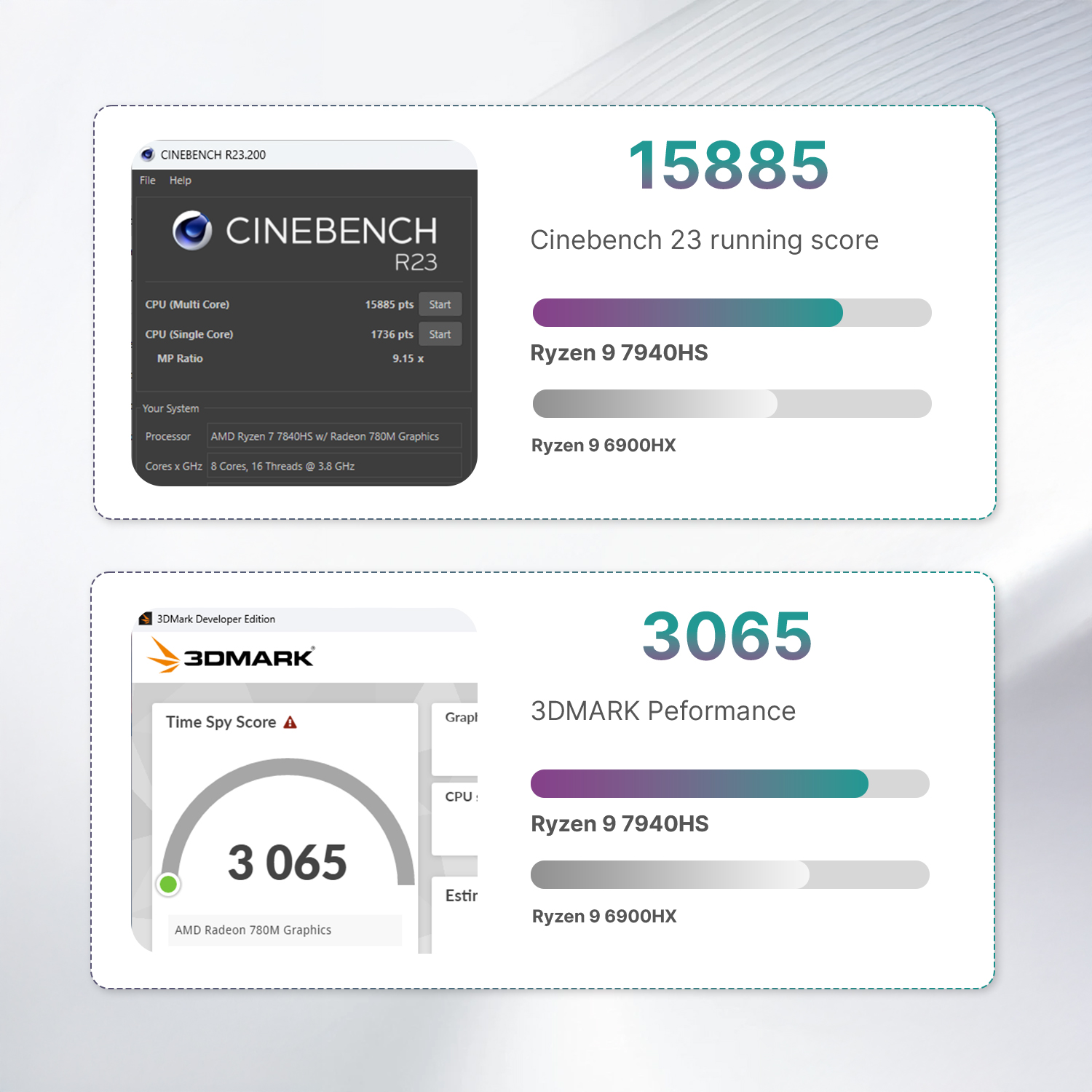
RYZEN 9 7940HS
It has impressive multitasking capabilities, excelling in tasks such as spreadsheets, email, application coding, web browsing, photo/video editing. And of course you can also use it to play some Games like Black Myth Wukong, CSGO, Fortnite, DOTA 2, Overwatch, GTA5 and many more
High Capacity High Performance
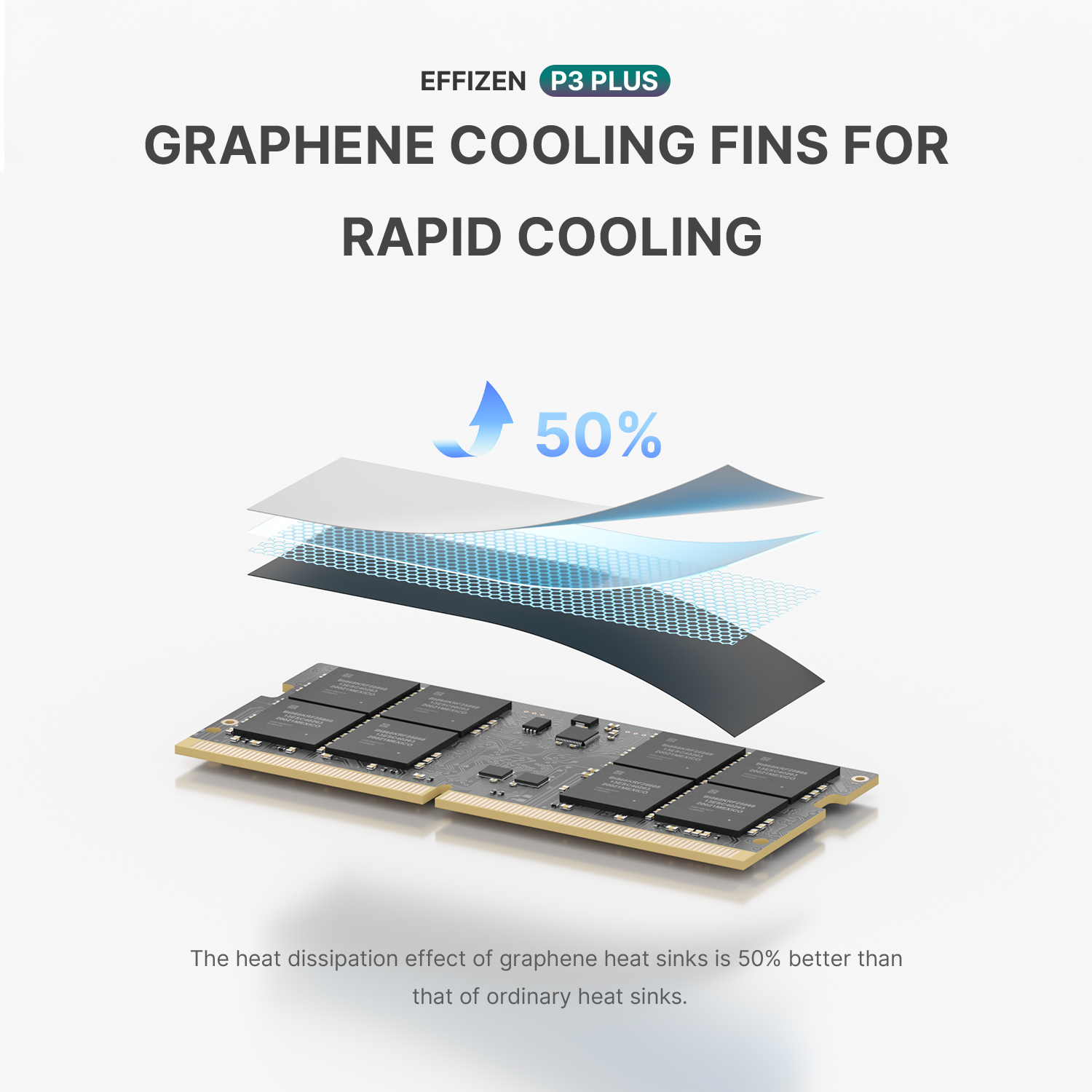
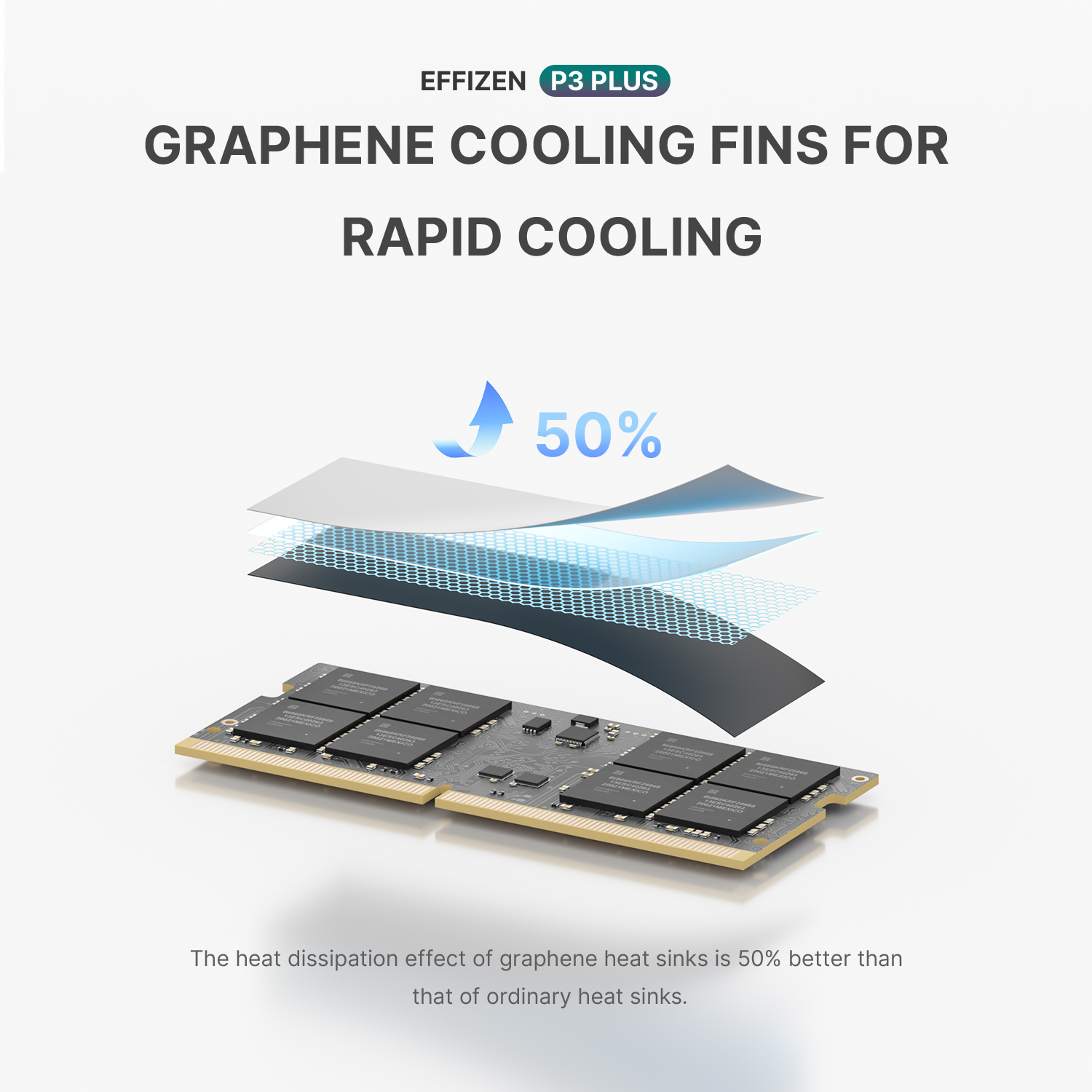
Dual channel DDR5 memory upgradeable to 64GB (2 x 32GB), M.2 NVMe SSD expandable to 4TB DDR5 5600MHz, designed for high-performance gamers, it helps control heat and provide a stable operating environment.
16GDDR5 (up to 5600MT/s)
Memory
M.2 2280 NVMe PCIe4.0 x4 SSD(Include)
SSD
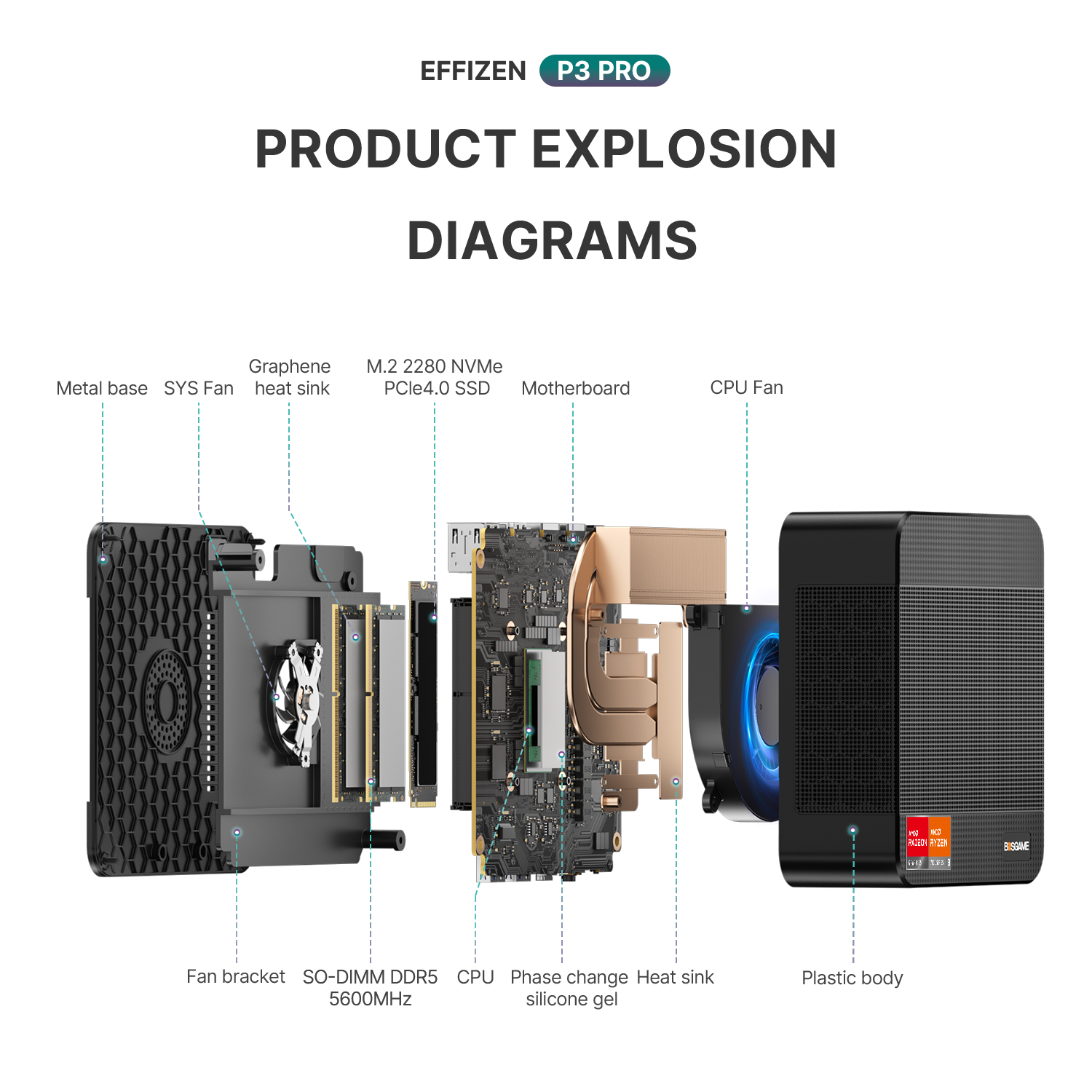
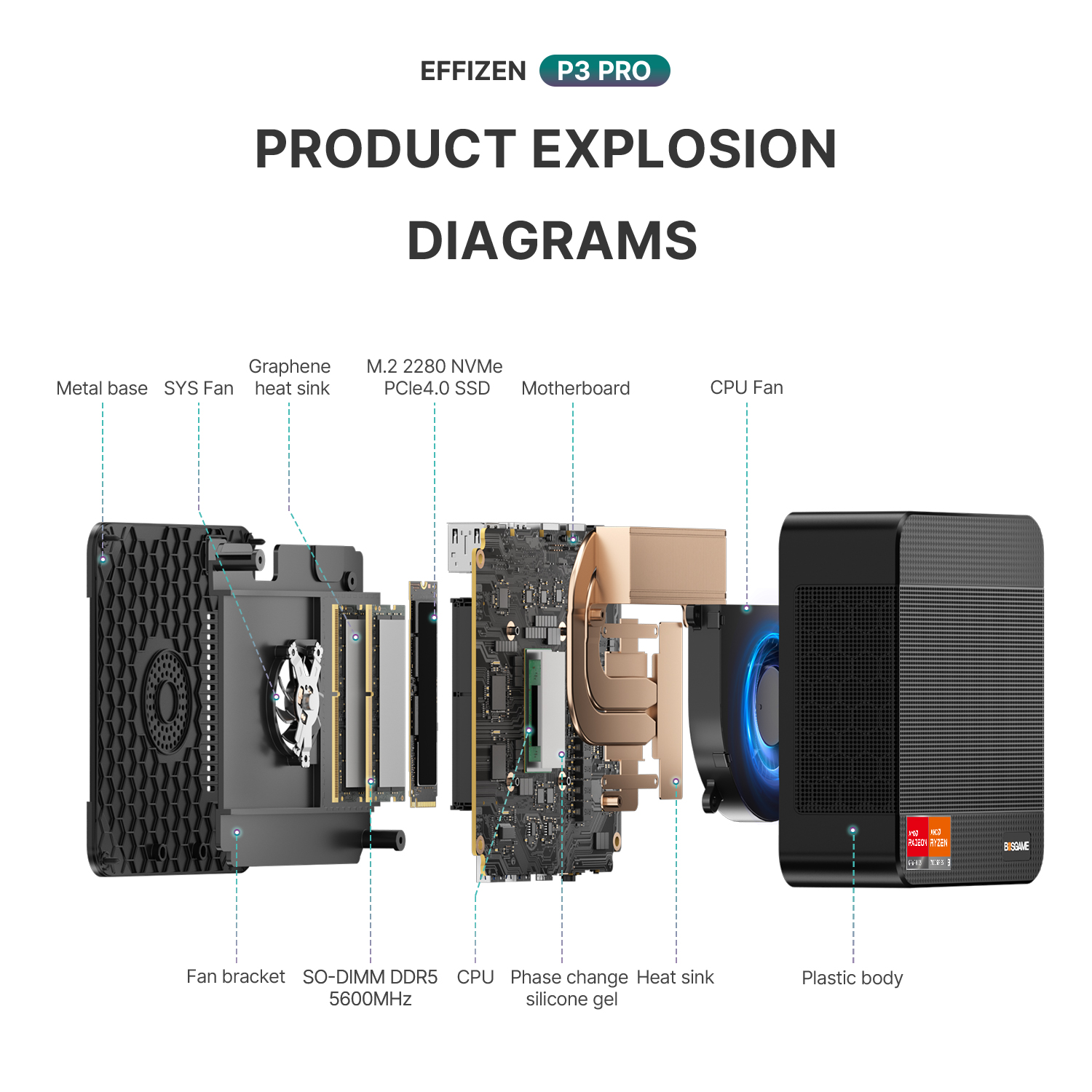
Comprehensive Design and Versatile Interfaces
Discover the compact design and rich connectivity options of our mini PC. The structure diagram highlights key components, while the front, side, and back ports.

Frequently Asked Questions
How can I find the integrated graphics card configuration (shared GPU memory)?
Press "Delete" to enter the BIOS. Then, under "Advanced," find "GFX configuration set to specified value" and the option will be unlocked.
How do I change the boot order?
First, repeatedly press the Delete key during boot to enter the BIOS. Second, select "Boot" from the menu and then click "Boot Option #1" to make your selection. Finally, press F4 after making all your selections to save.
What should I do if the device only boots into BIOS and the boot screen is not displayed?
If your device automatically enters the BIOS interface after powering on but fails to boot normally, please follow these steps to troubleshoot:
Check Boot Options: In the BIOS interface, locate the UEFI NVMe Drive BBS Priorities option in the Boot menu and check if your SSD is recognized in BOOT 1#.
Reseat Hardware: If the SSD is not detected, please power off the computer and reseat the hard drive, ensuring a secure connection.
Reinstall Operating System: If the SSD is recognized, the problem is likely with the operating system. Please try reinstalling the operating system.
Request Hardware Replacement: If the BIOS still cannot recognize the hard drive after reseating, please send us a screenshot and contact us.
How do I install the operating system?
You can find the system download for your specific product model on our official website. You can also visit our support page: https://www.bosgame.com/pages/download-center There is a video tutorial for system installation at the bottom of the page. Please note that when the blue progress bar reaches 100% and the system restarts, please immediately remove the USB drive.
What should I do if DP/HDMI ports are not displaying?
Does your monitor display correctly when connected to other computers that use the same interface? Also, have you tried replacing the cable, and have you confirmed that the cable you are currently using is working properly?
What shipping carriers do you use and what are the delivery times from different warehouses?
We typically use DHL, FedEx, Amazon Logistics, UPS, USPS and SF Express.
Delivery time from the EU warehouse (Germany): 3–7 days
Delivery time from the US warehouse: 2–7 days
Delivery time from the UK warehouse: 2–4 days
Delivery time from the China warehouse: 3–10 days
Why can't I plug the Oculink cable into the Oculink port, and how can I fix it?
We believe that the device's port may have slightly sagged during use due to external force or other reasons, causing misalignment and preventing proper connection of Oculink cables. We recommend that you unscrew the motherboard screws to readjust the position, and then carefully adjust the Oculink interface to ensure the cable connector is aligned flush.
Removing the screws ensures that the Oculink interface on the motherboard is aligned with our port. Once your port can connect the Oculink cable, tighten the screws.