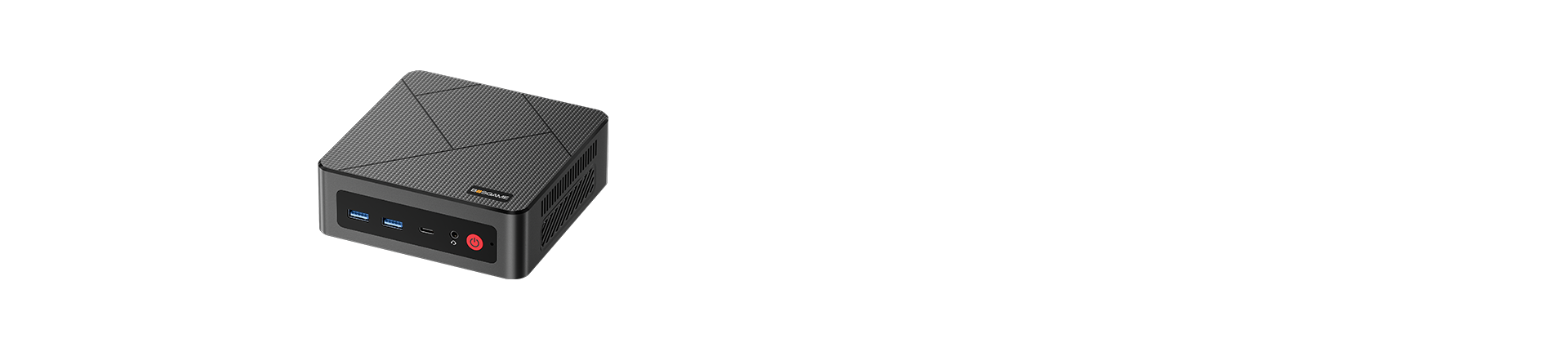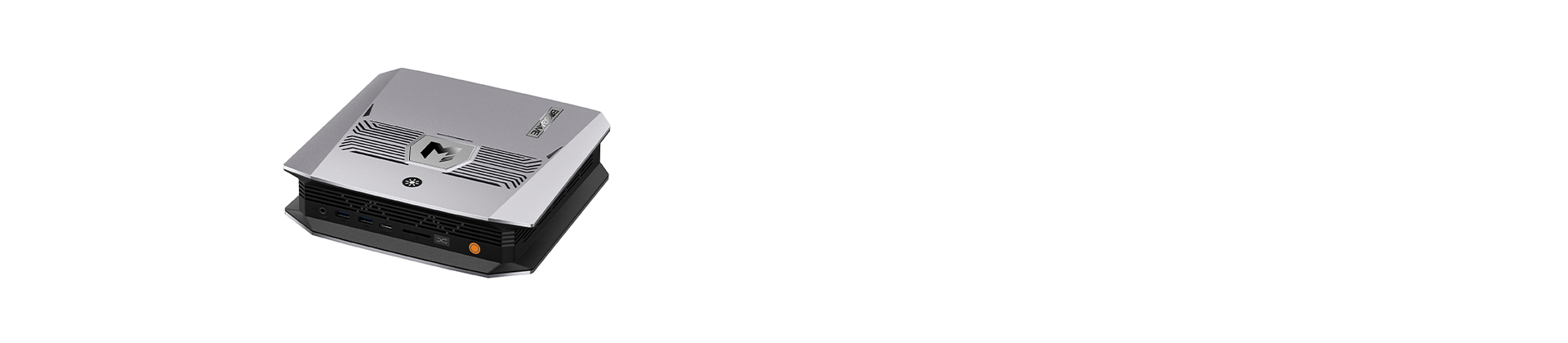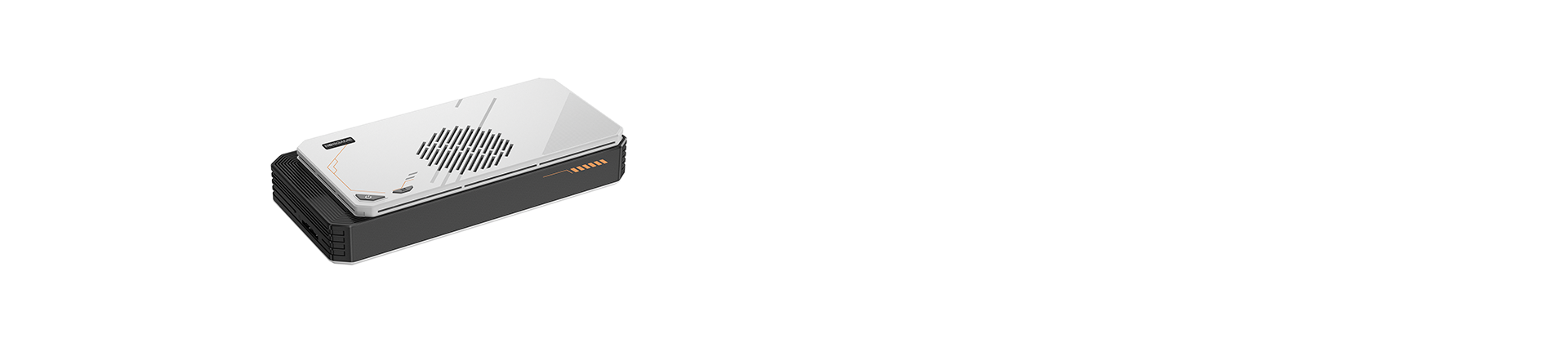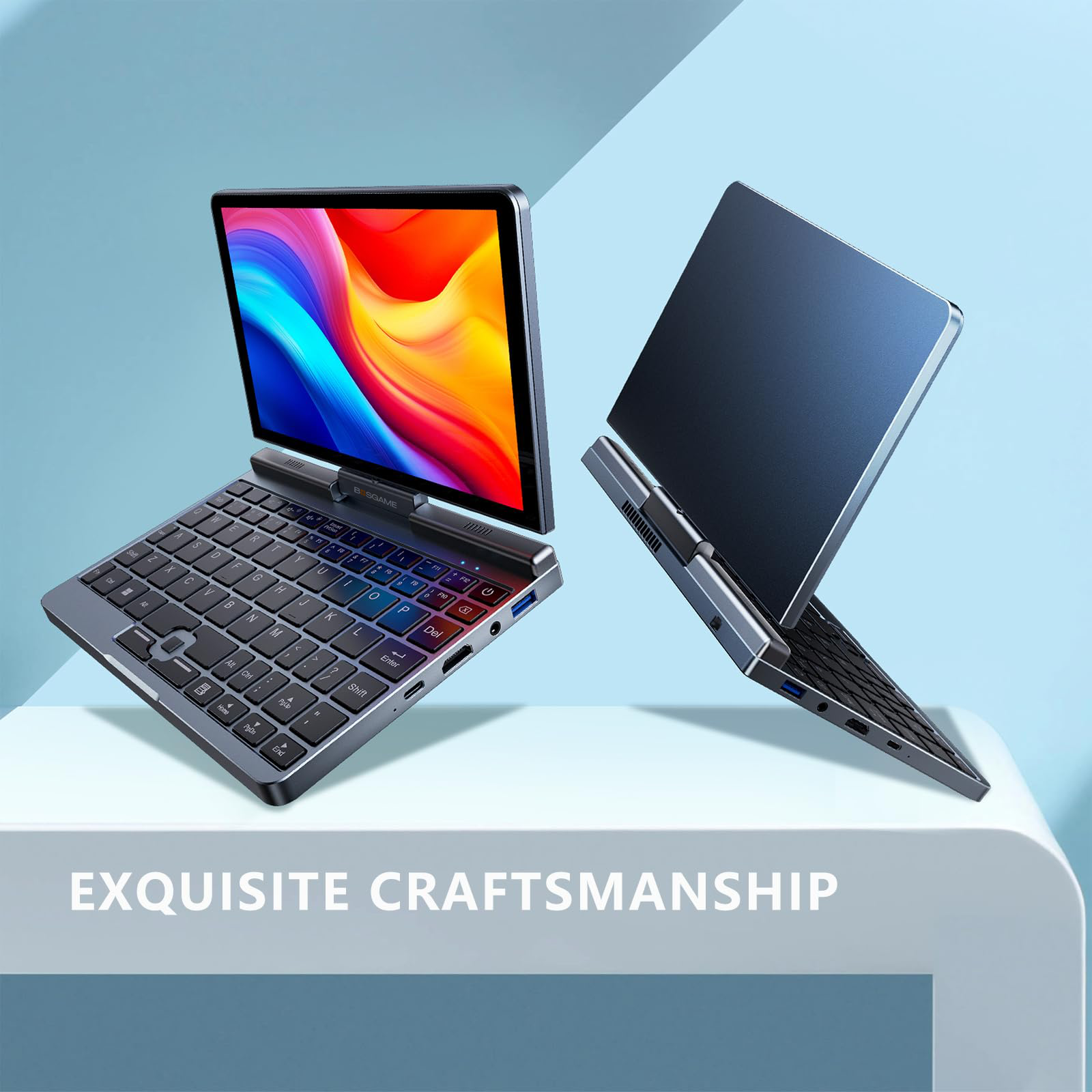
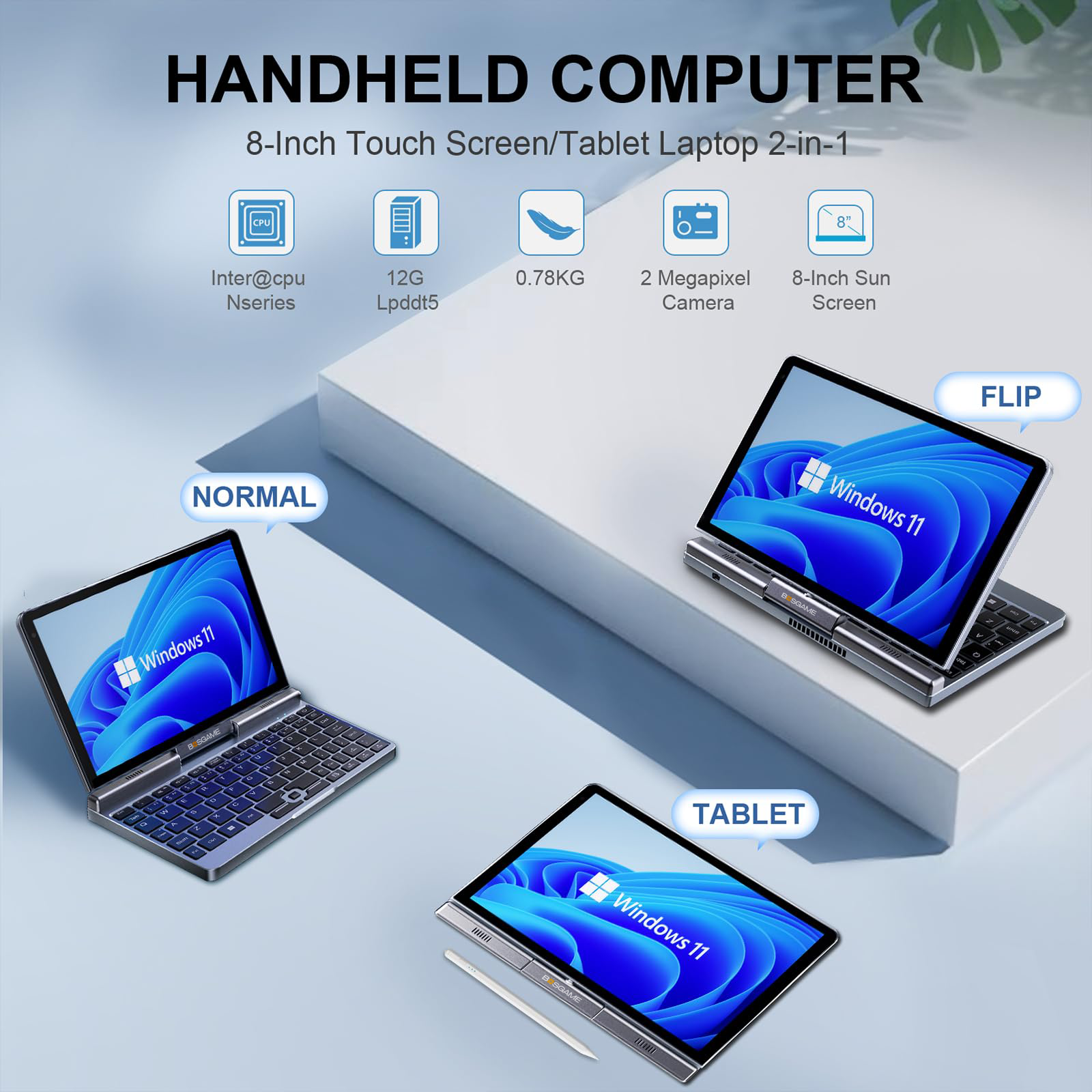
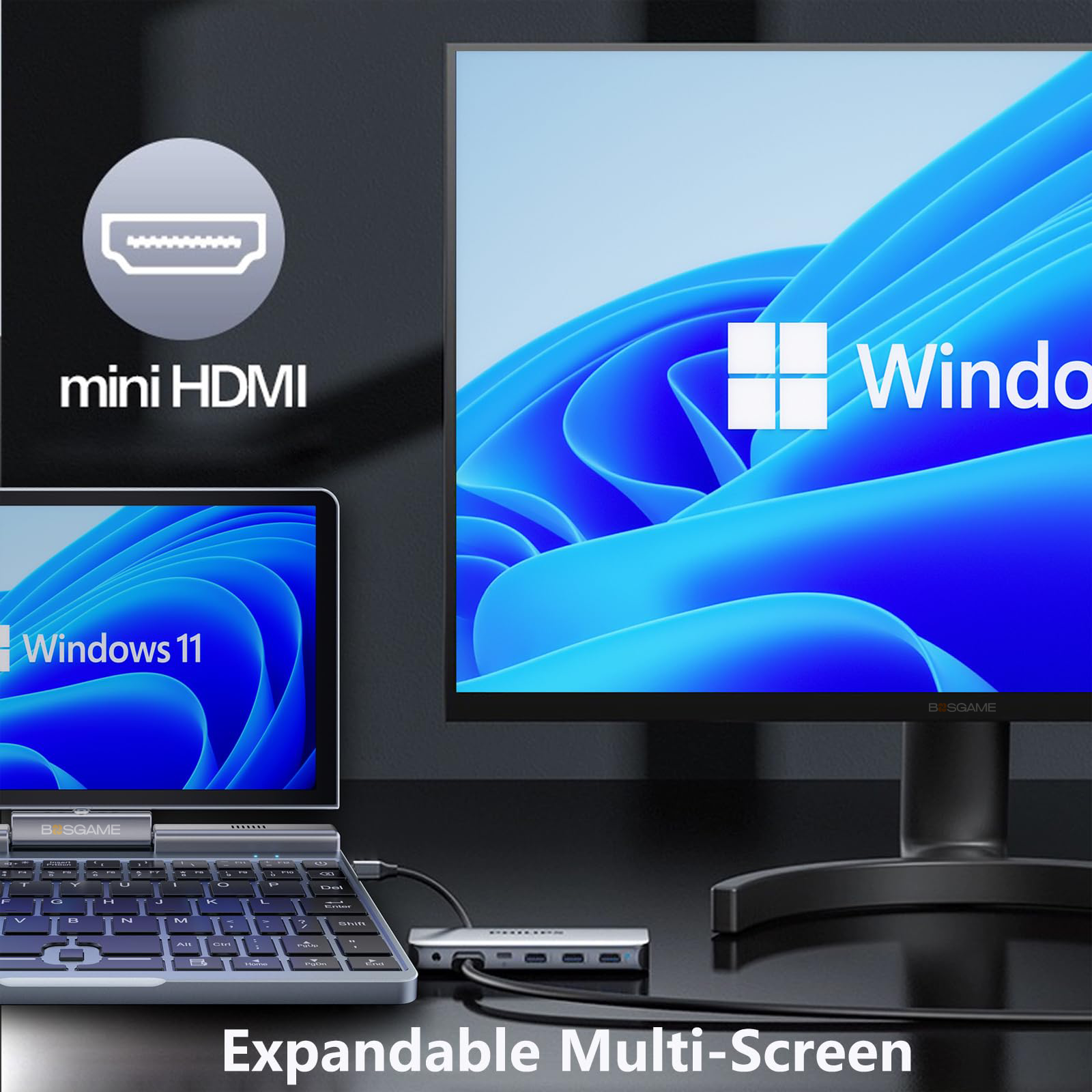
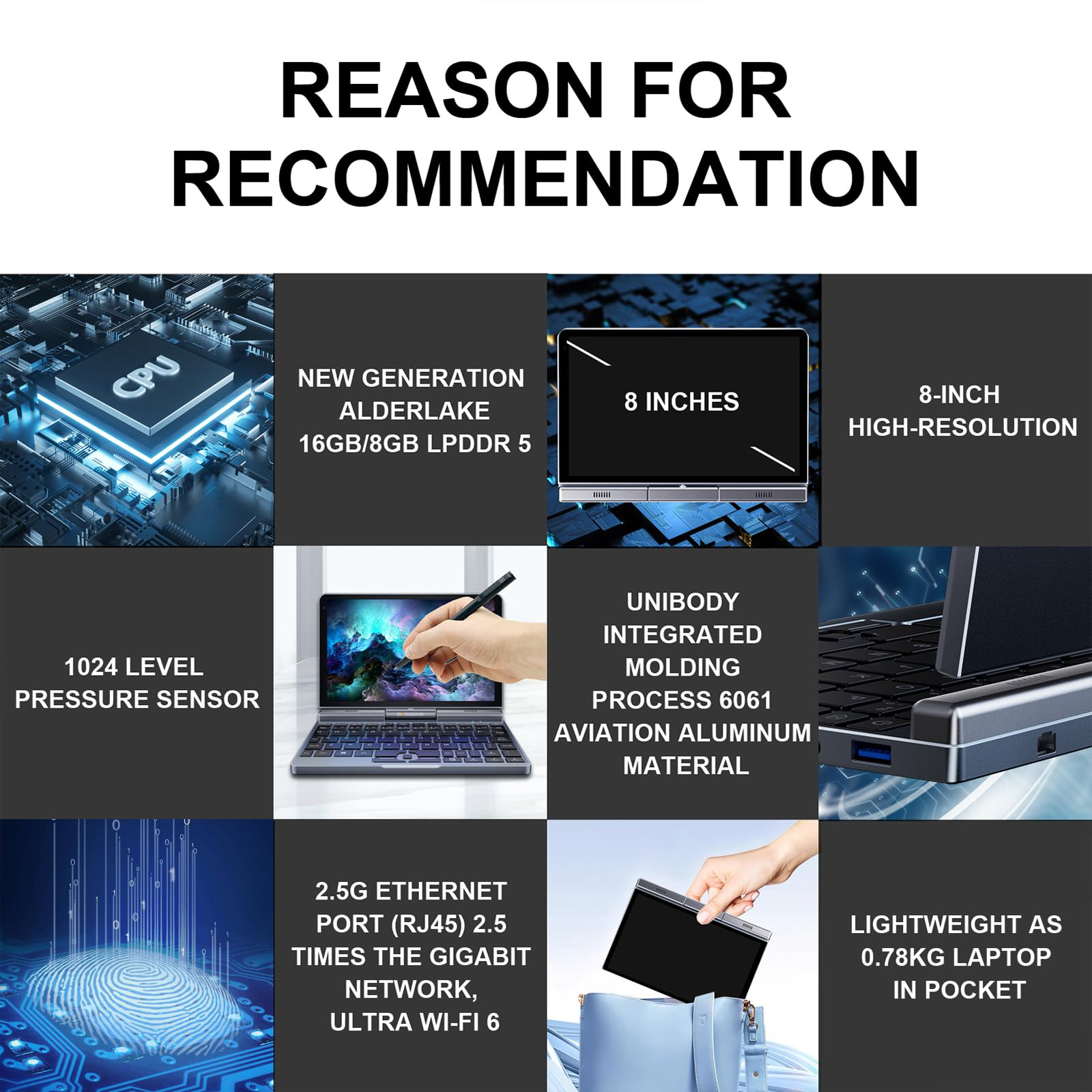
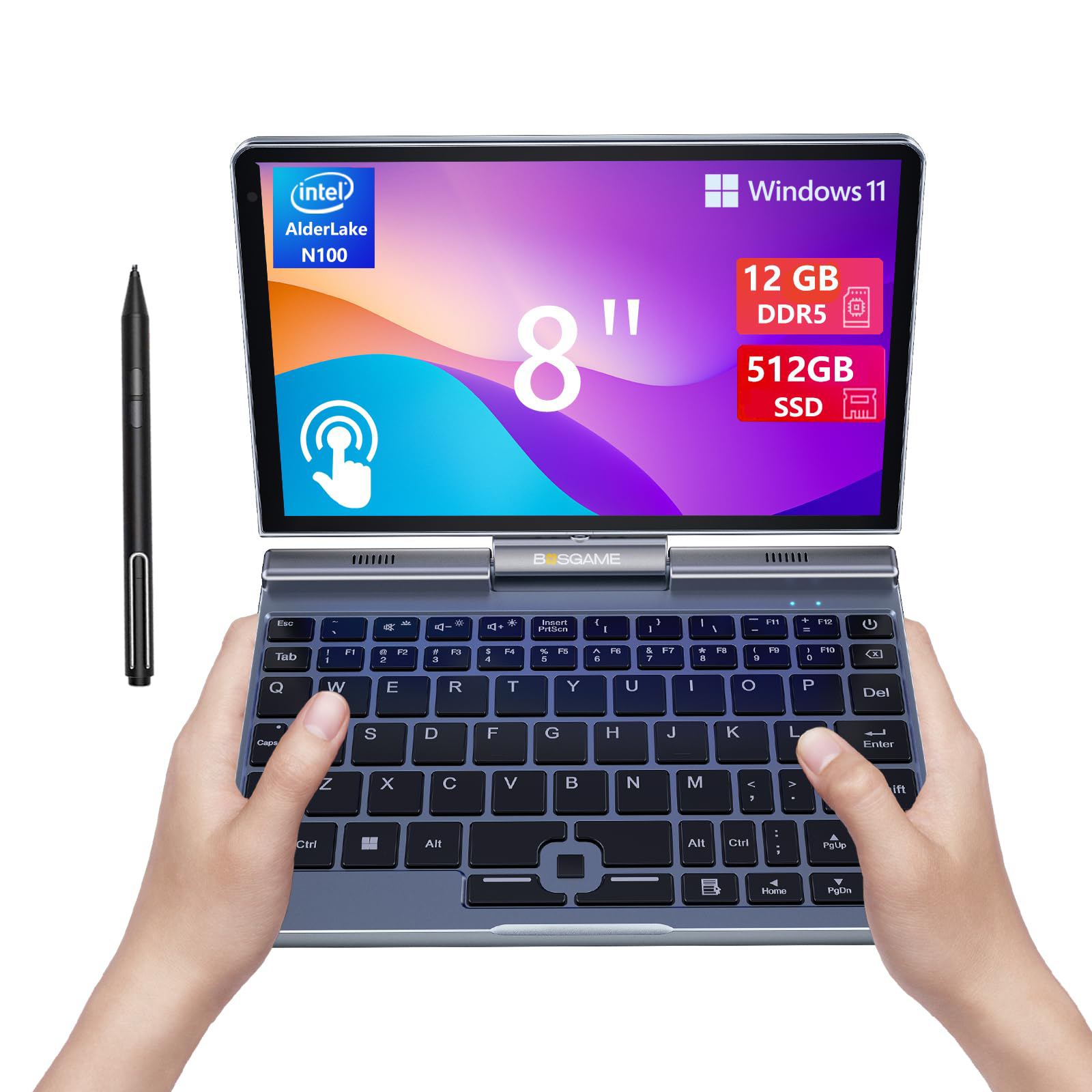
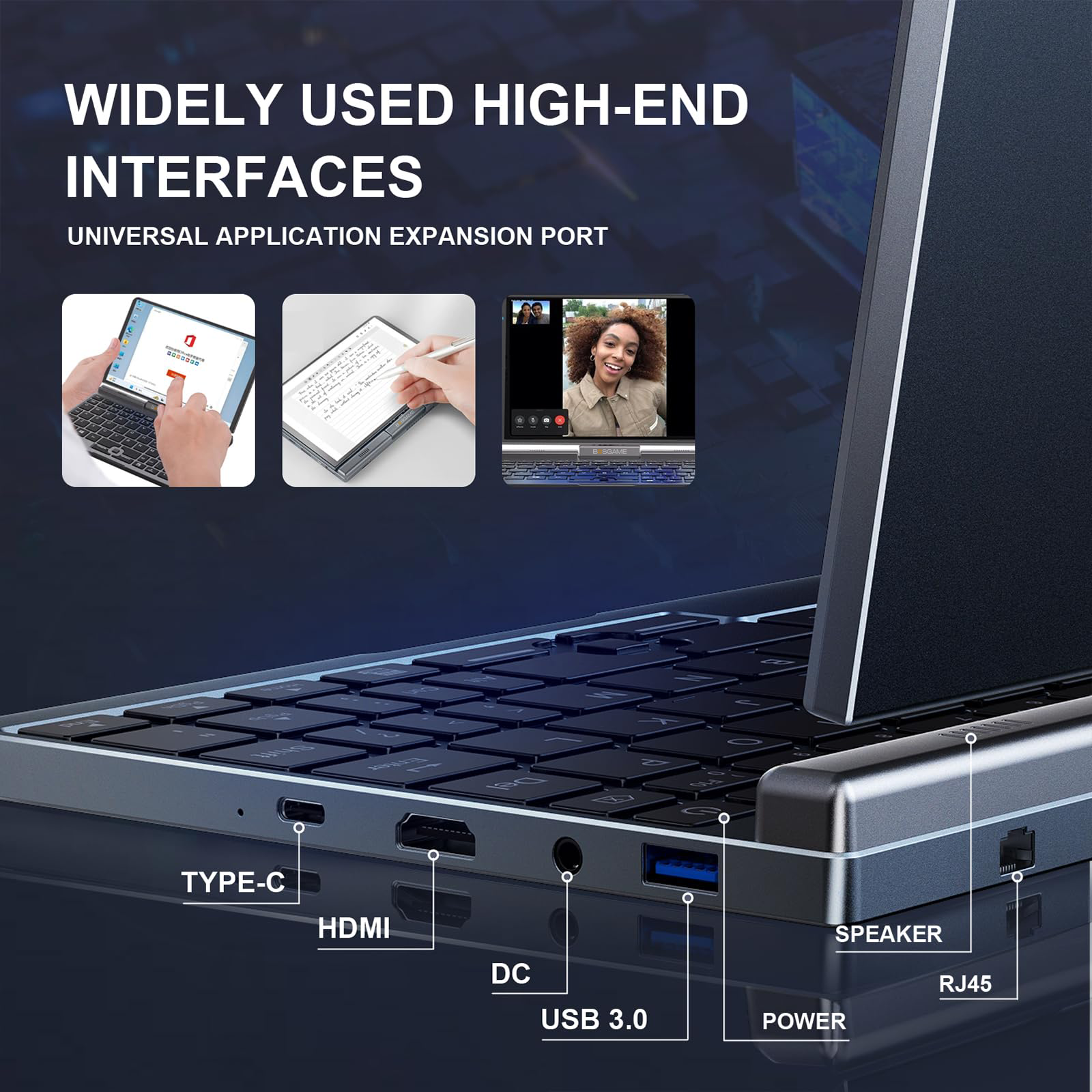
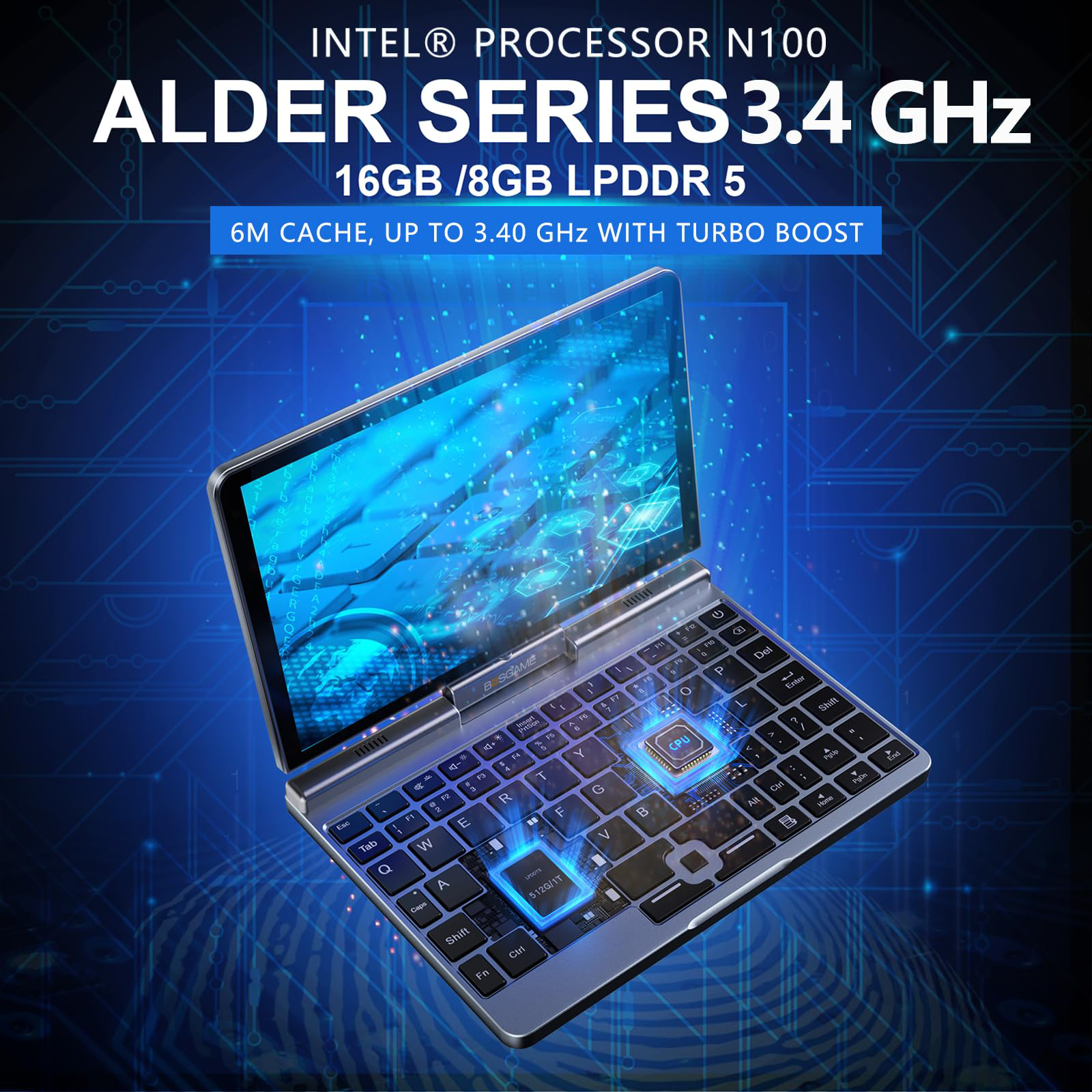
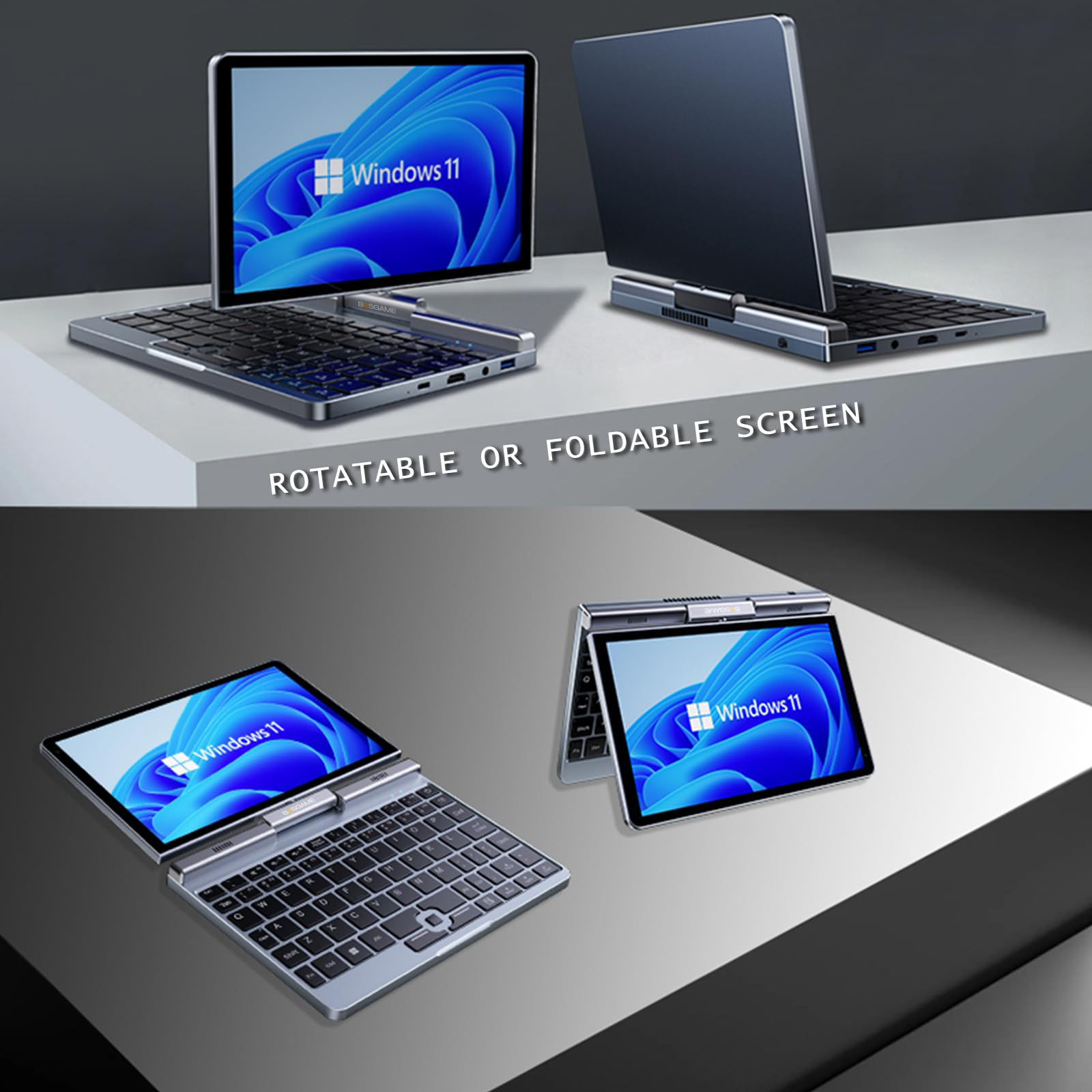
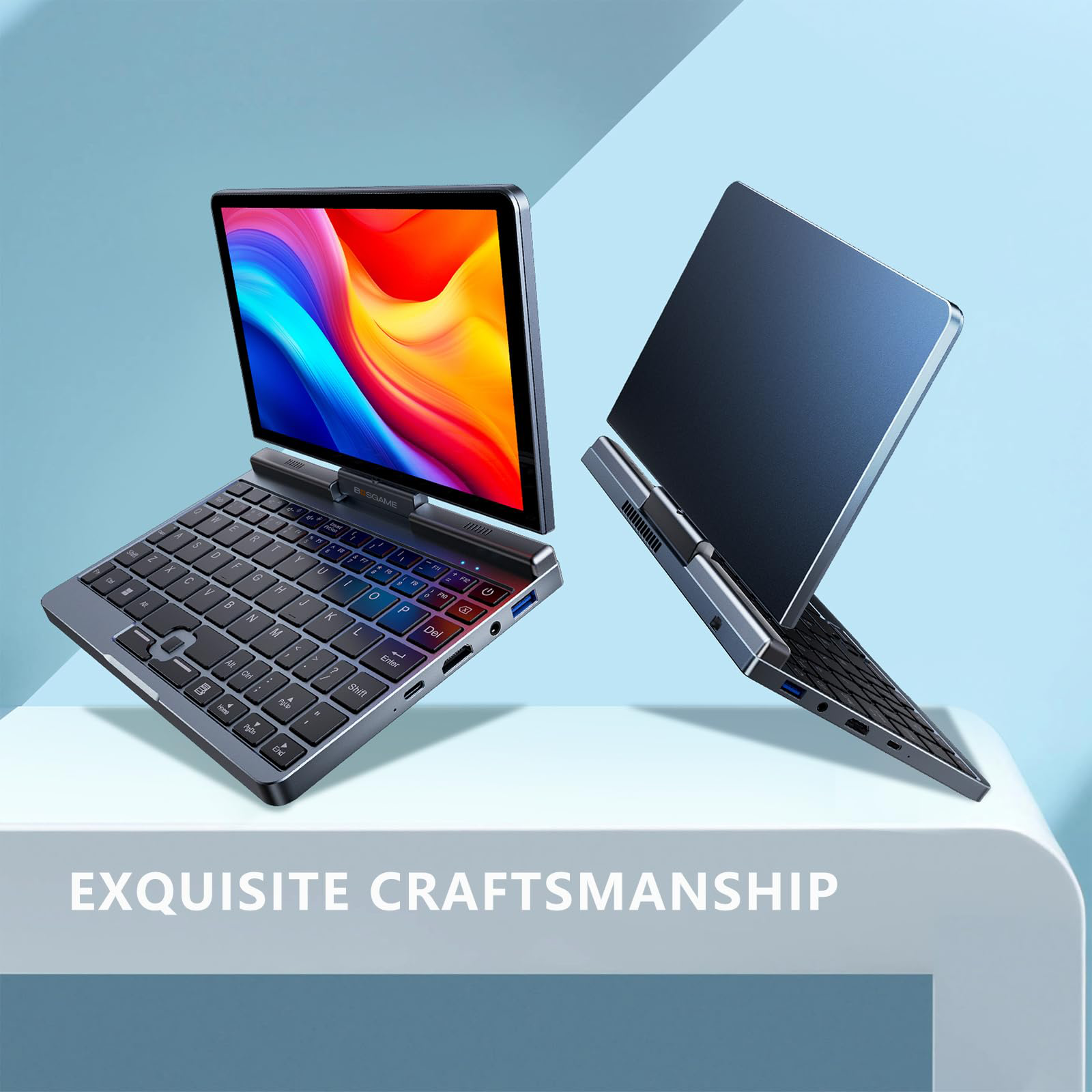
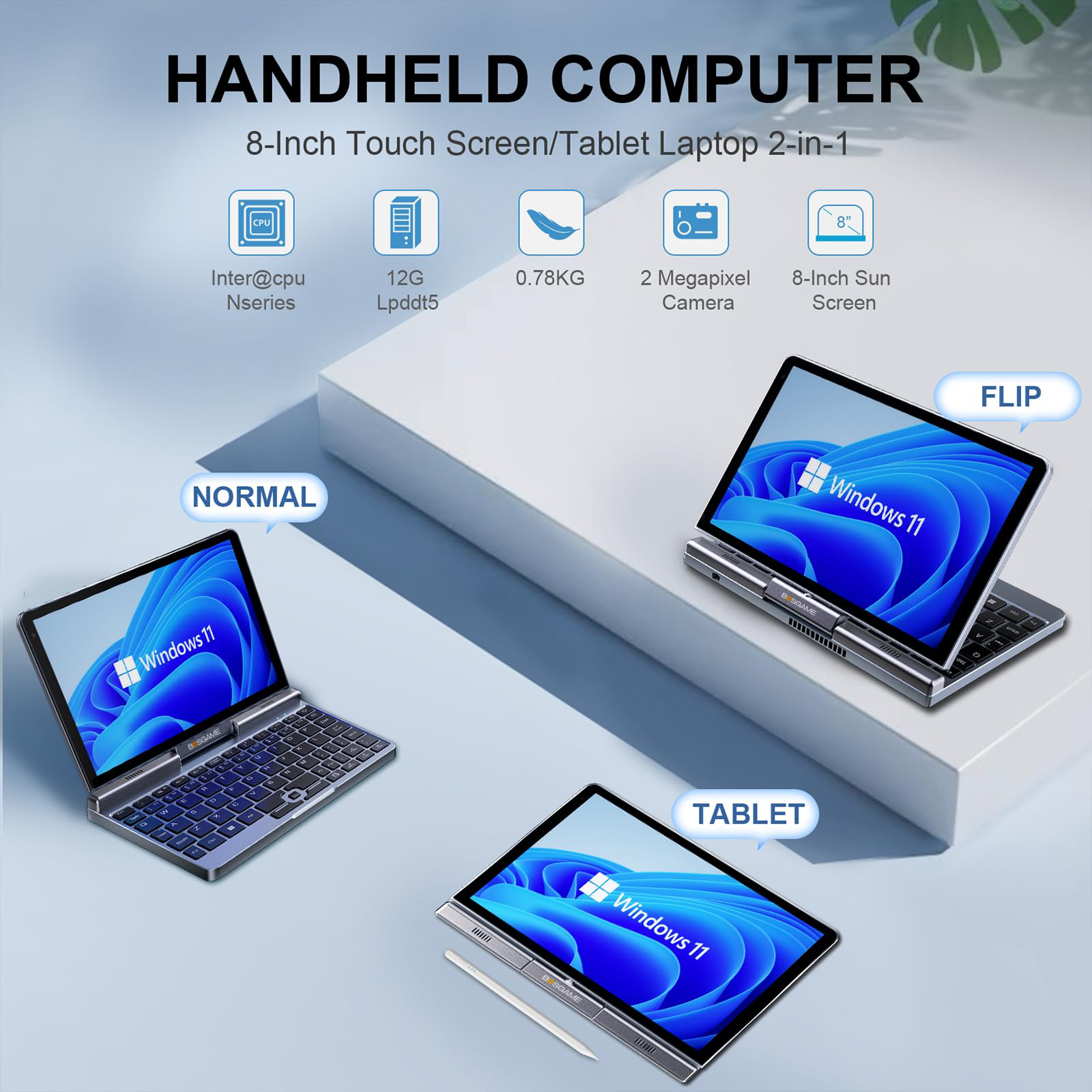
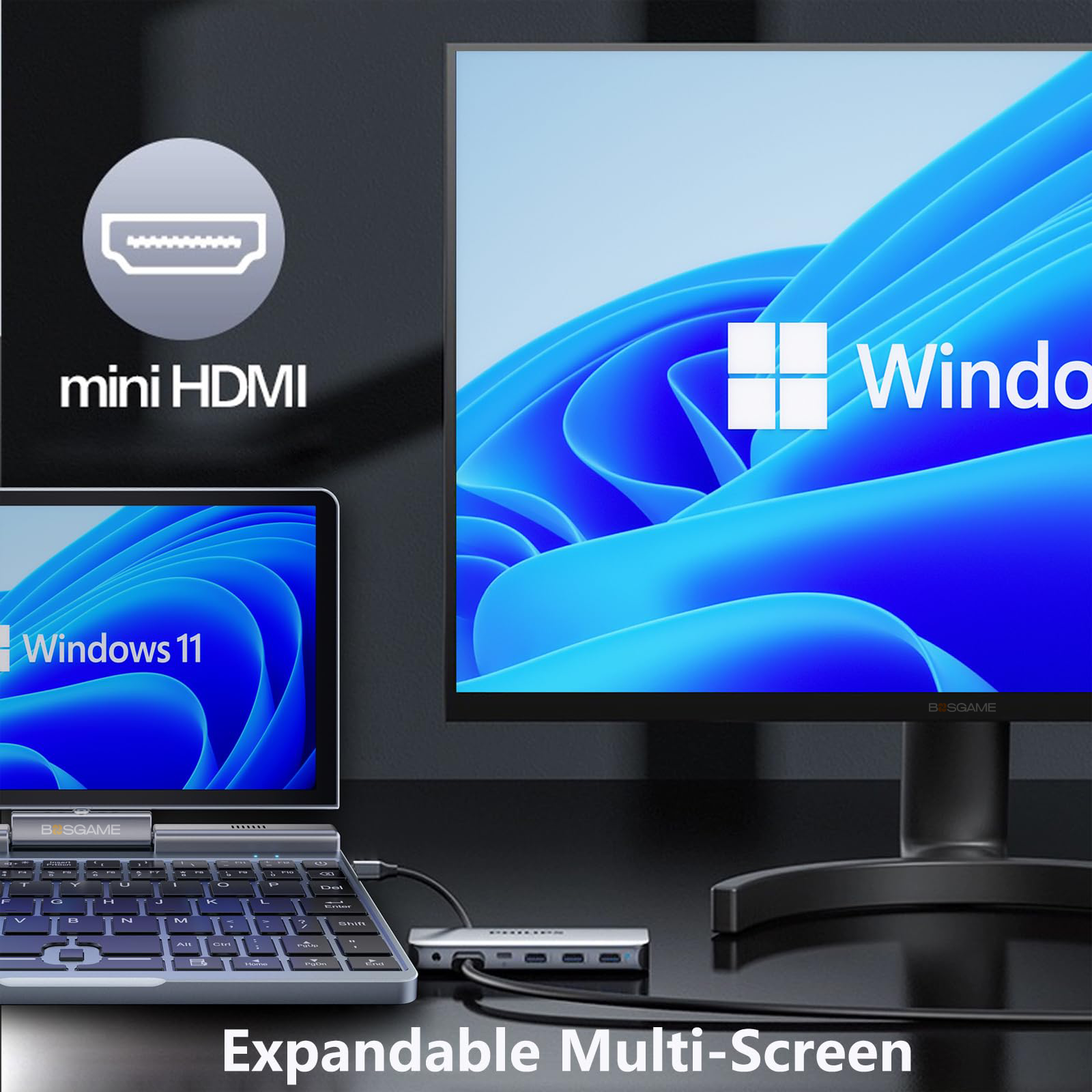
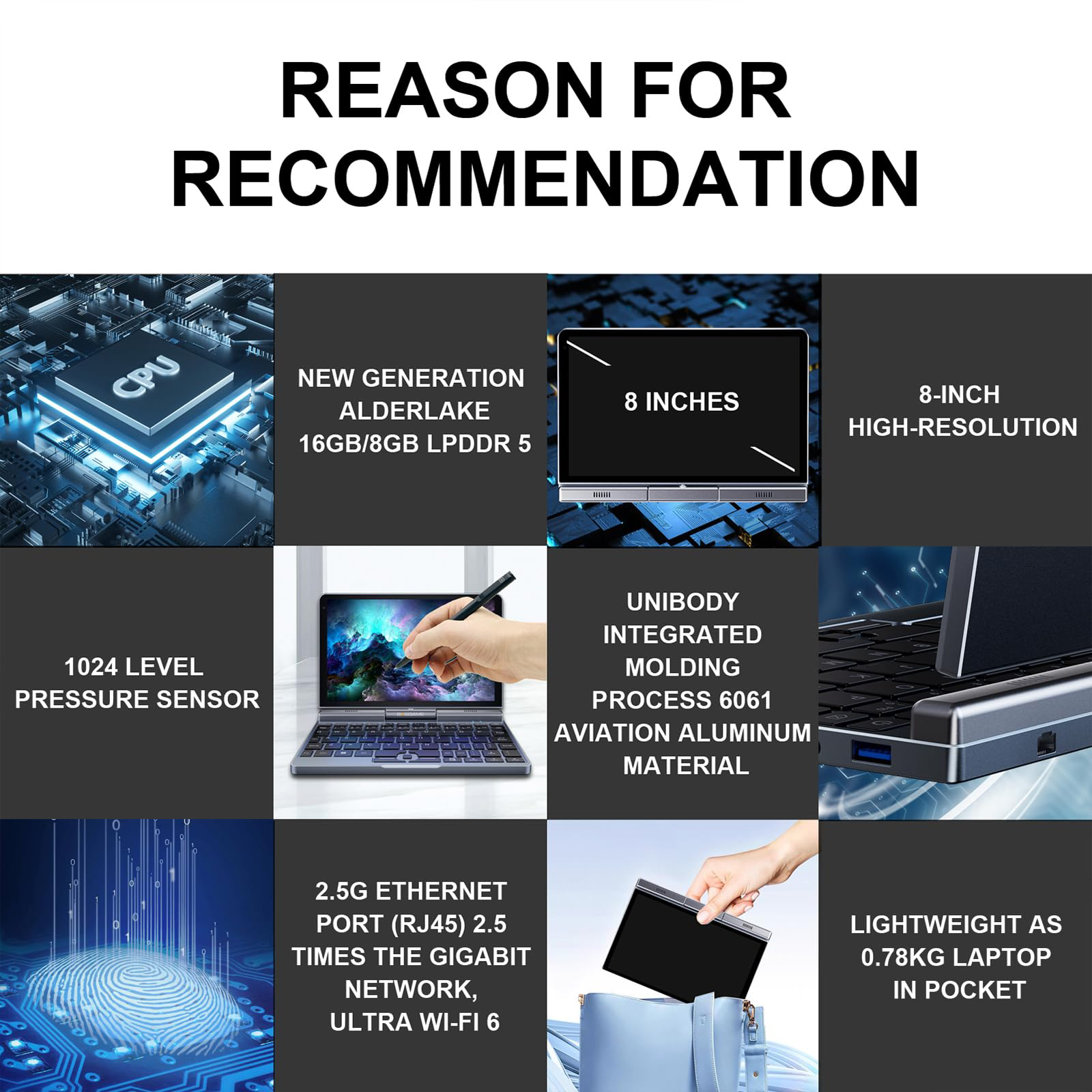
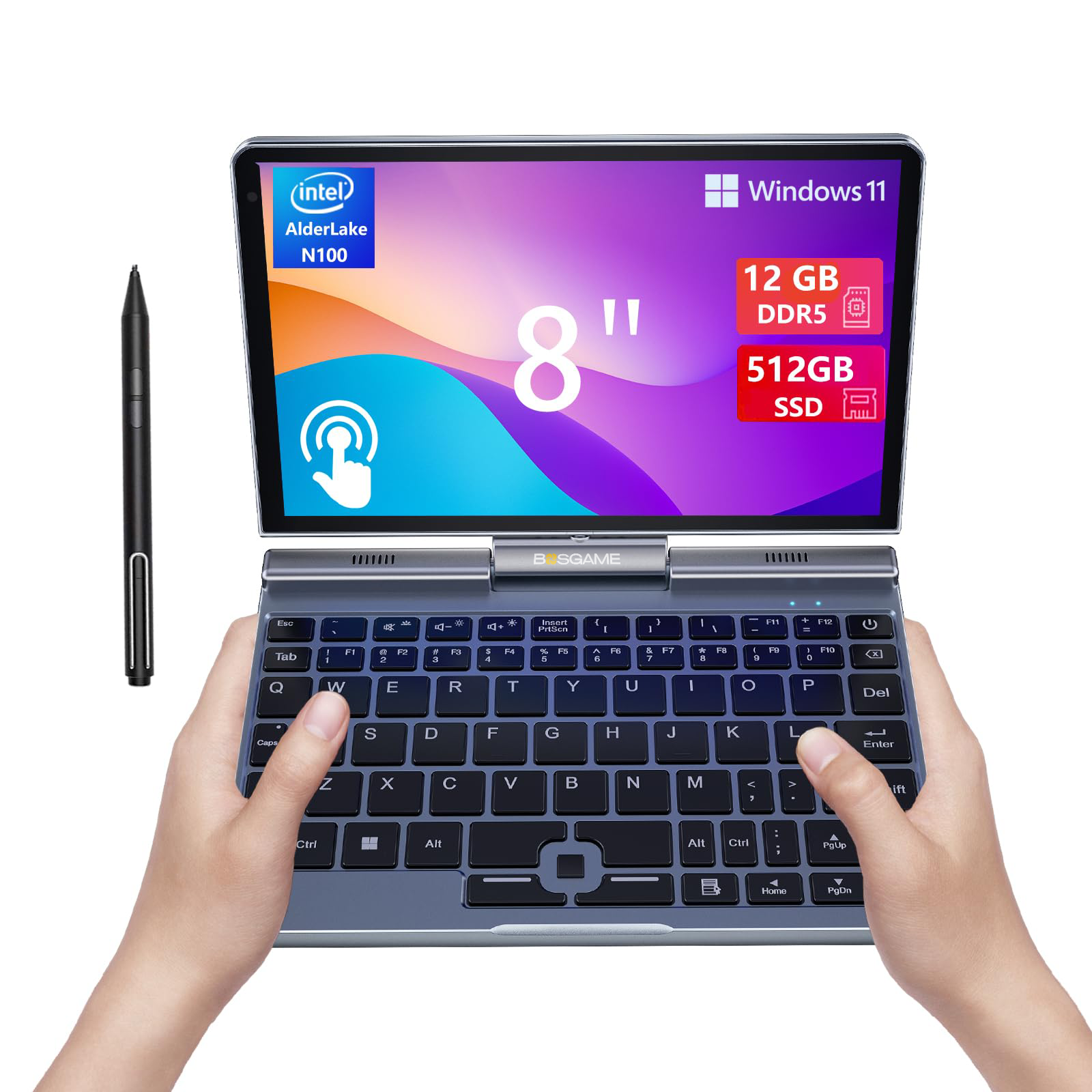
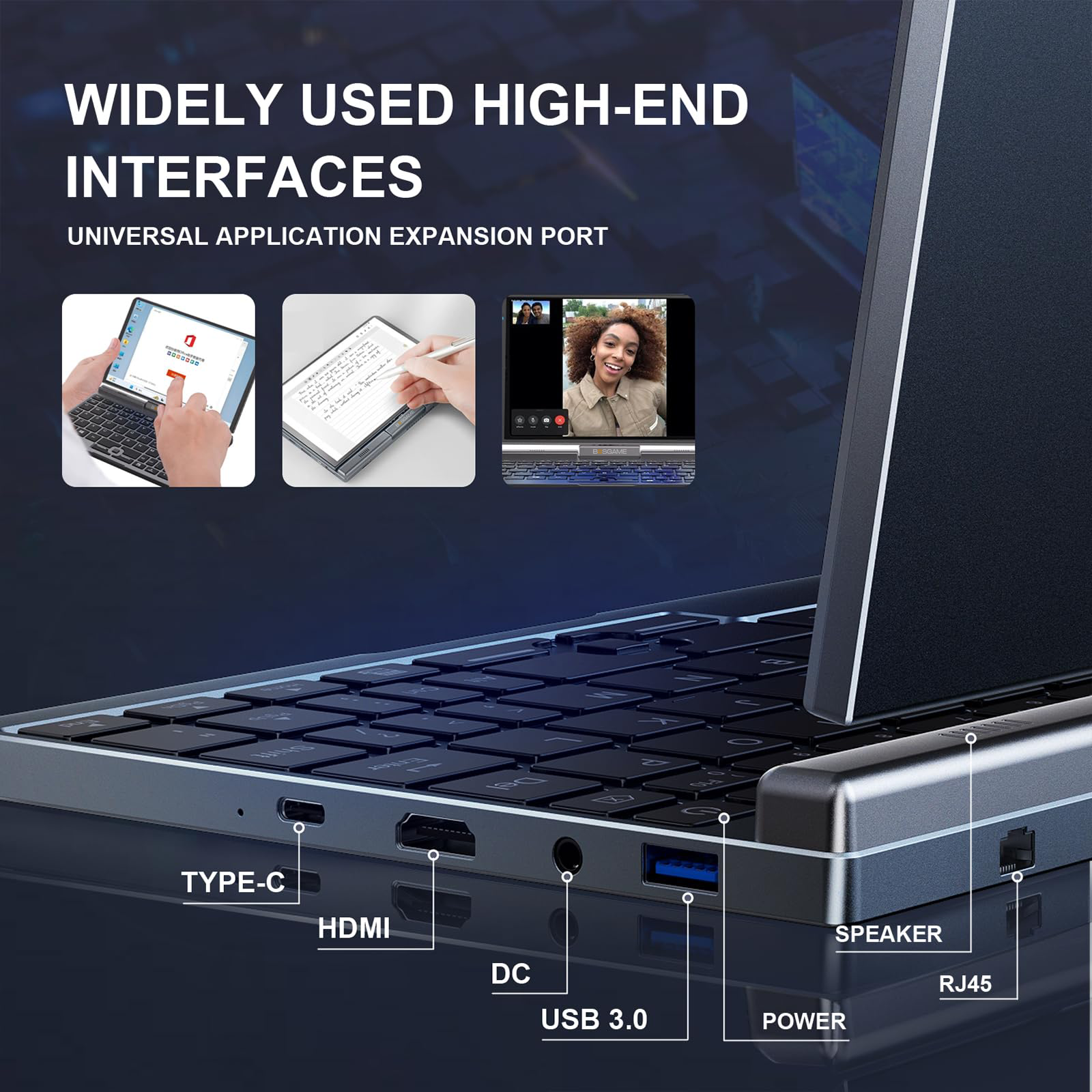


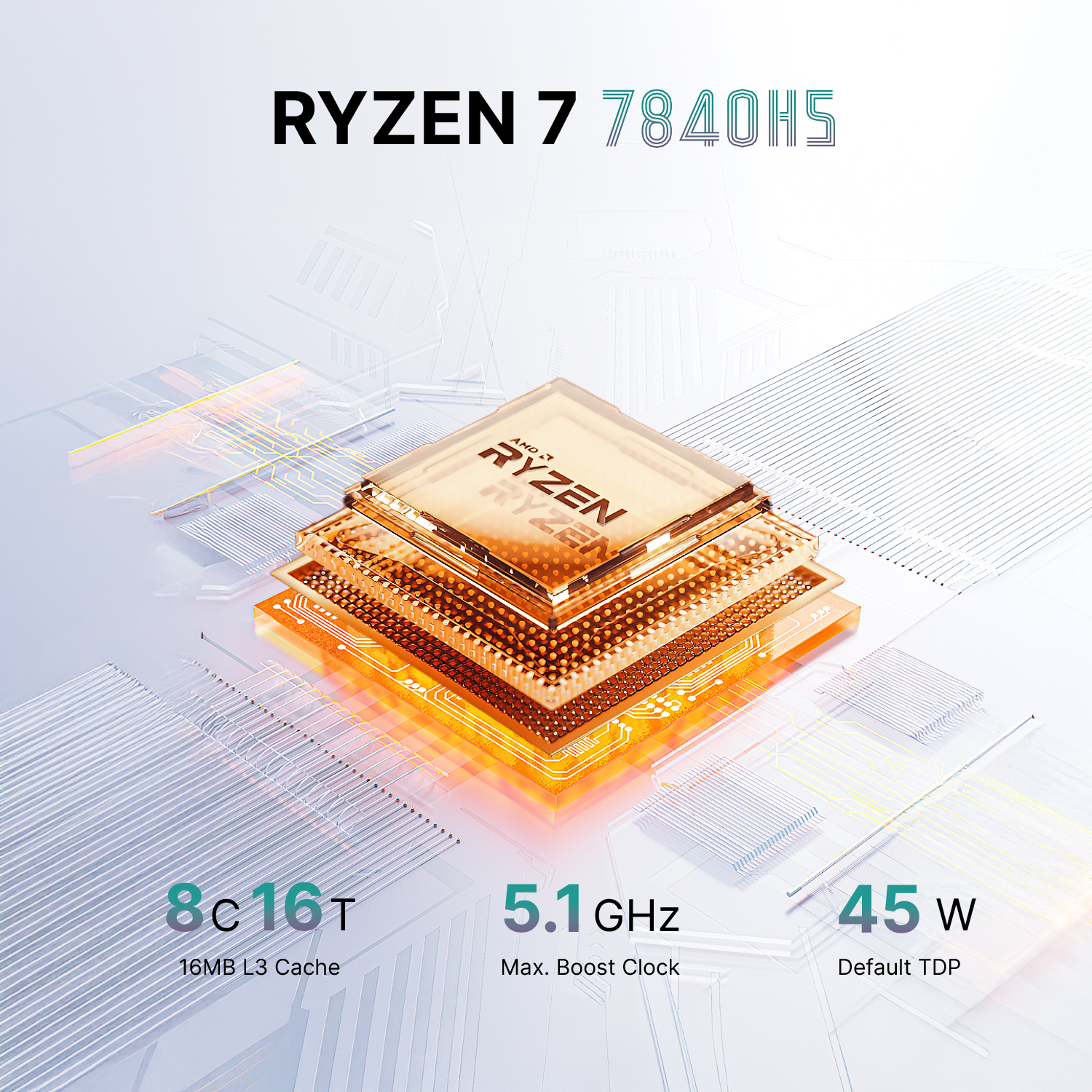
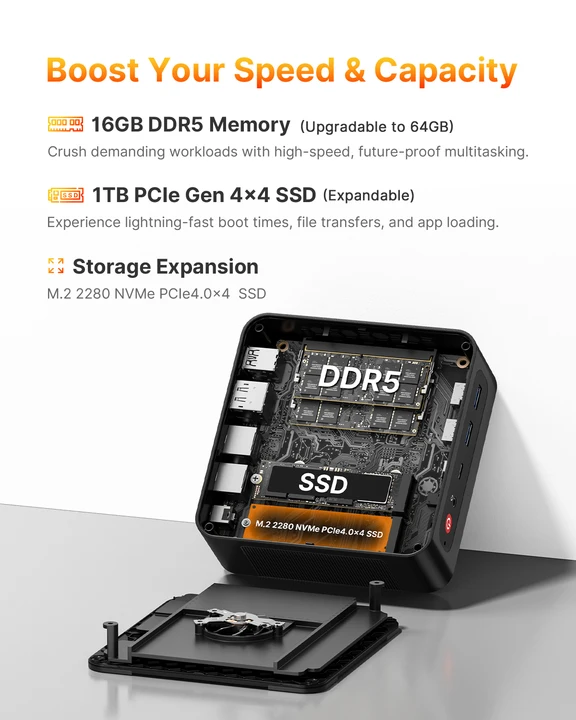

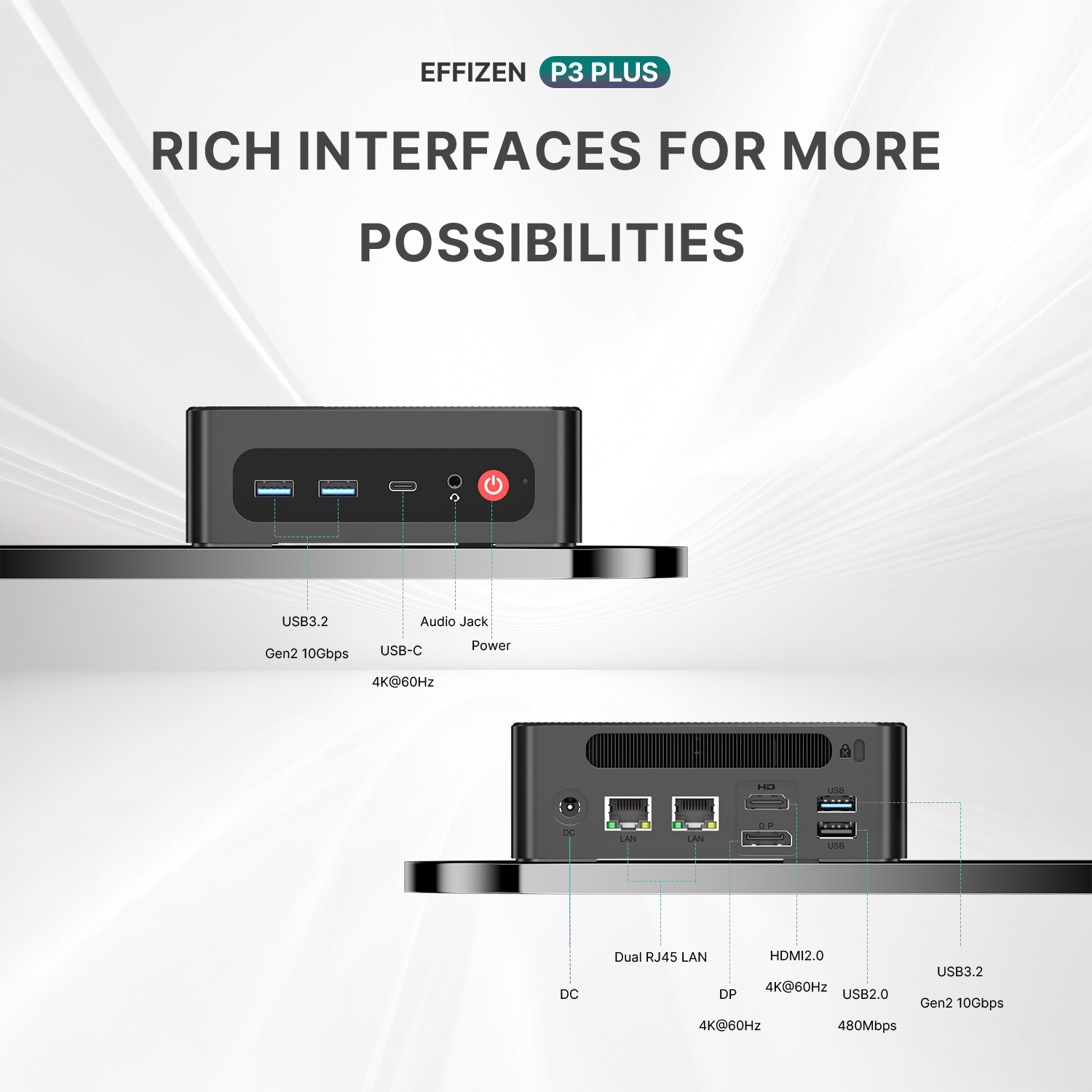
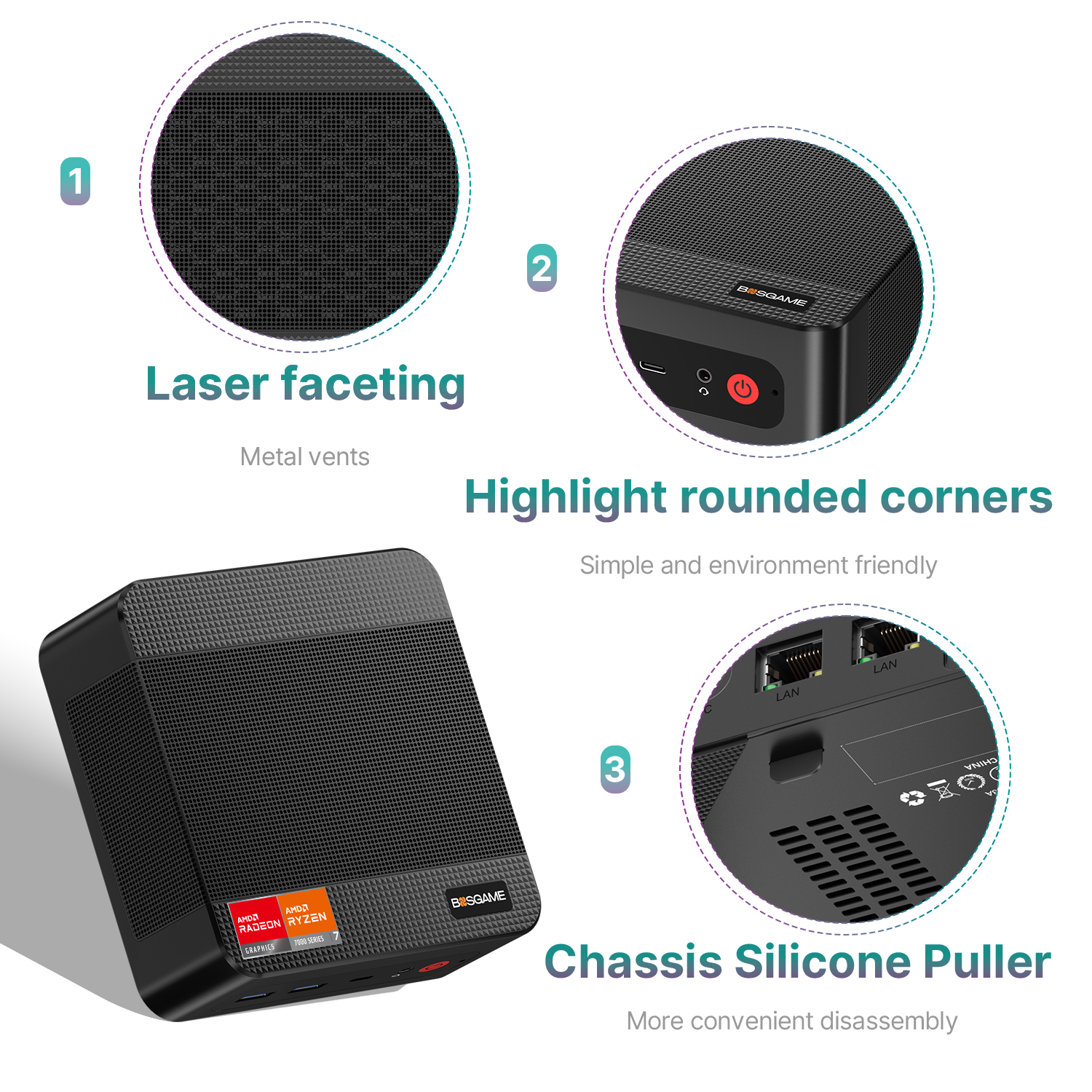
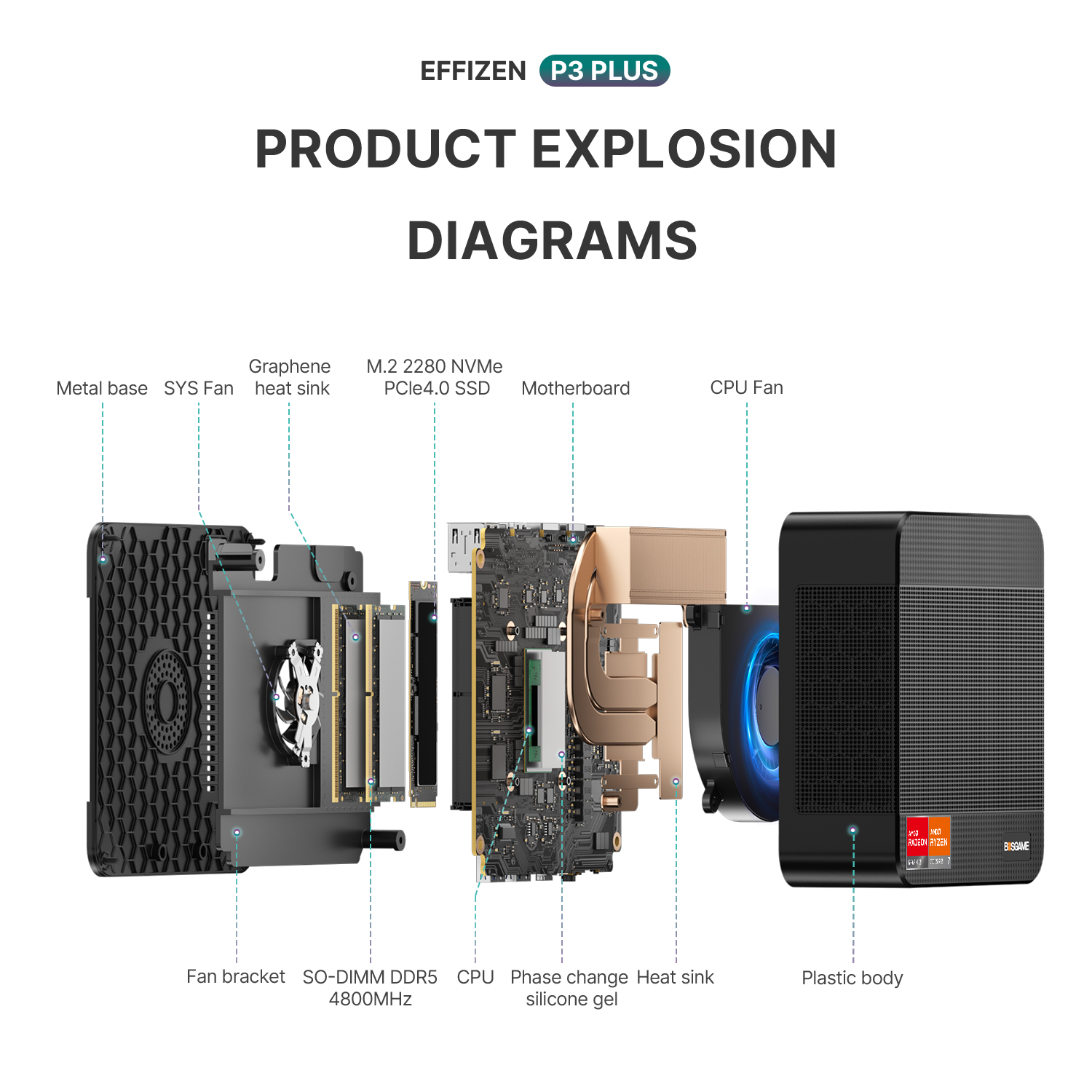
Discover the compact design and rich connectivity options of our mini PC. The structure diagram highlights key components, while the front, side, and back ports, including USB 3.2, HDMI 2.0, and dual LAN, offer flexible connectivity for various needs.

Join The BOSGAME Community
To contact BOSGAME’s customer support team or receive the latest articles, tips, and offers from the brand, please email support@bosgamepc.com.
loading