





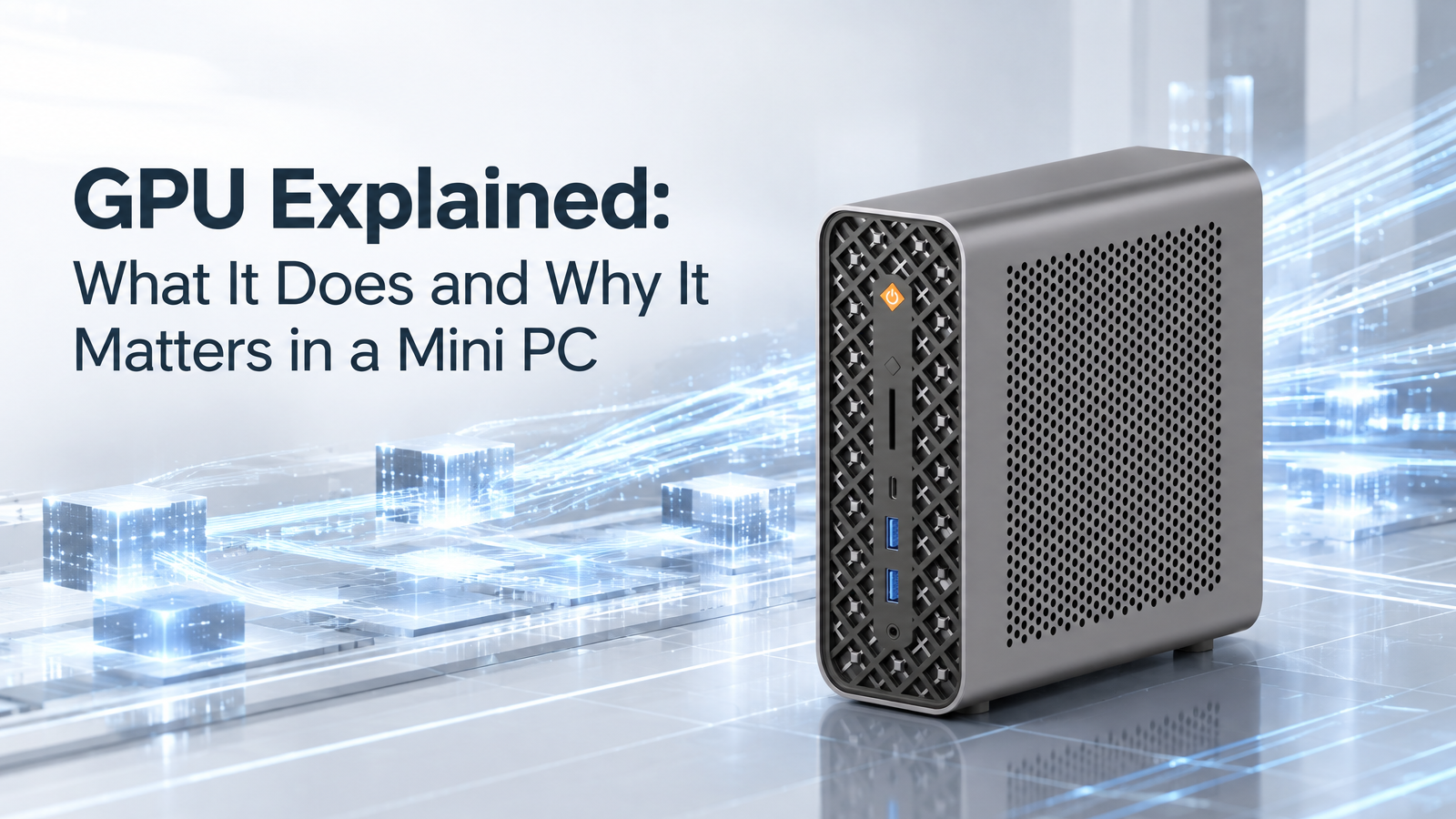
Does a Mini PC really need a powerful GPU? If you still believe GPUs exist only for gaming, there is far more to their role.
Today, GPUs are used across gaming, 3D rendering, video editing, content creation, technical computing, and AI-related applications. That versatility is especially useful in compact systems, where one component may need to support several demanding workloads without taking up additional physical space.
What Makes a GPU Different?
What sets a GPU apart is its ability to handle large numbers of similar operations at the same time.
Unlike a CPU, which is designed to manage a broad range of tasks, a GPU contains many processing resources that can work on data in parallel.
Think of it as a team working on a large project. Instead of asking one person to complete every similar task, multiple people can work on different parts at once. This makes GPU computing particularly effective for workloads that contain many operations that can be handled independently.
That is why GPUs have become useful far beyond traditional graphics. When software supports GPU acceleration, demanding workloads can make use of those resources to improve performance.
What Can a GPU Do?
Graphics remain one of the most familiar uses for a GPU. Rendering game scenes, processing visual effects, and creating detailed 3D environments can involve substantial computation, making GPU performance important for gaming and 3D applications.
The same applies to creative work. Video editing, image processing, 3D rendering, and other content-creation applications can use GPU acceleration for supported tasks such as effects, rendering, and encoding.
The key is simple: not every application needs a GPU, but the right workloads can benefit significantly from what a GPU is designed to do.
What Determines GPU Performance?
GPU performance is not determined by one specification.
GPU architecture affects how processing resources are designed and how efficiently they handle different workloads. The number of Compute Units also matters because they represent the processing resources inside the GPU. Simply put, they are the workers that get the work done.
Clock speed indicates how quickly those resources operate, although a higher clock speed does not automatically mean better overall performance. Architecture, processing resources, power limits, and cooling all influence the final result.
Memory matters too. Memory capacity determines how much data can be available for processing, while memory bandwidth affects how quickly data can move between memory and the GPU.
As we explored in our Unified Memory guide, memory bandwidth can have an important impact on how efficiently data moves through a system. For GPU workloads that process large amounts of data, sufficient bandwidth can help keep the GPU supplied with the information it needs.
Why Does GPU Performance Matter in a Mini PC?
A compact computer has less physical space for components and cooling hardware than a larger desktop. The system therefore needs to balance performance with power consumption and thermal management.
A GPU that performs well within those limits can deliver capable graphics and compute performance without requiring a larger desktop platform. This is exactly the engineering challenge behind every well-built Mini PC.
GPU and AI: Different Roles, One System
AI is another area where GPUs can be useful, particularly for workloads that can take advantage of their processing capabilities.
While GPUs are well suited to larger-scale AI workloads, NPUs are designed to efficiently handle supported AI inference tasks.
Rather than replacing one another, these processors can complement each other, with different tasks handled by the processing unit best suited to them.
This balanced mix of hardware shapes real-world AI performance on modern Mini PCs.
From GPU Capability to a Complete Mini PC
A GPU cannot be evaluated completely on its own. The processor, memory architecture, power delivery, cooling system, and software all influence how it performs in a real system. Even identical GPU hardware will deliver different results depending on system tuning and thermal limits.
Beyond raw graphics performance, this parallel efficiency also brings value to video processing, creative work, technical computing, and supported AI tasks.
GPU Performance in BOSGAME Mini PCs
BOSGAME applies this same thinking to its Mini PC lineup.
The BOSGAME M5 MAX combines the AMD Ryzen AI Max+ PRO 495 processor with AMD Radeon 8065S Graphics.
This delivers solid performance for graphics, creative, and compute-intensive workloads, all within a compact desktop form factor.
The M5 MAX puts this balance into practice in a compact system designed for demanding workloads.
Conclusion
A GPU is not just about graphics. Its value comes from how well it matches the workloads you use and how effectively it works with the rest of the system. That is especially important in a compact computer, where every part has to work within tighter physical and thermal limits.
The best GPU for a Mini PC is not necessarily the most powerful one on paper. It is the one that fits the workload, the system, and the way you use your PC.